How Copilot Wave 2 can boost your business • Blisstech Solutions

Imagine how different your business would be without Microsoft 365’s suite of apps and tools.

It’s a business essential that makes everything easier.

Now imagine these apps and tools could do more. Imagine they could summarise reports, documents, and meetings. Or analyse spreadsheets and other data to help you make decisions. Or even automate some of those necessary-but-time-consuming tasks you do every day.

With Microsoft’s AI, Copilot Wave 2, they can.

In our latest guide, we discuss everything that Copilot Wave 2 offers and how to set it up. If you want to save time and boost productivity, you won’t want to miss it.

Download your free guide today, and if you need professional help and advice, please get in touch.
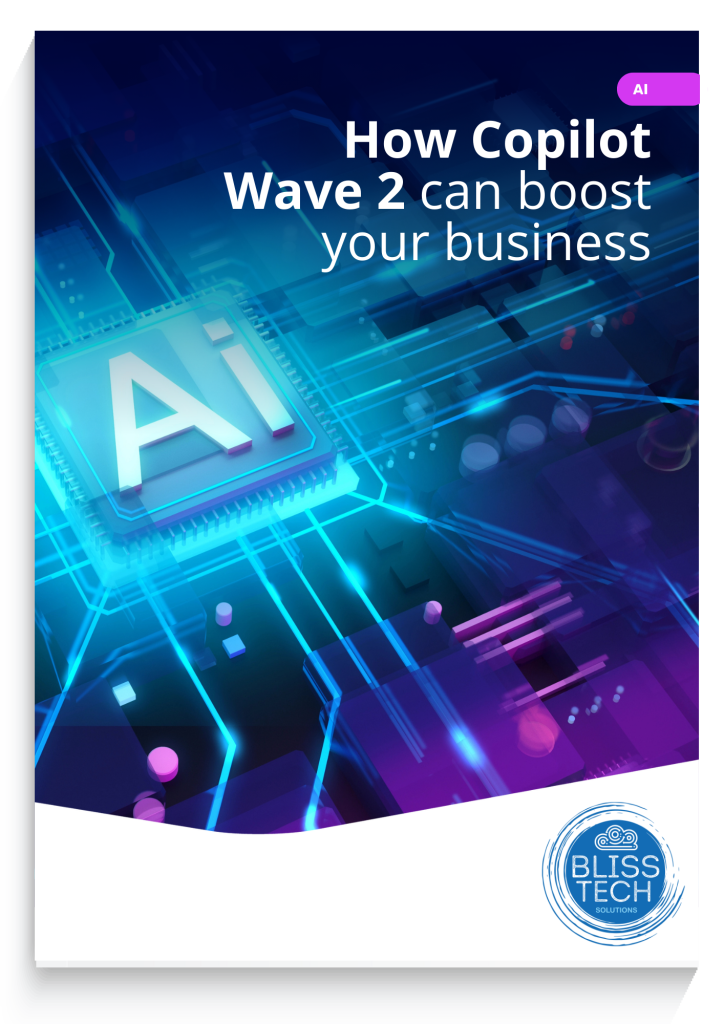
Image of the Copilot Wave 2 Guide

More Content

Security alert: Does your business have old logins for ex-staff?

Security Review: Does your business have old logins for ex-staff?

What’s easy to overlook but could leave your business open to cyber attacks? Unused logins. Yep, something as simple as failing to delete an old account could have serious costs for your business…

Power Automate and Flows Thumbnail

Tech Tip: What is Microsoft Power Automate?

Welcome to a new Tuesday tech tip video where I will give you a quick introduction to Microsoft Power Automate. We all want to streamline our work life and make ourselves more productive. Well, if you use Microsoft 365, you can do just that by using Power Automate....

Tech Tip: How to use Conditional Formatting in Excel

This Tuesday Two Minute Tech-tip shows you how to automatically add pizzaz to your spreadsheets. Using a feature called 'Conditional Formatting', you can automatically format the cells of your Excel spreadsheet based on what is in them. For example, you can emphasise...

3 essential security tools for every business

Your data is one of your most valuable business assets. Keeping it safe should be one of your main priorities.

HRMC Crown

The tax relief few businesses know about

A quick summary: When you buy certain new equipment (including computers) you can claim 130% capital allowance What that means: If you spend £1,000 on computer equipment, it'll reduce your corporation tax bill as if you had spent £1,300 How long does it last? It will...
How to disable fast startup - thumbnail image

Tech Tip: How to disable Fast Startup and shutdown your computer properly

It is a fact of life that we occasionally have to turn our Windows computers off and back on again to fix problems.  However, if you are not shutting down your computer fully then your efforts may not have the desired effect because of a feature called Fast Startup....
Windows 11 on a Laptop Screen

What’s coming in Windows 11?

Microsoft has just announced (in a typically 'West Coast'​ way) what's coming in Windows 11.  Here is a rundown of what was announced at the event. Windows 11 Interface Design The first impression visually is that it looks kind of like Linux merged with Mac OSx. The...

That long password isn’t keeping you better protected

Even passwords of 15 characters can be cracked by cyber criminals. Our latest tech update explains what to do instead

How to create secure passwords

How to create secure passwords

Weak passwords are one of the biggest security risks to your business.
Why?
Because cyber criminals are getting smarter than ever before. If they manage to crack just one password, they could gain access to your sensitive business data, financial information, or even gain control of your entire system.
Cyber criminals use automated tools to guess passwords, allowing them to try out millions of combinations in seconds. So, if you’re using something like “Password123” or “CompanyName2025”, you’re practically handing them the keys to your business.
A compromised password can lead to big issues, such as:
• Data breaches
• Financial losses
• Identity theft
• Reputation damage
But how do you create strong passwords without driving yourself (and your team) mad?
Think of your password like a secret recipe, where only you should know the ingredients. It should:
• Be at least 14 characters long (the longer, the better)
• Include a mix of uppercase and lowercase letters
• Contain a few numbers and symbols (like @, $, %, or &)
• Not contain any common words or easily guessable information (like birthdays, names, or the word “password”)
Instead of using a single word, you could try a passphrase – a short, random sentence that only you would understand. For example, instead of “Sailing2025”, try something like “Coffee&CloudsAreGreat9!”. This is much harder to crack, yet still easy to remember.
You should also steer clear of these common mistakes:
• Using personal info (your name, birthday, business name, etc.)
• Reusing the same passwords across multiple accounts
• Using simple sequences (“123456” or “abcdef”)
• Storing passwords in an easily accessible place (like a sticky note on your desk)
If remembering unique passwords for every account sounds impossible, there is another option: Password managers. These generate strong passwords, store them securely and autofill them for you.
With a password manager, you only need to remember one strong master password for the manager app itself. The rest are encrypted and stored safely, reducing the risk of data breaches.
Even the strongest password isn’t foolproof, which is why multi-factor authentication (MFA) is also important. MFA requires a second form of verification, like a one-time code sent to your phone or generated from an authentication app.
If you have employees accessing your business systems, it’s a good idea to have a password policy in place to explain your rules and why they’re important. This should include:
• Unique passwords for each system and account
• Regular security training on password best practices
• Business-wide use of MFA for critical systems
• Scanning for compromised passwords regularly
By making password security a priority, you can reduce the chances of a cyber attack creating a nightmare for your business.
And if you need help making your business more secure, get in touch.

Tech Tip: How to create a transcript using Word

Welcome to another Blisstech Solutions Tuesday Tech Tip! Are you tired of rewinding and pausing video or audio content just to jot down notes? Say goodbye to that tedious process and hello to a more efficient solution. In this tech tip video, we'll show you how to...
Share This
Contact
Love Lane
Cleobury Mortimer
Shropshire DY14 8PE

01299 382 321
[email protected]
Copyright © Blisstech Solution Ltd
Registered No: 08125391 VAT No : 307 5490 05