You’ve made the switch, now make the most of Windows 11 • Blisstech Solutions

You’ve upgraded to Windows 11. Great move!

But now you might be thinking… what’s changed?

How do I help my team get to grips with it without loads of hassle?

The good news: Windows 11 is faster, smarter, and designed to make life easier (and more secure).

Our latest guide shows you how you and your team can make the most of Windows 11.
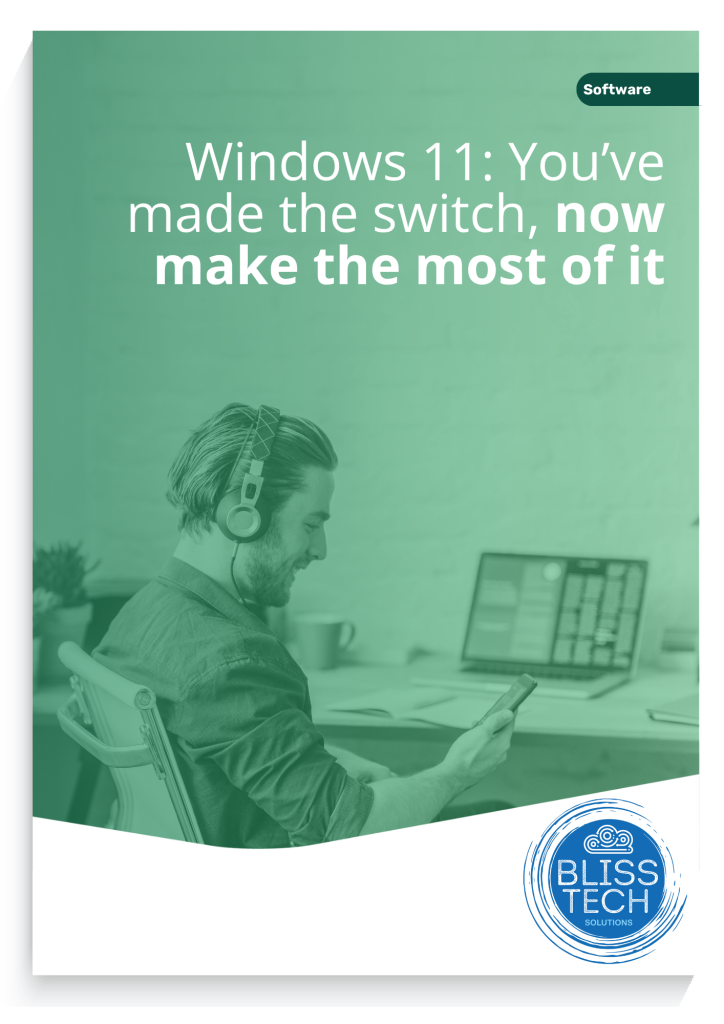
Download your free copy now.

More Content

The Microsoft sign on a building

Microsoft urge users to patch against critical vulnerability

Microsoft is warning of a recently discovered critical Windows DNS Server vulnerability that is described as “wormable”. DNS (Domain Name Services) is used by computers all over the world to find each other. The Internet could not work without it. Microsoft DNS is...
How to use footnotes and endnotes in Word

Tech Tip: How to use footnotes and endnotes in Word

This Tech Tip is another tip for Microsoft Word. If you use Word to write documentation, contracts or any other type of detailed document, then this tip is for you. Usually, when you write such a document, you may need to expand on certain sentences without making the...

Tech Tip: How to align in objects in Microsoft PowerPoint

In today's Tuesday's Two Minute Tech Tip Matt shows you how to align objects in PowerPoint. It can be a pain when trying to align things manually in PowerPoint, but there is a handy little feature that makes this easy. This video will show you how to: 👉 How to quickly...

That long password isn’t keeping you better protected

Even passwords of 15 characters can be cracked by cyber criminals. Our latest tech update explains what to do instead

@ symbol with a hook through it

Anti-virus programs aren’t enough

Today, many business owners install an antivirus program as their single line of defence and call it a day. However, there are many ways to get into a network that circumvents anti-virus. Hackers are creating malware faster than anti-virus programs can recognise them...
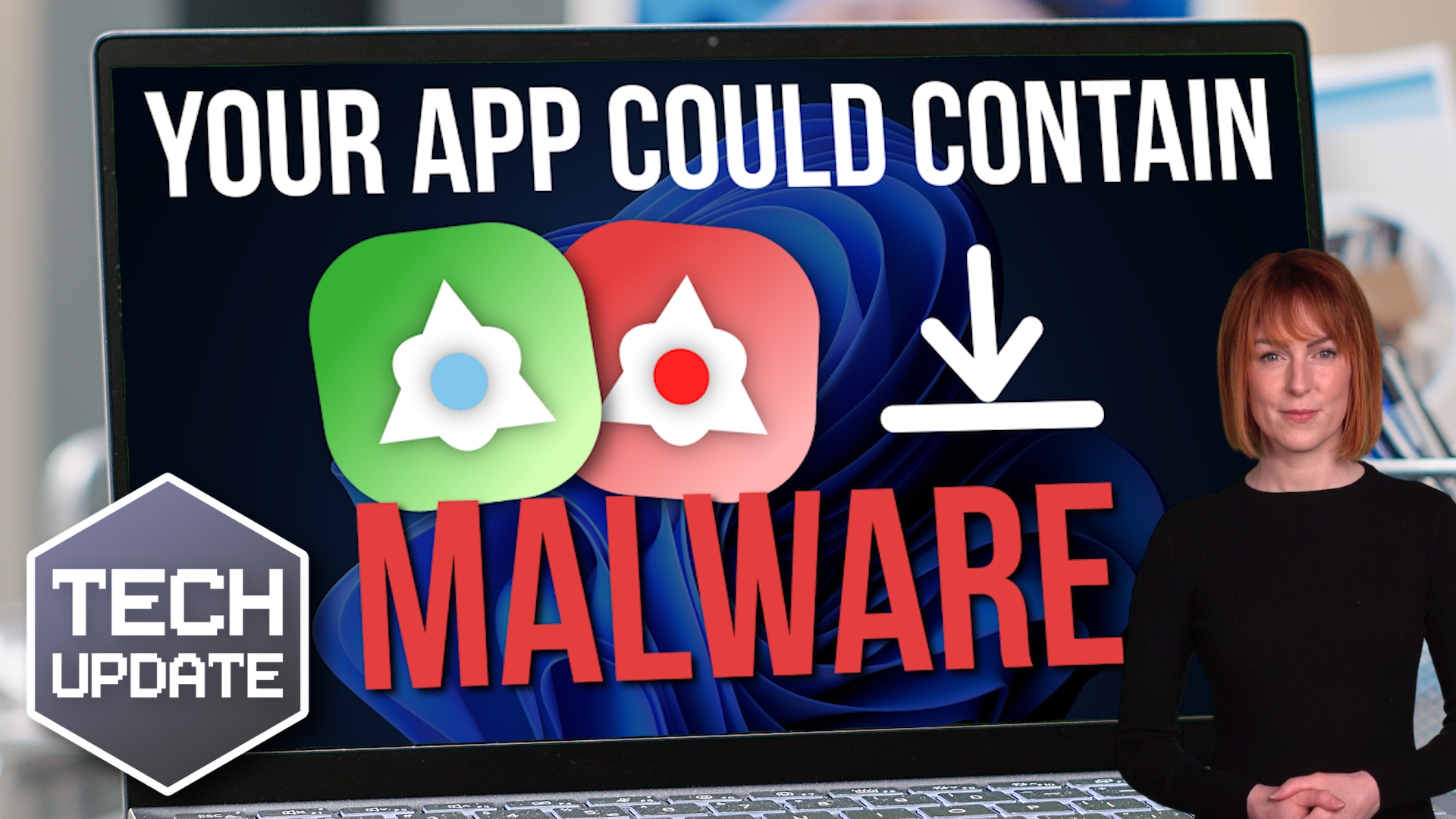
Is that Chrome extension filled with malware?

Is that Chrome extension filled with malware?

Chrome extensions are great for boosting productivity and saving time. But if they’re not the real deal, you could be at risk from malware. We tell you how to stay protected.

A third of all data loss is caused by problems with backups

The lack of a reliable backup causes a third of all data loss

Your business data is backed up and recovery tools are in place. So, your data is safe, right? Sadly… not always. Here’s why we recommend backups are checked regularly..

How to reopen a closed browser tab thumbnail

Tech Tip: How to quickly reopen a closed browser tab

Welcome to a new Tuesday tech tip video, and it's a really quick, but useful one This video shows how to quickly reopen a closed browser tab in Google Chrome or Edge. The video demonstrates a keyboard shortcut (Ctrl+Shift+T) to restore the last closed tab. I will also...
An AI-charged blast from the past

An AI-charged blast from the past

Microsoft Paint is all grown up, and it’s making a supercharged comeback thanks to AI. We have all the details

Privacy alert: Change this setting in Edge, now

Attention! Microsoft Edge is recording information on the images you browse to improve their AI models. This is how to disable it.

Share This
Contact
Love Lane
Cleobury Mortimer
Shropshire DY14 8PE

01299 382 321
[email protected]
Copyright © Blisstech Solution Ltd
Registered No: 08125391 VAT No : 307 5490 05