Beware the next generation of phishing attacks • Blisstech Solutions

If phishing scams are supposed to trick people, why do so many of them still feel clumsy?

For years, the answer was simple: Most scams were mass-produced. 

The same email, the same fake website, sent to thousands of people and hoping a few would fall for it. 

That approach is still around, but it’s starting to evolve.

When generative AI first appeared, there was a lot of talk about “dynamic websites”.

Instead of one fixed site for everyone, pages would be generated on the spot, shaped by who you are, where you are, and what device you’re using. 

That future never really arrived for everyday businesses. It was complex and rarely worth the effort.

Cyber criminals, however, don’t need perfect systems. 

They need something convincing.

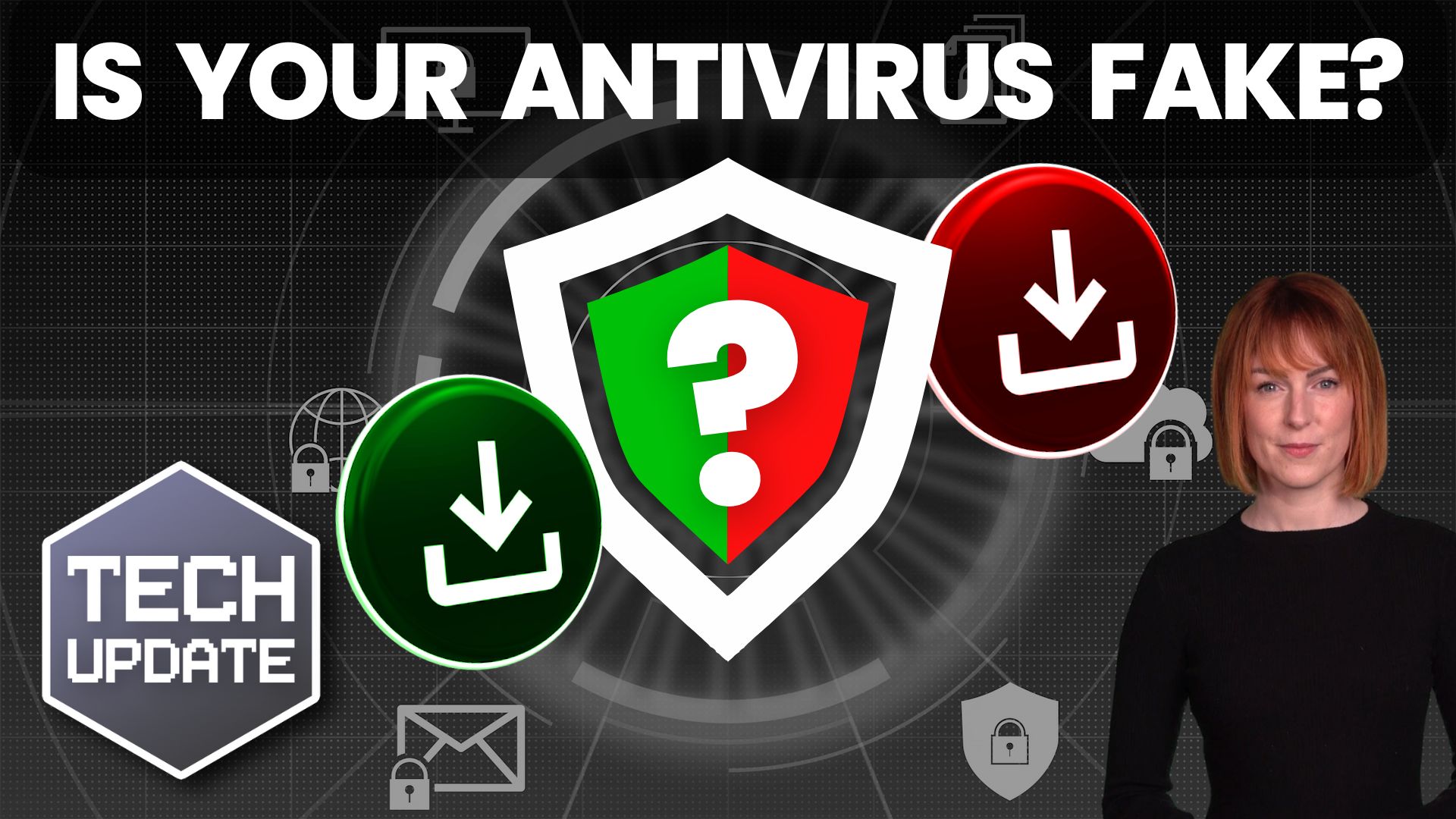
Security researchers have shown how this idea could be used for phishing. While it’s still largely experimental, it gives a clear picture of the next generation of scams.

A victim clicks a link and lands on a webpage that looks harmless. There’s no obvious malicious code sitting on the page. 

Once it loads, the page asks a legitimate AI service to help generate content. 

That content is then assembled and run directly in the person’s browser.

The result is a phishing page that’s created especially for that visitor. 

The wording, layout and code can all be different every time. There’s no single fake website for security systems to spot and block, because the scam doesn’t fully exist until someone opens it.

Before you panic, this method isn’t widespread yet. But the building blocks are in use. 

AI is being used to write malicious code, malware is increasingly assembled as it runs, and AI-assisted scams are becoming more common.

For you, this changes the rules slightly. 

Phishing is no longer just about spotting bad spelling or sloppy design. Future scams may look even more polished, personalised and completely legitimate.

That’s why modern protection focuses less on “don’t ever click the wrong thing” and more on limiting the damage if someone does. 

Tools like multi-factor authentication, secure browsers and email filtering still work, even when a fake page looks convincing.

Remember this: Phishing isn’t going away. It’s getting smarter. 

To stay protected now you must assume the next scam will look professional and make sure your defences don’t rely on people spotting obvious mistakes.

Want to check how exposed your business is? Get in touch.
More Content

How to scan a QR code with your phone

As more venues open up for face to face meetings, some are introducing their own track and trace systems using a QR code that you need to scan with your mobile phone. But how? This video explains how to scan a QR code with your phone so you are not trying to figure it...
Still using Windows 10? You must act NOW

Still using Windows 10? You must act NOW

Windows 10 reaches its end of life NEXT MONTH. If your business still isn’t prepared, you must start planning. Now. Here’s what you need to consider…

Microsoft’s fixing this annoying Windows 11 fault

Microsoft’s fixing this annoying Windows 11 fault

Fed up seeing useless “Recommendations” in the Windows 11 Start menu? Good news – Microsoft’s making them more helpful. Here’s how the improvements could help your team save time…

Shady character in a mask sitting by computer screens

A new zero-day vulnerability in Windows

Introduction A new zero-day vulnerability in Windows Search has been discovered which can be exploited to automatically open a malicious search window containing remotely-hosted malware executables. The vulnerability is triggered when a user launches a Word document,...
A woman on a laptop with a shield and lock on the screen

Why you should use a password manager

Introduction It can be difficult to keep track of all of your online passwords, especially if you have multiple accounts for different purposes.  But did you know that there is a way to keep all of your passwords safe and secure? A password manager such as LastPass...

Time to move your business to the cloud?

Still relying on office computers? It’s time to move your business to the cloud. A few years ago, running your business using data and apps stored on office computers—or a dusty server in the cupboard—might have worked. But times have changed. With remote teams and...

Why all businesses should adopt MFA now

Years ago, Multi-Factor Authentication (MFA) used to be called 2FA, or Two Factor Authentication.  This was made up of: Something you have, like a device that can generate a one-time password (OTP). Something you know, like a password. MFA has extended things meaning...

Bonus Guide: The Crowdstrike Outage Explained

Download our free guide summarising everything you need to know about the recent Crowdstrike outage. This is written specifically for business owners and managers. Inside, you’ll discover: What CrowdStrike is What happened on Friday 19th July 2024 The impact of the...

Bot malware is a growing security threat

Bot malware is a worrying new security risk. Malware bots steal whole user profiles – that’s a complete snapshot of your ID and settings.

Are your employees reporting security issues fast enough… or even at all?

Are your employees reporting security issues fast enough… or even at all?

The faster your employees report a potential cyber security issue, the less damage is done to your business. But how can you encourage quick reporting? Here we share some solid ideas.

Share This
Contact
Love Lane
Cleobury Mortimer
Shropshire DY14 8PE

01299 382 321
[email protected]
Copyright © Blisstech Solution Ltd
Registered No: 08125391 VAT No : 307 5490 05