Employees are falling for 3x more phishing scams • Blisstech Solutions

Have you ever wondered how many phishing scams your employees encounter each day? The answer might be a nasty surprise.

Last year, the number of employees clicking on phishing links TRIPLED – and businesses everywhere are paying the price.

Before we dive into this situation a little more, let’s rewind a bit.

Phishing is where scammers try to steal sensitive information (like passwords or payment details) by pretending to be a trusted source.

Maybe your employee gets an email that looks like it’s from Microsoft, with a link to a login page. Once your employee enters their details, that information falls right into the hands of criminals, who then get the keys to your business.

Here’s the worrying part: Phishing attacks aren’t just happening more often, they’re getting harder to spot, too.

Email phishing is still a big issue, but scammers are branching out; planting fake links in search engines, social media, online ads, and website comments. Scammers know that employees are taught to be cautious about emails, so they’re finding new ways to slip through the cracks.

So, why are more people falling for these scams?

Part of the problem is fatigue. Employees see so many phishing attempts in their inboxes that it’s not easy to keep their guard up every minute of the day. Scammers are also getting more creative, using fake websites and emails that are almost impossible to tell apart from the real thing.

And they’re now targeting trusted platforms like Microsoft 365, which hold a goldmine of business data.

Your people can either be your greatest defence or your biggest vulnerability. A well-trained, alert team can spot phishing attempts before any damage is done. But if they’re unaware or unprepared, a single click can open the door to financial losses, stolen data, and a whole world of trouble for your business.

So, what’s the solution?

Start with education. Make sure your team knows what phishing looks like, not just in emails but across the web. Teach them to question unexpected requests for their login details, double-check links, and report anything suspicious. And don’t rely on memory alone; regular training sessions can keep the risk of phishing scams fresh in your employees’ minds.

At the same time, don’t leave all the responsibility on your team’s shoulders. Tools like multi-factor authentication (MFA) add an extra layer of security, so attackers can’t get in even if a password gets stolen. Combine this with up-to-date software and a strong cybersecurity plan, and you have a better chance of keeping your business safe.

Phishing scams aren’t going away soon, but with the right approach, you can stop your business from becoming another statistic.

Need help protecting your business data? We can help – get in touch.

More Content

Laptop and stethoscope

How Much Should You Pay for IT Managed Services in the UK?

This article has been updated to reflect the market in 2026. If you are looking for managed IT services in the UK, you should understand that there is no "one-size-fits-all" solution. There are many managed service providers out there, and they offer a huge range of...

Security essentials: How to stop spam before it stops your business

Is your inbox already full of junk before you’ve even had your first coffee? Most people just sigh, delete, and move on. But what if one of those “junk” emails wasn’t just annoying… but dangerous? Spam has evolved. Today it’s one of the easiest ways for cyber...

10 Simple Tips for Avoiding Phishing Scams: How to Stay Safe Online

10 Simple Tips for Avoiding Phishing Scams: How to Stay Safe Online What is Phishing? Phishing is a common online scam in which cybercriminals try to trick you into sharing personal information, such as passwords and credit card numbers. Phishers often use email or...
Uh oh! You’re at greater risk of malware than ever before

Uh oh! You’re at greater risk of malware than ever before

Small and medium-sized businesses are at more risk of a malware attack than ever. It’s time to take action to protect your business. Here we tell you how.

Power Automate and Flows Thumbnail

Tech Tip: What is Microsoft Power Automate?

Welcome to a new Tuesday tech tip video where I will give you a quick introduction to Microsoft Power Automate. We all want to streamline our work life and make ourselves more productive. Well, if you use Microsoft 365, you can do just that by using Power Automate....
Overconfident employees: Your hidden cyber security threat?

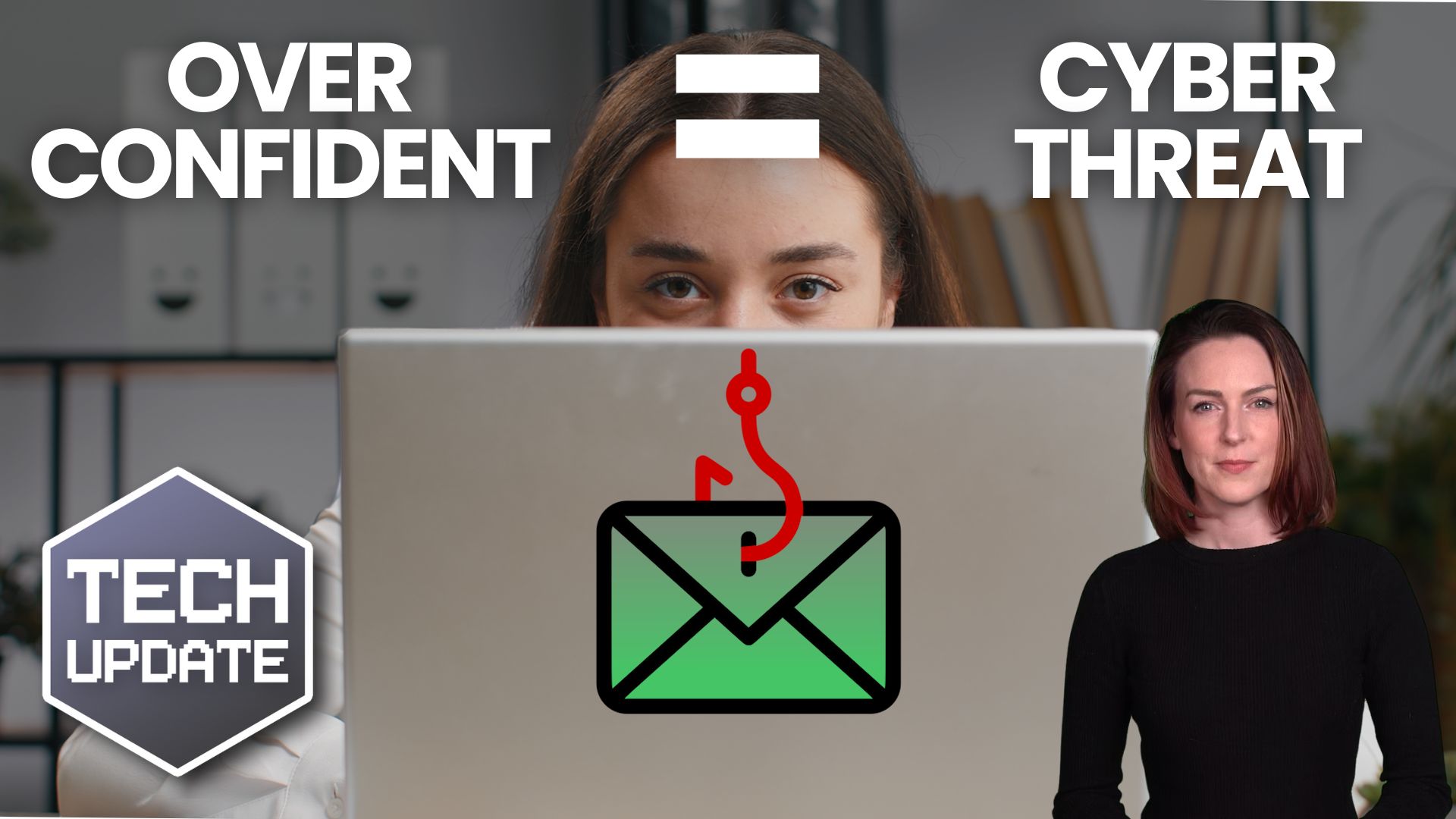
Overconfident employees: Your hidden cyber security threat?

Your team are smart, right? They’d never fall for a scam email or click a suspicious link. At least, that’s what they think. Here’s why overconfidence could spell disaster for your business’s security.

Heads up: You need to update Windows 11 by this deadline

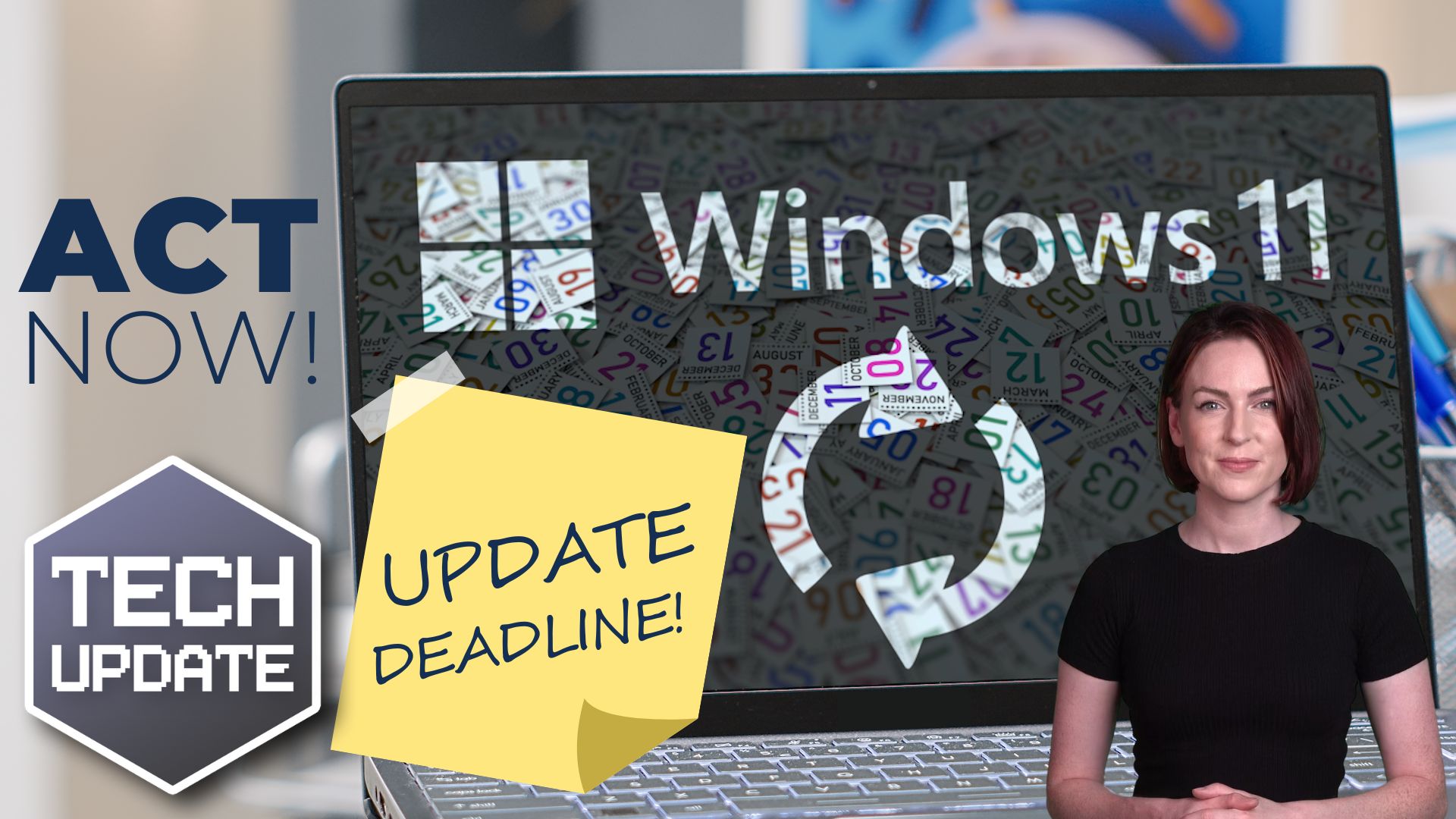
Heads up: You need to update Windows 11 by this deadline

Have you updated to the latest version of Windows 11 yet? If not, it’s time to act – Microsoft has announced when it will end support for older versions (and it’s soon!).

SharePoint made simple: How to supercharge your business

Still juggling files across laptops, Dropbox, and endless email chains? That chaos is costing you time, money, and sanity. Our latest guide shows you how to swap the mess for one secure, central hub where your team can collaborate seamlessly. Without stress or...

Tech Tip: How to use Mail Merge

This Tuesday Two Minute Tech-tip shows you how to automate customised emails and letters using Mail Merge. Imagine; you need to send a letter or email to 10s, or even 100s of people with the same base content, but personalised for each recipient. You could manually...
Copilot could soon auto-open in Microsoft Edge

Copilot could soon auto-open in Microsoft Edge

Is Edge your business’s browser of choice? Microsoft’s thinking of automatically opening Copilot when you use it. It could boost productivity, but there are privacy concerns to be aware of…

How many devices do you use every workday?

Gadget overload? How many devices do you use at work?

Are all the devices your team uses helping them stay productive – or hindering them? Every extra gadget means another thing to remember, charge, and carry. There’s a simple way to help streamline tech in your business…

Share This
Contact
Love Lane
Cleobury Mortimer
Shropshire DY14 8PE

01299 382 321
[email protected]
Copyright © Blisstech Solution Ltd
Registered No: 08125391 VAT No : 307 5490 05