Security essentials: How to stop spam before it stops your business • Blisstech Solutions

Is your inbox already full of junk before you’ve even had your first coffee?

Most people just sigh, delete, and move on.

But what if one of those “junk” emails wasn’t just annoying… but dangerous?

Spam has evolved. Today it’s one of the easiest ways for cyber criminals to sneak into your business, stealing data, planting malware, or tricking your staff into making costly mistakes.

Time to stop it before it starts.

Our latest guide explains exactly how to protect your business (and your sanity) from spam that’s more sinister than silly.
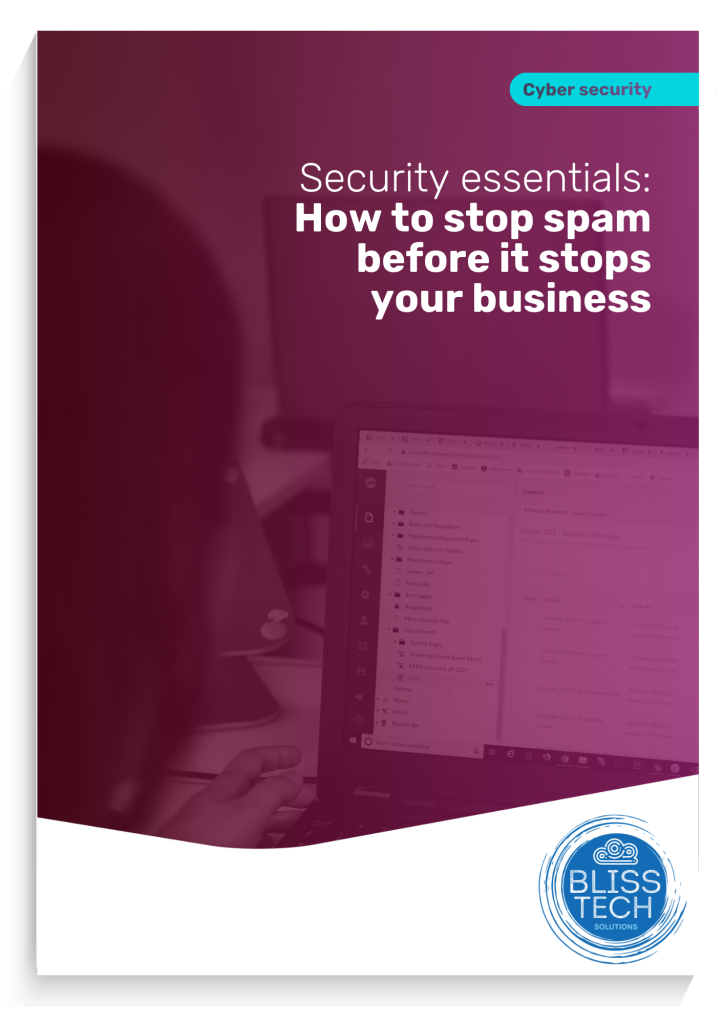

Download your free copy now.


More Content

Laptop and stethoscope

How Much Should You Pay for IT Managed Services in the UK?

This article has been updated to reflect the market in 2026. If you are looking for managed IT services in the UK, you should understand that there is no "one-size-fits-all" solution. There are many managed service providers out there, and they offer a huge range of...
Is this the most dangerous phishing scam yet?

Is SubdoMailing the most dangerous phishing scam yet?

Bad news: Cyber criminals have yet another new phishing scam up their sleeves and it could be the most dangerous one yet. They’re using genuine subdomains that have been abandoned. We tell you how to stay safe.

Tech Tip: Master Your Multitasking – Switching Apps and Desktops Like a Pro

Welcome to a new Tuesday tech tip video where I will show you how to switch between applications and desktops in Windows quickly. Sick of losing track of what you're doing because you have too many windows open? Let's face it: we've all been there. Well, this video is...

Tech Tip: How to use Copilot AI to Create Presentions

Welcome to a new Tuesday tech tip video. In it, I'll show you how to leverage the power of Microsoft 365 Copilot AI and PowerPoint to streamline your presentation creation process. Whether you're a seasoned professional or new to creating presentations, this video...

Tech Tip: How to Tidy up Copied Data in Excel

This Tuesday Two Minute Tech-tip shows you how to tidy up data in Excel spreadsheets. Do you have data in a messy format and need to change it so it is organised? Have you ever received data in Excel or in a text file or Word document and wanted to change it from rows...
Templates and Slide Masters in PowerPoint title

Tech Tip: How to use Templates and Slide Masters in PowerPoint

This Tech Tip will show you how to use templates and Slide Masters in PowerPoint to give your presentations a professional and consistent look. I've been using PowerPoint for over 25 years and have created a lot of presentations. Previously, I would work from a...
Beware that “support call” – it could be a ransomware scam

Beware that “support call” – it could be a ransomware scam

Would your employees give an unknown caller access to your business devices? But what if they got a Teams chat from someone posing as Microsoft support? Here we tell you all about a new ransomware scam

Tech Tip: How to use Windows shortcut keys

Good morning everyone and welcome to your Tuesday Two Minute Tech Tip. 👉 Tired of dragging the mouse around the screen to access the things you use all of the time? 👉 Want to hear about some handy shortcuts Windows that you never know existed? Today's tip will help...
Microsoft is preparing for a cyber threat that hasn’t happened yet

Microsoft is preparing for a cyber threat that hasn’t happened yet

Businesses that handle change well usually have one thing in common: They start preparing long before they must.
That applies to technology as much as anything else.
Some of the biggest cybersecurity decisions being made today are about protecting against threats that haven’t even arrived yet…

Excel is getting better at finding answers

Excel is getting better at finding answers

Most people think AI in Excel is about formulas and number crunching.
But it’s starting to learn the way your business works.
That could mean less time fixing spreadsheets and more time using the information inside them…

Privacy alert: Change this setting in Edge, now

Attention! Microsoft Edge is recording information on the images you browse to improve their AI models. This is how to disable it.

Share This
Contact
Love Lane
Cleobury Mortimer
Shropshire DY14 8PE

01299 382 321
[email protected]
Copyright © Blisstech Solution Ltd
Registered No: 08125391 VAT No : 307 5490 05