Tech Tip: How to use Copilot AI to Create Presentions • Blisstech Solutions

Welcome to a new Tuesday tech tip video. In it, I’ll show you how to leverage the power of Microsoft 365 Copilot AI and PowerPoint to streamline your presentation creation process.

Whether you’re a seasoned professional or new to creating presentations, this video will provide you with valuable tips and tricks to speed up your workflow. You’ll learn how to:

  • Use Copilot for Microsoft 365’s features to generate content quickly and efficiently.
  • Use Copilot with PowerPoint to design visually appealing slides.
  • Save time by using AI to do the heavy lifting so you can focus on the creative aspects of your presentation.

As always, if you need any help or more info, please get in touch.

Check out the video to learn more, and subscribe to our YouTube channel.

Thanks for watching.
More Content

Fraud is costing businesses MILLIONS

Fraud is costing businesses MILLIONS

Think fraud is only a problem for big corporations? Think again. Small and medium sized businesses are huge targets. And it’s costing a fortune. Here’s how to stay safe…

Beware this malware: It “annoys” you into handing over login details

Beware this malware: It “annoys” you into handing over login details

A sneaky new malware wants to annoy you into giving up your login details. It locks your browser in full screen mode, making you think you’re trapped… But you can easily escape and we’ll tell you how…

A woman looking at her phone while working from home

Homeworking is bad for IT security

A new homeworking security report from CyberArk has surveyed 3000 remote office workers and IT professionals. It finds that increased homeworking, resulting from the 2020 pandemic, could be bad news for a company’s IT security posture. It has uncovered several...
Managed IT Services consultant connects a network cable into switch

What are the benefits of outsourcing IT support?

Have you ever started a DIY task only to wish you had just called in an expert?  Your IT support should be no different. Many business owners think that they can handle their IT systems themselves.  However, unless they have the experience and finger on the pulse of...
Beware that “support call” – it could be a ransomware scam

Beware that “support call” – it could be a ransomware scam

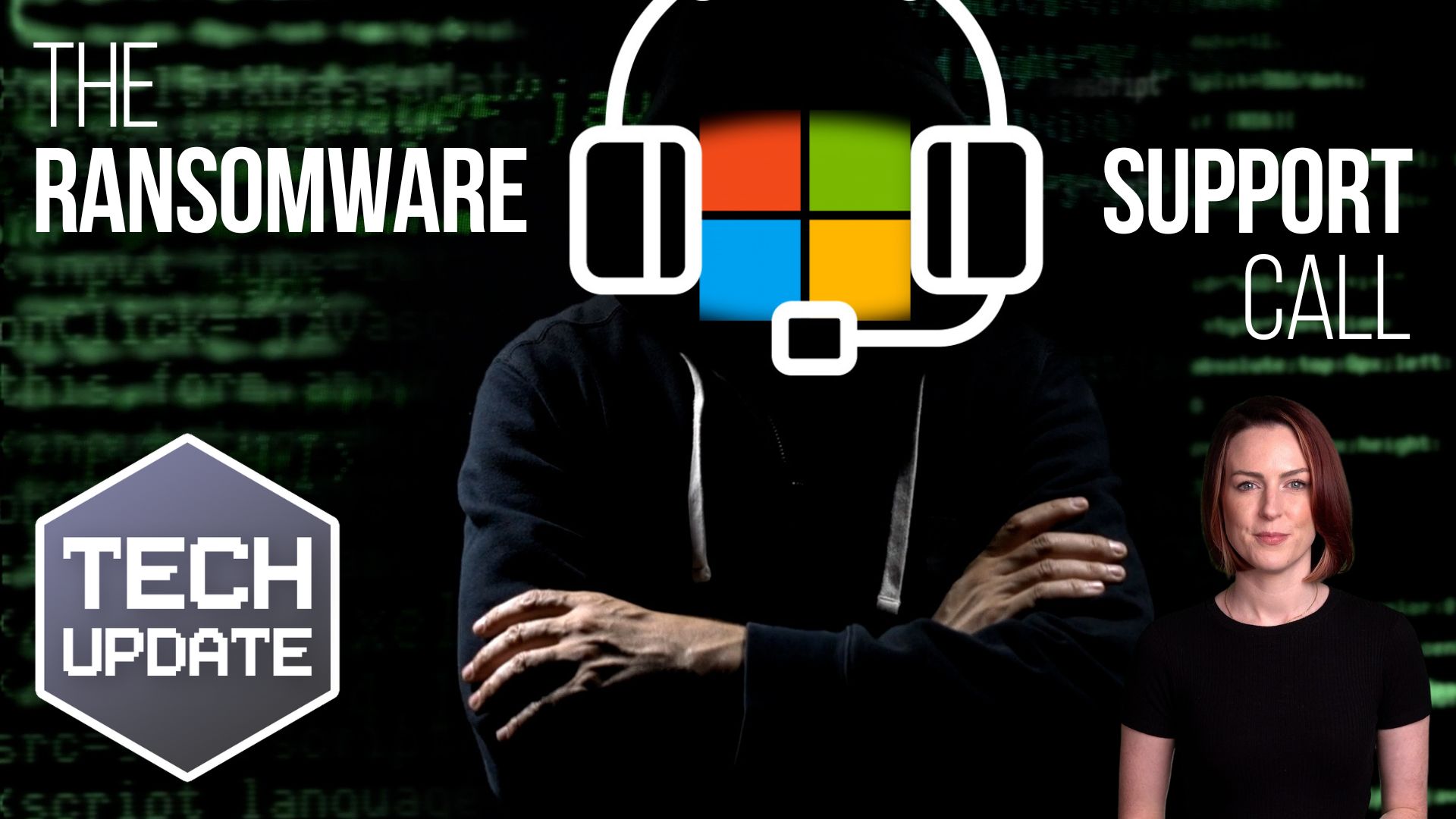
Would your employees give an unknown caller access to your business devices? But what if they got a Teams chat from someone posing as Microsoft support? Here we tell you all about a new ransomware scam

Stop! And think, before you act on that email

Don’t fall victim to cyber criminals. We explain what a BEC attack is and how to protect your business.

A man talking to his colleagues in an online meeting similar to Microsoft Teams

How to use MS Teams to replace your file server

You all know MS Teams as a video conferencing tool, but do you know about all of its other cool features? One such feature enables businesses to replace file servers, allowing users to work from anywhere and collaborate on documents in real-time.  This video shows you...

Is your business data at risk? Don’t take chances with old tech

Old computers and external drives can put your sensitive business data at risk.
We look at how to dispose of old computers and external drives in the safest way possible.

Now AI can make your Teams meetings more productive

Microsoft Teams Meeting Recap will summarise your meetings and even make a list of the action points. We show you its other benefits

When did you last have a health check?

Book now for an IT check-up, to get in great shape for the journey ahead? You do it for yourself and your car – now do the same for your workplace tech

Share This
Contact
Love Lane
Cleobury Mortimer
Shropshire DY14 8PE

01299 382 321
[email protected]
Copyright © 2024 Blisstech Solution Ltd
Registered No: 08125391 VAT No : 307 5490 05