Have you ever felt like just when you’ve nailed your cybersecurity – BAM! – something new comes along to throw a spanner in the works?
That’s exactly what’s happening right now.
There’s a new scam doing the rounds. And it’s catching out businesses just like yours.
The worst part?
Cyber criminals don’t even need your password.
Scary…
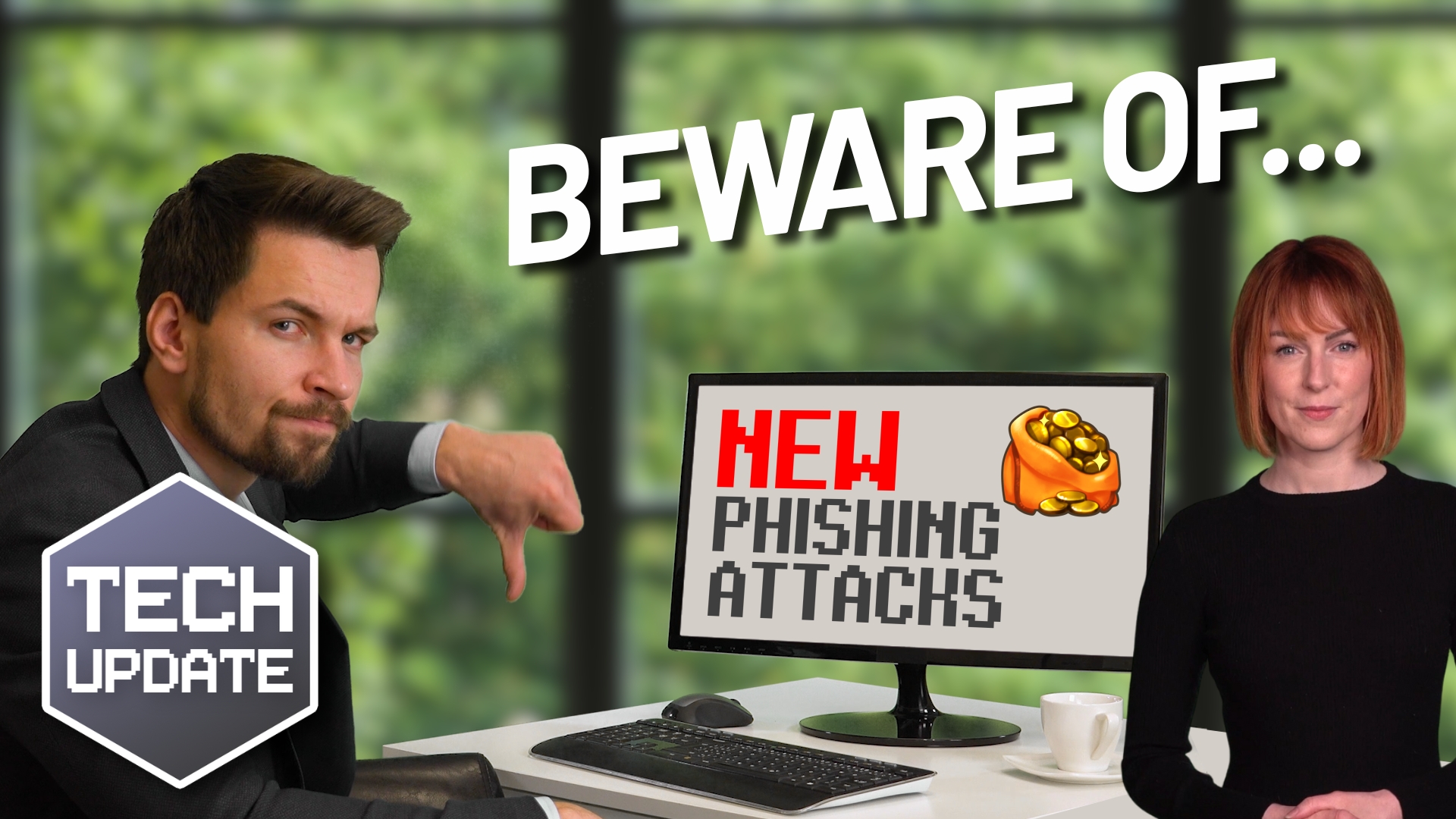
It’s called device code phishing. It’s a clever trick that’s becoming more and more popular. Microsoft recently flagged a wave of these attacks, and we’re likely to see many more.
This one’s different to the usual phishing scams you’ve probably heard about. Normally, phishing is all about tricking people into giving away their usernames and passwords on fake websites.
But with device code phishing, scammers play a smarter game.
Instead of stealing your password, they get you to voluntarily give them access to your account. And they do it using real Microsoft login pages, so it looks totally legit.
It usually starts with a convincing email. Maybe it looks like it’s from your HR person, or a colleague, inviting you to a Microsoft Teams meeting. You click the link, and it takes you to a real Microsoft login screen.
Nothing seems out of place.
You’re asked to enter a code. Just a short one, called a “device code.” This code is supplied in the email, and you’re told it’s needed to join the meeting or finish logging in.
Here’s the catch: By entering that code, you’re not logging yourself in… you’re logging them in.
You’re unknowingly giving the attacker access to your Microsoft account on their device. And because the login goes through the proper channels, it can even bypass multi-factor authentication (MFA).
Yep, even if you’ve got extra security in place, they might still get in.
Once they’re in, they can do a lot of damage. Reading your emails, accessing your files, even using your account to trick others in your company. It’s like handing over the keys to your office and you don’t even realise it.
It’s dangerous because it doesn’t look suspicious. You’re on a real Microsoft site, not some suspicious fake. You didn’t click a weird link or enter your password into a phishing form. Everything looks above board… except it’s not.
And because attackers are using legitimate Microsoft login flows, traditional security tools don’t always catch it.
Plus, once they’re in, they can stay in. They don’t need to keep logging in if they’ve captured your session token (that’s a sort of digital “pass” that keeps you logged in behind the scenes). So even changing your password won’t necessarily kick them out right away.
A big question then: How can you protect your business?
Start by getting your team to be extra cautious with login requests. Especially ones that involve entering codes. If you get a device code from someone, stop and think: Did I request this? Do I know for sure this is real?
If you’re not sure, don’t go through with it. Use a separate method, like a direct phone call or your company’s messaging system, to double-check with the person who sent the email.
Remember, real Microsoft logins don’t involve someone else giving you a code to enter. If that ever happens, it’s a red flag.
From a technical side, your IT team (or IT provider) can also tighten things up. If your business doesn’t need device code login as part of its daily operations, it’s safest to turn it off altogether. They can also put in place extra security rules that only allow logins from trusted locations or devices and add security monitoring that will alert them to suspicious logins.
And finally, keep training your people. Good cybersecurity is about awareness. If your team knows what to look out for, they’re much less likely to fall for these kinds of tricks.
Can we help you tighten up your security? Get in touch.