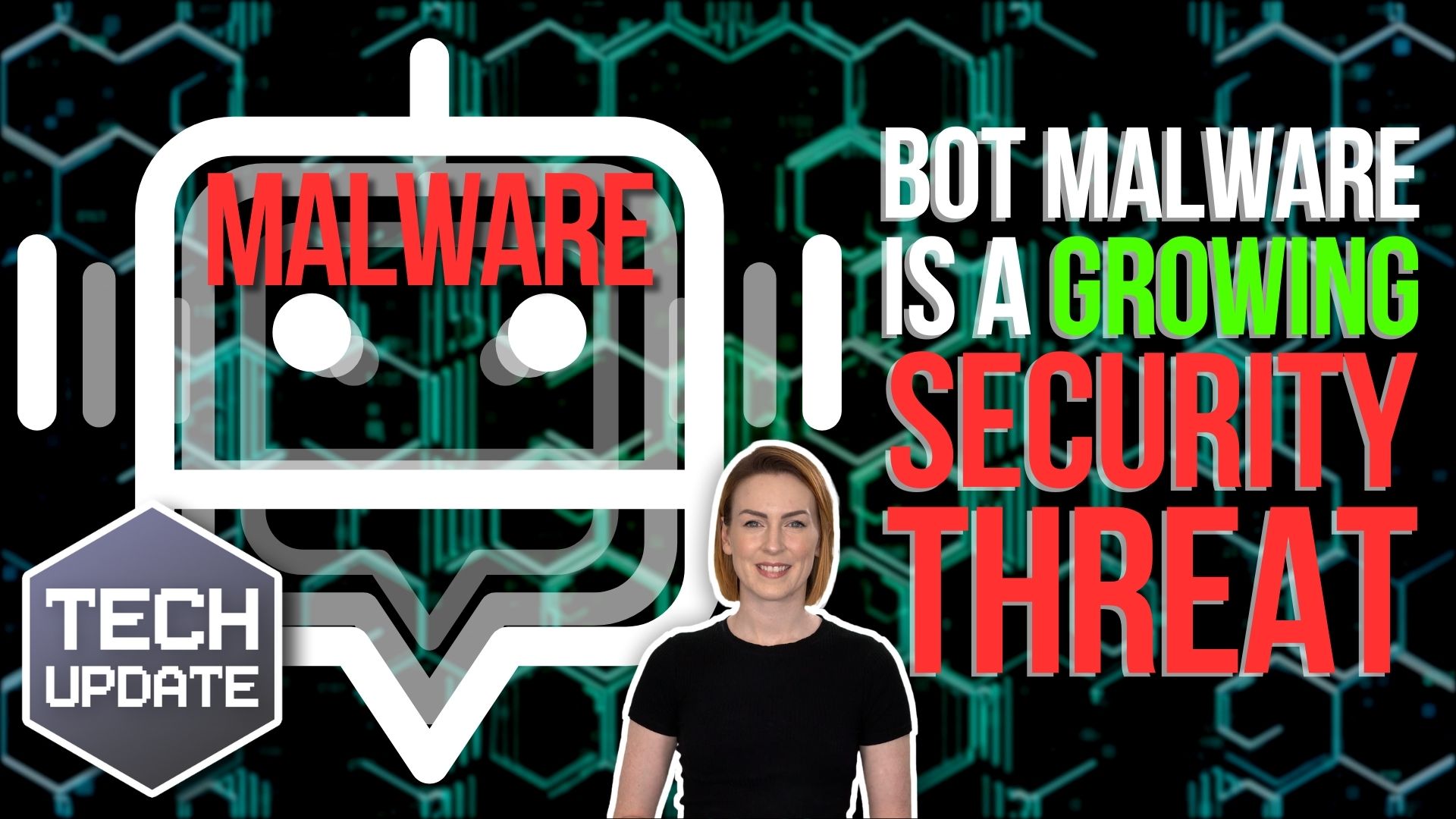
Cyber security training once a year isn’t working • Blisstech Solutions

Cyber security training once a year isn’t working

We all know how important it is to keep our people up-to-date on the latest cyber threats. After all, with cyber attacks on the rise, staying one step ahead is crucial to protect your business from potential breaches.

But here’s the thing – annual cyber security training just isn’t cutting it anymore.

Sure, it’s become a routine part of the calendar for many organisations. And it’s great that it’s happening at all. But ask any security leader, and they’ll tell you… employees find it time-consuming and uninspiring. From clicking through slides to skimming through videos at double-speed, it’s usually seen as just another box to tick.

And let’s be honest, even for those who do engage with the training, there’s little evidence it leads to real behaviour change.

That’s because the traditional approach lacks interactivity and doesn’t connect with employees on a personal level. It’s more about ticking boxes than building a culture of cyber security vigilance.

Guess what? There’s a better way. It’s all about small, regular, human-centric interventions. Think of it like the speed signs you see when you’re driving. They remind people to stop and think before they engage in risky behaviour. Just as the signs work for driving, this kind of training makes your employees more aware of what they’re clicking.

By nudging employees toward safer decisions in real time, we can help them develop better cyber hygiene habits without overwhelming them with information overload. It’s about empowering them to make smarter choices every day.

And with the amount of Generative AI and third-party tools we’re surrounded with right now, it’s more important than ever to give employees the guidance they need to navigate potential risks. Whether it’s through real-time coaching or policy reminders, we can help employees understand the importance of safeguarding sensitive data.

So, while there may be a place for annual training, it’s time to think about using a more proactive approach to cybersecurity education.

This is something we can help you with. If you want to learn more, get in touch.
More Content

Where could AI take your business - Blog image

Could AI be the key to your businesses growth?

Artificial Intelligence (AI) is no longer just a futuristic concept. It's here now, and businesses of all sizes need to start embracing it to stay ahead of the competition. Our latest guide shows you how to use AI to revolutionise your business, from customer support...
Copilot is bringing another productivity boost to Teams

Copilot is bringing another productivity boost to Teams

Teams is getting some Copilot-powered updates that will boost your business’s productivity even further. Here we tell you all about it.

Here’s how cyber criminals try to hack your accounts while you sleep

Have you ever received a notification on your phone while you’re sleeping, asking if it’s really you logging in?
It’s called a fatigue attack and Microsoft Authenticator’s latest feature will help to protect you.

Beware this malware: It “annoys” you into handing over login details

Beware this malware: It “annoys” you into handing over login details

A sneaky new malware wants to annoy you into giving up your login details. It locks your browser in full screen mode, making you think you’re trapped… But you can easily escape and we’ll tell you how…

How to create secure passwords

How to create secure passwords

Weak passwords are one of the biggest security risks to your business.
Why?
Because cyber criminals are getting smarter than ever before. If they manage to crack just one password, they could gain access to your sensitive business data, financial information, or even gain control of your entire system.
Cyber criminals use automated tools to guess passwords, allowing them to try out millions of combinations in seconds. So, if you’re using something like “Password123” or “CompanyName2025”, you’re practically handing them the keys to your business.
A compromised password can lead to big issues, such as:
• Data breaches
• Financial losses
• Identity theft
• Reputation damage
But how do you create strong passwords without driving yourself (and your team) mad?
Think of your password like a secret recipe, where only you should know the ingredients. It should:
• Be at least 14 characters long (the longer, the better)
• Include a mix of uppercase and lowercase letters
• Contain a few numbers and symbols (like @, $, %, or &)
• Not contain any common words or easily guessable information (like birthdays, names, or the word “password”)
Instead of using a single word, you could try a passphrase – a short, random sentence that only you would understand. For example, instead of “Sailing2025”, try something like “Coffee&CloudsAreGreat9!”. This is much harder to crack, yet still easy to remember.
You should also steer clear of these common mistakes:
• Using personal info (your name, birthday, business name, etc.)
• Reusing the same passwords across multiple accounts
• Using simple sequences (“123456” or “abcdef”)
• Storing passwords in an easily accessible place (like a sticky note on your desk)
If remembering unique passwords for every account sounds impossible, there is another option: Password managers. These generate strong passwords, store them securely and autofill them for you.
With a password manager, you only need to remember one strong master password for the manager app itself. The rest are encrypted and stored safely, reducing the risk of data breaches.
Even the strongest password isn’t foolproof, which is why multi-factor authentication (MFA) is also important. MFA requires a second form of verification, like a one-time code sent to your phone or generated from an authentication app.
If you have employees accessing your business systems, it’s a good idea to have a password policy in place to explain your rules and why they’re important. This should include:
• Unique passwords for each system and account
• Regular security training on password best practices
• Business-wide use of MFA for critical systems
• Scanning for compromised passwords regularly
By making password security a priority, you can reduce the chances of a cyber attack creating a nightmare for your business.
And if you need help making your business more secure, get in touch.

What to do when disaster strikes: Creating an Incident Response Plan

Your business has firewalls, the latest security software, multi-factor authentication, and, of course, uncrackable passwords. You may even have Cyber Essentials—high five. But… It’s still not enough to protect you from 100% of cyber attacks. Completely watertight...
Windows Hello gets a new look and improved security

Windows Hello gets improvments in security usability

Is your business using Windows Hello yet? It offers easier and more secure login methods – and it’s about to get an upgrade. Here’s what’s changing.

New: You decide what Copilot remembers

New: You decide what Copilot remembers

Microsoft’s latest update is changing the way AI assistants work with your business. And it’s putting you firmly in the driver’s seat. Here’s what that means for you…

Is your email signature putting your business at risk?

When was the last time you gave any thought to your email signature? It’s just there to provide your contact details and maybe boost your branding, right? But have you ever considered exactly how much information you’re giving away? It’s enough to allow someone else...

Tech Tip: How to get the most out of Google searches

Hello everyone! Today's Tuesday Two Minute Tech-tip shows you how to get the best out of your Google searches. Google search is arguably the best in the world and gives us the internet at our fingertips, but it can be hard to find what you are looking for. This tip...
Share This
Contact
Love Lane
Cleobury Mortimer
Shropshire DY14 8PE

01299 382 321
[email protected]
Copyright © Blisstech Solution Ltd
Registered No: 08125391 VAT No : 307 5490 05