Beware these common ‘malvertising’ attacks • Blisstech Solutions

Think about the last online ad you clicked…

Did you just assume it was genuine?

If you said yes, you’re not alone – and this is exactly what scammers count on.

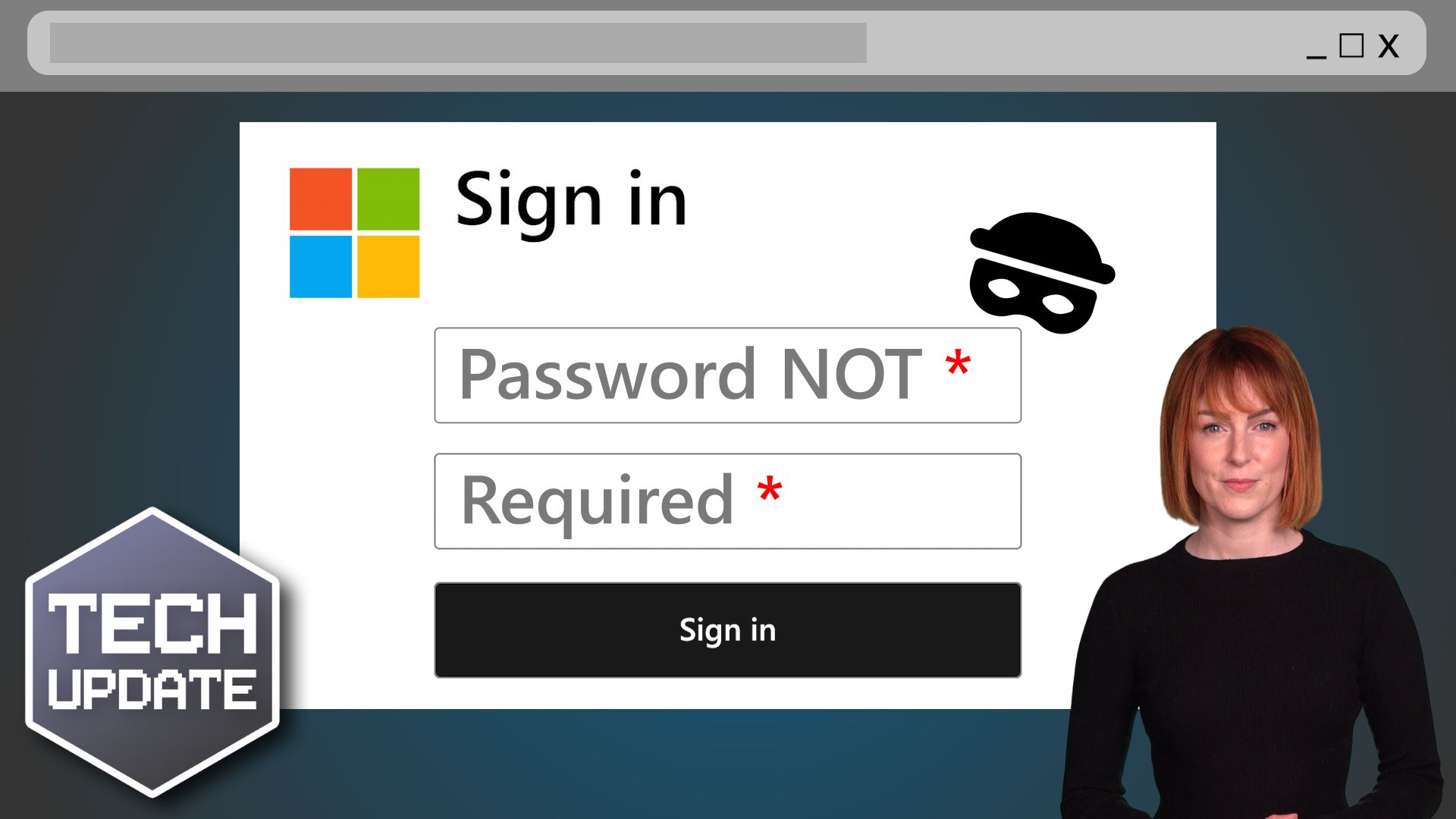
Malvertising”, or malicious advertising, is where scammers use online ads to trick you into downloading malware (malicious software), sharing sensitive information like passwords, or even handing over money.

These attacks are becoming more sophisticated and a growing threat to businesses of all sizes. Worse yet, you don’t need to click on these ads to become a victim; loading the ad in an out-of-date browser can be enough to compromise your device.

The three most common malvertising techniques are scam, fake installer, and drive-by download. Here’s a little more about them:

  • Scam malvertising is where an ad claims that your computer is infected and urges you to call for support. Once you do, the scammers convince you to install software that gives them control over your system. Then they charge you to “fix” the fake issue.
  • Fake installer malware often uses ads that lead you to cloned websites of trusted brands. You download software, thinking it’s legit… but you’re downloading malware onto your device instead.
  • Drive-by download malvertising is where ads infect your computer without you even clicking on anything. This malvertising exploits outdated browsers and automatically installs malicious files or extensions.

Recognising these scams is the first step to keeping your business safe. If you see an ad claiming you’ve been hacked or urgently need to act, stop and think: How would this company even know anything about your computer?

Also, make sure you double-check links before you click. If the link isn’t sending you to a legitimate domain, steer clear. And most importantly, make sure you’re running the latest version of your browser, as updates fix vulnerabilities that malvertising often exploits.

Don’t forget to share this knowledge with your employees, too. They’re your first line of defence – and training them to spot suspicious ads can save your business from serious trouble.

Scammers want you to trust without thinking. But a healthy dose of scepticism can make all the difference. Next time you see an ad that feels wrong, trust your gut… and ask yourself if it’s safe before you click.

Want to train your team to protect your business from malvertising and other online scams? We can help. Get in touch.


More Content

Microsoft takes the pain out of updates

Microsoft takes the pain out of updates with checkpoint cumulative updates

Updates are a pain, right? Time consuming and disruptive. Not anymore… Here we tell you how Microsoft’s latest Windows 11 update is making things quicker and easier.

Beware that “support call” – it could be a ransomware scam

Beware that “support call” – it could be a ransomware scam

Would your employees give an unknown caller access to your business devices? But what if they got a Teams chat from someone posing as Microsoft support? Here we tell you all about a new ransomware scam

Overconfident employees: Your hidden cyber security threat?

Overconfident employees: Your hidden cyber security threat?

Your team are smart, right? They’d never fall for a scam email or click a suspicious link. At least, that’s what they think. Here’s why overconfidence could spell disaster for your business’s security.

Take action to avoid a devious new phishing scam

Cyber criminals are getting smarter. This recent malware threat is unusually smart. It impersonates a highly trusted brand name to get a foot in the door.

Could avatars make your Teams meetings more fun?

Do you inwardly (or outwardly) groan at the thought of yet another video call? They’re now a normal part of our working lives, but it doesn’t make them any more exciting. Good news: Microsoft is introducing Metaverse-style avatars, called Mesh avatars, to Teams. You’ll be able to design your own avatar, personalizing its appearance, accessories, and even choosing its reaction …

Why all businesses should adopt MFA now

Years ago, Multi-Factor Authentication (MFA) used to be called 2FA, or Two Factor Authentication.  This was made up of: Something you have, like a device that can generate a one-time password (OTP). Something you know, like a password. MFA has extended things meaning...

Tech Tip: How to Share Large Files for Free with WeTransfer

Welcome to a new Tuesday tech tip video where I will show you how to transfer large files using WeTransfer. Do you ever have trouble sending large files through email? Email servers have size limits, so you can't just attach a big file and send it off. This can be a...
@ symbol with a hook through it

Anti-virus programs aren’t enough

Today, many business owners install an antivirus program as their single line of defence and call it a day. However, there are many ways to get into a network that circumvents anti-virus. Hackers are creating malware faster than anti-virus programs can recognise them...
How to use footnotes and endnotes in Word

Tech Tip: How to use footnotes and endnotes in Word

This Tech Tip is another tip for Microsoft Word. If you use Word to write documentation, contracts or any other type of detailed document, then this tip is for you. Usually, when you write such a document, you may need to expand on certain sentences without making the...

How to plan a big IT project

We all dream of making changes to our business that will make us more efficient and profitable, but significant changes to the technology you use to run your business should never be rushed.

Share This
Contact
Love Lane
Cleobury Mortimer
Shropshire DY14 8PE

01299 382 321
[email protected]
Copyright © Blisstech Solution Ltd
Registered No: 08125391 VAT No : 307 5490 05