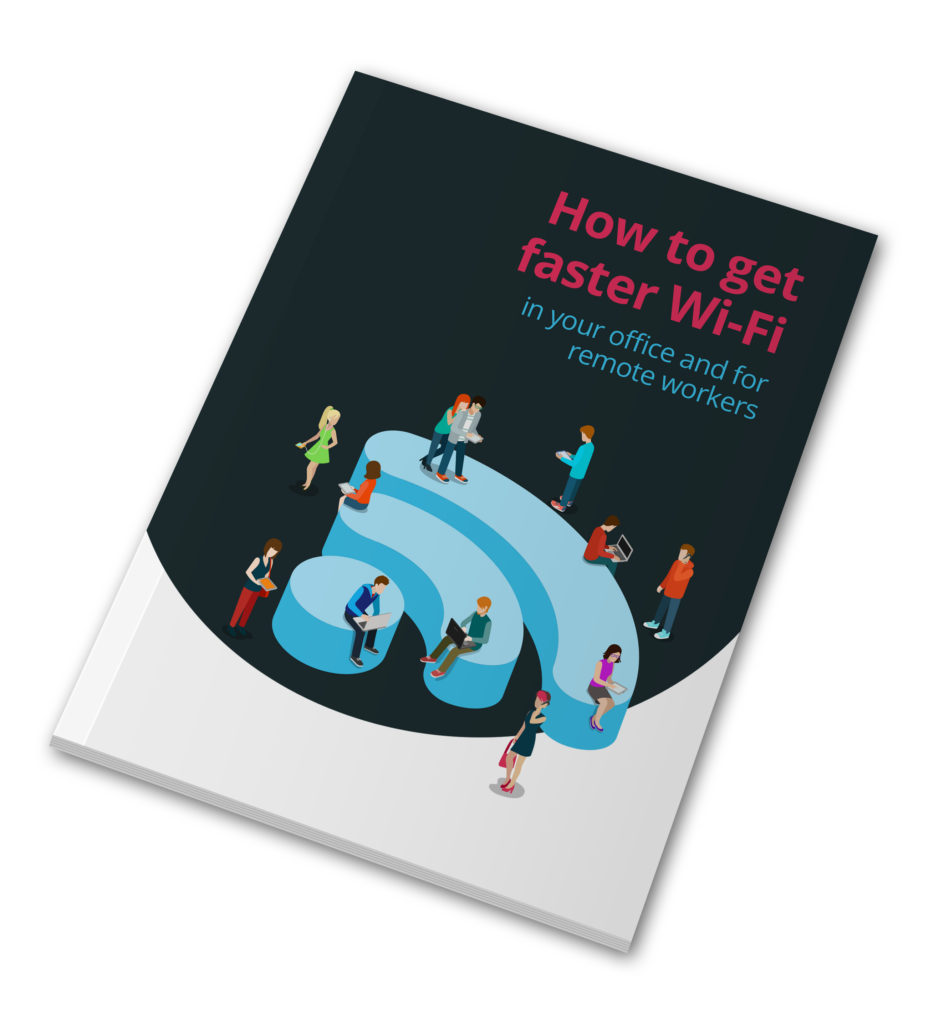
How to get faster Wi-Fi in your office and for remote workers • Blisstech Solutions

The quickest way to upset your staff is by giving them slow access to the internet.

Bad Wi-Fi quickly creates tension in the team and is a real productivity killer.

You don’t have to suffer slow Wi-Fi. Here’s our guide to making Wi-Fi faster whether you’re working in the office or from home 👇

 

More Content

IT Security Still Top Concern For SMBs

A new report from Kaseya reveals that IT Security is still the top concern for small and medium-sized businesses.  The “2019 State of IT Operations for Small and Midsize Businesses” survey took input from more than 400 global respondents and reveals that 32% of...
Do you really want your team to use this?

Do you really want your team to use this?

If someone on your team could buy something for work without ever visiting a website (or leaving their desk), would you know?
AI tools are changing how everyday work happens.
And now that even includes decisions that used to have checks and processes…

A woman looking at her phone while working from home

Office 365 and Windows RDS: Maximum Remote Working Flexibility

Windows Remote Desktop Services (RDS) has been around for years. I was using it over 20 years ago and was a fan.  It was an excellent solution for flexible working over slow connections, which is all we had back then!  However, back then, you needed something else to...

Tech Tip: How to use a Password Manager

This Tech Tip is a tip on how to manage your passwords. It's a long tip this week, but that's because there is a lot to tell! With so many things being done online now, passwords are needed constantly.  But with the advice that every password should be unique and not...
How to use footnotes and endnotes in Word

Tech Tip: How to use footnotes and endnotes in Word

This Tech Tip is another tip for Microsoft Word. If you use Word to write documentation, contracts or any other type of detailed document, then this tip is for you. Usually, when you write such a document, you may need to expand on certain sentences without making the...

Tech Tip: How to create a scheduling poll using Outlook

Welcome to a new Tuesday tech tip video where we will be exploring how to create a scheduling poll using Outlook. You know what it's like when you are trying to get everyone together for a meeting. Trying to find a time that suits everyone can be a real pain! There...

The final curtain call for Windows 10: What you need to know

Microsoft has announced there will be no new feature updates for Windows 10 so maybe it’s time to upgrade to Windows 11. Our latest video will help you make up your mind.

Say goodbye to video call pop-ups (and Teams meeting blushes)

Say goodbye to video call pop-ups (and Teams meeting blushes)

Has a pop-up notification ever embarrassed you while you were on a video call? Microsoft may finally have a feature to stop that happening. Learn more here.

Searching in Windows 11 is about to get easier… for some

Searching in Windows 11 is about to get easier… for some

Searching for files in Windows isn’t always a smooth experience. Sometimes it’s slow and often it’ll show you web results rather than the file you need. But Microsoft is making things much simpler… for some people. Here’s how you can benefit from this.

5 steps to help recover from a cyber attack

Read this BEFORE you get hit with a cyber attack The worst time to decide how to deal with a cyber-attack is when you’re in the middle of one. Unfortunately, you’ll probably need to deal with it eventually—small and medium-sized businesses are prime targets for...
Share This
Contact
Love Lane
Cleobury Mortimer
Shropshire DY14 8PE

01299 382 321
[email protected]
Copyright © Blisstech Solution Ltd
Registered No: 08125391 VAT No : 307 5490 05