Are you really downloading Zoom - or is it malware? • Blisstech Solutions

When you think about tools for remote working and chatting online, Zoom may be one of the first names in your mind.

But its popularity has opened the door for cyber criminals. They’re using its name to steal sensitive data.

Researchers have discovered at least six convincing-looking download sites. They’re not the real thing. They’re designed to tempt you into downloading FAKE Zoom software, containing ‘info stealers’ and other forms of malware (malicious software).

Accidentally use one of these sites thinking that you’re downloading a Zoom update… and you risk having sensitive data stolen. Possibly your banking info, passwords or browser history.

Some can even steal your multi-factor authentication details. That could give cyber criminals access to your most sensitive data.

The research also found these ‘stealer logs’ for sale on the dark web, where criminals can buy this information and use it to gain access to business networks.

Once a cyber criminal has access to your network, every piece of data you have stored becomes a target. In extreme cases, this can leave you vulnerable to ransomware attacks, or data theft.

While these fake sites can be incredibly convincing, take these simple steps to avoid being fooled.

  • Before you download the Zoom application (or any application), double check the address of the website you’re on. Is it what you’re expecting? If you clicked an email to get to that site, are you 100% sure it’s from the real company?
  • Study the rest of the web page too, looking for anything that doesn’t ring true, such as spelling mistakes or a clunky layout.
  • Make sure your security software is up to date and is actively scanning for malware and suspicious downloads.
  • Have a plan to roll out this advice across your business.

If you need any help or advice to keep your business protected from malware and other security threats, get in touch.
More Content

The two big threats of doing business on public Wi-Fi

The two big threats of doing business on public Wi-Fi

Public Wi-Fi can be a lifesaver when you must send an urgent email while out of the office. But did you know it can also put your business data at risk? These are the two big threats you and your team need to be aware of…

Microsoft hints at some exciting Windows 12 developments

Windows 11 still feels like a new toy, yet we’ve already heard speculation about Windows 12 arriving as soon as next year. It’s all we can think about!

Tech Tip: How to Tidy up Copied Data in Excel

This Tuesday Two Minute Tech-tip shows you how to tidy up data in Excel spreadsheets. Do you have data in a messy format and need to change it so it is organised? Have you ever received data in Excel or in a text file or Word document and wanted to change it from rows...
Still using Windows 10? You must act NOW

Still using Windows 10? You must act NOW

Windows 10 reaches its end of life NEXT MONTH. If your business still isn’t prepared, you must start planning. Now. Here’s what you need to consider…

Tech Tip: How to Stay Cyber Safe at Christmas

CHRISTMAS SPECIAL!!! As we are on the countdown to Christmas, today's Tuesday Two Minute Tech Tip is on a (very tenuous) Christmas theme. As we all get ready for the big day we will be thinking of having a few days or even weeks off work and relaxing. Christmas is a...

Get ready for another game-changer from Teams

Microsoft is working hard to lead the AI revolution and its latest update to Teams will certainly make it a front-runner. We think the potential is unlimited, here we’ll tell you why.

Tech Tip: How to use Windows Clipboard History

Welcome to a new Tuesday tech tip video where I will show you a really cool Windows feature called Clipboard History. Do you ever find yourself copying and pasting the same text or images over and over again? If so, you're not alone. But there's a better way! Windows...

Tech Tip: Send quick Teams messages from anywhere

We all know that Teams messaging is a great way to communicate with others, but it can be disruptive if it interrupts our flow. Even though Teams messaging is a great way to communicate with colleagues, it can easily break your concentration and flow. You might find...
Scam hazard signs

How to spot a scam

Would you know how to recognise a scam? In the 21st century, you are highly unlikely to encounter a con artist in the street as they hide behind phones, text messages and emails.  But the motivations behind 21st-century fraudsters have not changed; they want to make...
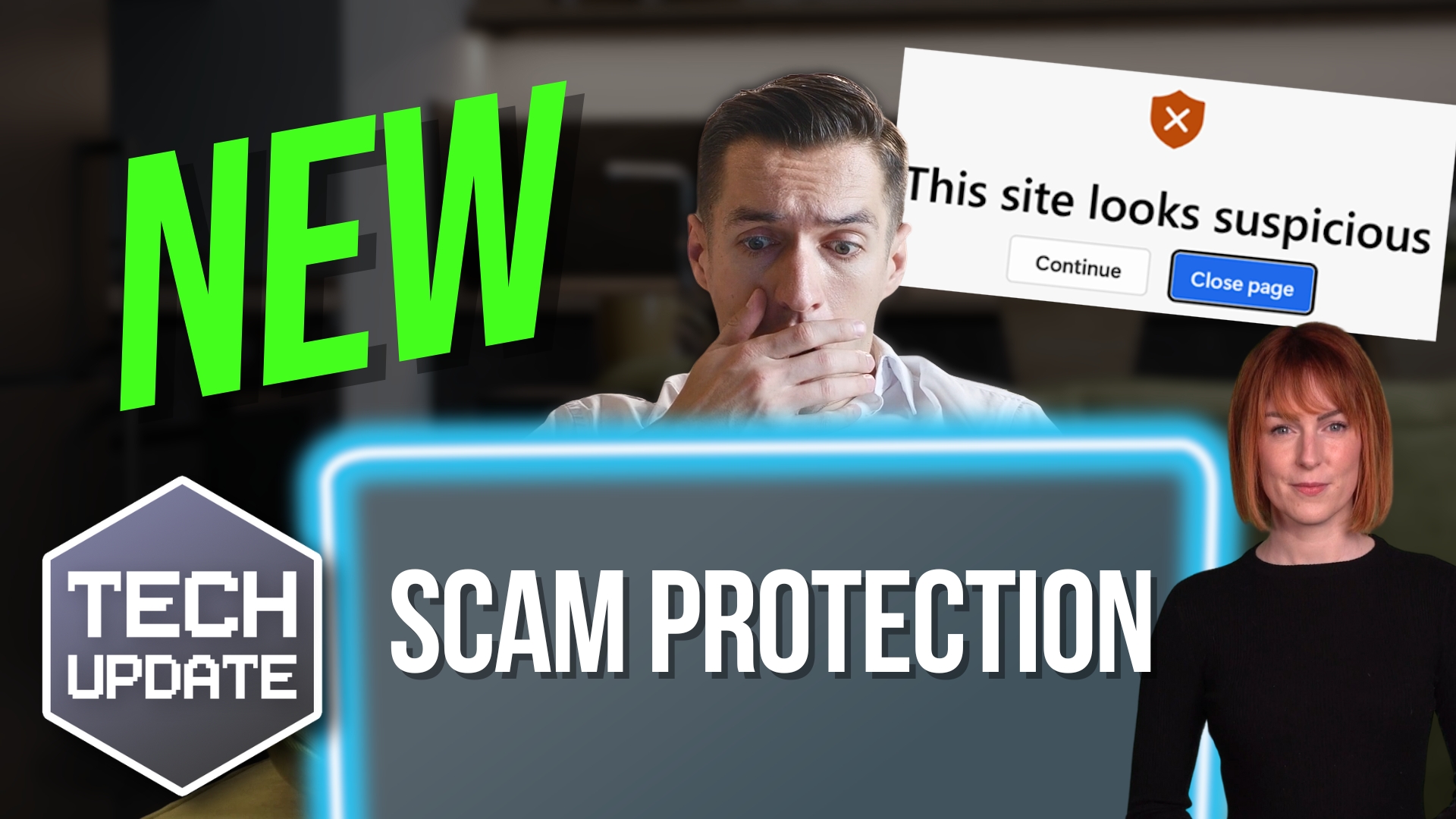
Microsoft Edge introduces a new scam protection tool

Microsoft Edge introduces a new scam protection tool

Those fake “your computer is infected” pop-ups are getting smarter. And scarier.
But there’s some big news from Microsoft that could make them a thing of the past.
This update to Edge is changing how your browser fights back against online scams…

Share This
Contact
Love Lane
Cleobury Mortimer
Shropshire DY14 8PE

01299 382 321
[email protected]
Copyright © Blisstech Solution Ltd
Registered No: 08125391 VAT No : 307 5490 05