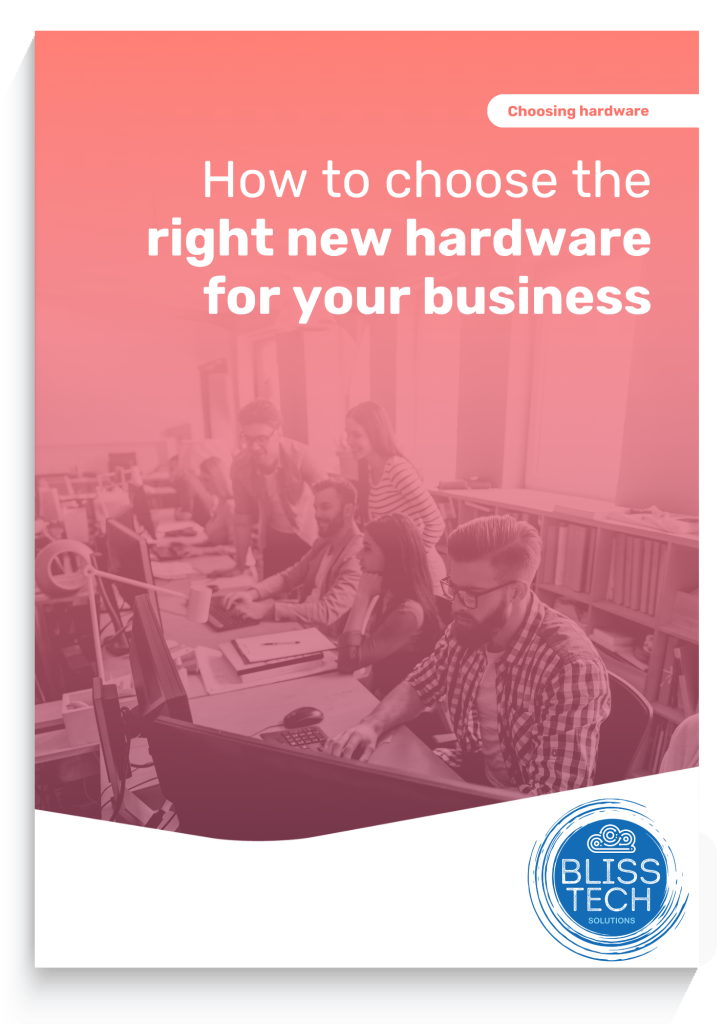
How to choose the correct hardware for your business • Blisstech Solutions

Do you know how to choose the correct hardware for business?

Slow isn’t often a word you want to associate with your business.

But when your hardware isn’t performing, you’ll hear it a lot. Complaints about PCs, your internet connection, even your network.

Not only is it frustrating, but it’s costing you time, money, and productivity.

Upgrading your hardware is the solution, but with so many different options available, where do you start when choosing correct the hardware for your business?

Our latest guide helps you understand what hardware to focus on and discusses the most important considerations before you invest.

Download your free guide today, and if you need professional help and advice, please get in touch.

More Content

Why the Cloud is not backup

Cloud computing has revolutionised the way businesses work.  Companies that utilise the cloud will have coped the best with COVID-19 imposed restrictions.  Whether forced to by circumstance or not, businesses are moving from the traditional server in the office to...
How to create secure passwords

How to create secure passwords

Weak passwords are one of the biggest security risks to your business.
Why?
Because cyber criminals are getting smarter than ever before. If they manage to crack just one password, they could gain access to your sensitive business data, financial information, or even gain control of your entire system.
Cyber criminals use automated tools to guess passwords, allowing them to try out millions of combinations in seconds. So, if you’re using something like “Password123” or “CompanyName2025”, you’re practically handing them the keys to your business.
A compromised password can lead to big issues, such as:
• Data breaches
• Financial losses
• Identity theft
• Reputation damage
But how do you create strong passwords without driving yourself (and your team) mad?
Think of your password like a secret recipe, where only you should know the ingredients. It should:
• Be at least 14 characters long (the longer, the better)
• Include a mix of uppercase and lowercase letters
• Contain a few numbers and symbols (like @, $, %, or &)
• Not contain any common words or easily guessable information (like birthdays, names, or the word “password”)
Instead of using a single word, you could try a passphrase – a short, random sentence that only you would understand. For example, instead of “Sailing2025”, try something like “Coffee&CloudsAreGreat9!”. This is much harder to crack, yet still easy to remember.
You should also steer clear of these common mistakes:
• Using personal info (your name, birthday, business name, etc.)
• Reusing the same passwords across multiple accounts
• Using simple sequences (“123456” or “abcdef”)
• Storing passwords in an easily accessible place (like a sticky note on your desk)
If remembering unique passwords for every account sounds impossible, there is another option: Password managers. These generate strong passwords, store them securely and autofill them for you.
With a password manager, you only need to remember one strong master password for the manager app itself. The rest are encrypted and stored safely, reducing the risk of data breaches.
Even the strongest password isn’t foolproof, which is why multi-factor authentication (MFA) is also important. MFA requires a second form of verification, like a one-time code sent to your phone or generated from an authentication app.
If you have employees accessing your business systems, it’s a good idea to have a password policy in place to explain your rules and why they’re important. This should include:
• Unique passwords for each system and account
• Regular security training on password best practices
• Business-wide use of MFA for critical systems
• Scanning for compromised passwords regularly
By making password security a priority, you can reduce the chances of a cyber attack creating a nightmare for your business.
And if you need help making your business more secure, get in touch.

Managed IT Services consultant connects a network cable into switch

What are the benefits of outsourcing IT support?

Have you ever started a DIY task only to wish you had just called in an expert?  Your IT support should be no different. Many business owners think that they can handle their IT systems themselves.  However, unless they have the experience and finger on the pulse of...

Tech Tip: How to use Windows shortcut keys

Good morning everyone and welcome to your Tuesday Two Minute Tech Tip. 👉 Tired of dragging the mouse around the screen to access the things you use all of the time? 👉 Want to hear about some handy shortcuts Windows that you never know existed? Today's tip will help...
Are you ready for next-gen email security? (YES!)

Are you ready for next-gen email security? (YES!)

Sick of spam emails? We have details of a cool new tool to help keep us better protected.

Never lose a Word document again

Never lose a Word document again

You know that sick feeling you get when your computer crashes?
Hours of work swirl down the drain. All because you forgot to hit “Save”.
Well, Microsoft’s got an update that means that will never happen again…

The two big threats of doing business on public Wi-Fi

The two big threats of doing business on public Wi-Fi

Public Wi-Fi can be a lifesaver when you must send an urgent email while out of the office. But did you know it can also put your business data at risk? These are the two big threats you and your team need to be aware of…

How to get the most from Microsoft Teams

Is your business struggling with too many emails, lost files, and “final_final_v3” documents? Teams could be a game changer. Yep, it does more than just video calls.  For example, you can also: Chat with your employees Host webinars Share and edit files together Keep...

Tech Tip: How to create a transcript using Word

Welcome to another Blisstech Solutions Tuesday Tech Tip! Are you tired of rewinding and pausing video or audio content just to jot down notes? Say goodbye to that tedious process and hello to a more efficient solution. In this tech tip video, we'll show you how to...

IT Managed Services for Law Firms

Over the years, technology has shaped and changed legal firms in the UK in many ways.   Technology has helped legal firms to go digital and provide a streamlined client experience by allowing them to access case files online from anywhere. Technology has also helped...
Share This
Contact
Love Lane
Cleobury Mortimer
Shropshire DY14 8PE

01299 382 321
[email protected]
Copyright © Blisstech Solution Ltd
Registered No: 08125391 VAT No : 307 5490 05