Important: Protect your business from digital fraud • Blisstech Solutions

Scams aren’t what they used to be. 

They’re not always obvious, they’re not always clumsy, and they don’t always come with spelling mistakes or odd graphics. 

Today’s digital fraud is faster, smarter, and often created with the help of AI. Which means it’s becoming harder for even the most careful people to spot.

And it doesn’t matter whether it’s Christmas, summer, or an ordinary Tuesday. Scammers don’t take days off. 

That’s why it’s so important for every business, no matter the size, to understand the basics of staying safe online.

The first thing scammers try to do is rush you. 

They love creating pressure. Countdown timers, “urgent” warnings, messages that say your account will close in minutes, or delivery alerts claiming you must act right now. 

The moment they make you panic, your guard drops. That’s why one of the most powerful habits you can build is: Stop. Think. Verify.

If anything makes you feel rushed or stressed, pause immediately. Then check what’s going on using a trusted source. 

Don’t click the link inside a suspicious email or text. Instead, visit the company’s official website or call their real phone number. 

Scammers often use tiny tricks, like slightly misspelled website addresses, to fool you into thinking they’re legitimate.

It also helps to know what scammers are usually after. Most of the time, they want your money or your data. That’s why so many fake messages claim there’s a problem with your bank, a missed delivery, a locked account, or a prize waiting for you. 

Real companies won’t ask for your full bank details, passwords, or remote access over email, text, or unexpected phone calls. If someone does, it’s a scam.

But awareness isn’t enough on its own. You also need good defences in place. 

Thankfully, modern tools make this much easier. 

Using an authenticator app (for multi-factor authentication) adds an extra lock to your accounts, even if someone steals your password. 

A password manager can generate strong passwords for you and remember them safely, so you don’t have to reuse simple ones. 

And keeping your software updated means you’re closing known weaknesses that scammers love to exploit.

Another smart habit is regularly checking which apps and devices have access to your accounts. Especially if you use Google or Facebook to sign in to other services. Sometimes old devices or unused apps stay connected without you realising, and that’s a risk worth clearing up.

There’s one final step many people forget: Reporting scams. 

It’s not just for your benefit. It helps protect everyone else too. Every report helps experts take down dangerous websites and warn others.

Digital fraud is getting more advanced, but the good news is that simple, consistent habits can keep you and your business safe. Stay calm, stay cautious, and stay informed.

And if you’d like help putting the right protections in place for your team, get in touch.
More Content

Are you really downloading Zoom – or is it malware?

When you think about tools for remote working and chatting online, one of the first names in your mind is Zoom. But its popularity has opened the door for cyber criminals. They’re using its name to steal sensitive data. Researchers have discovered at least six convincing-looking download sites. They’re not the real thing. They’re designed […]

Bring Your Own Device: Dos and don’ts for your business

Do you let employees use their own phones, laptops, or tablets for work? That includes things like sending a quick email or updating a client account. If you do, it’s important to remember that personal devices often lack the security measures of work-issued devices....

How to Plan for Upgrading to Windows 11: A Guide

The Clock’s Ticking for Windows 10: Are You Ready? 14th October 2025 is the day Microsoft ends free support for Windows 10. This means no new features, no bug fixes, and no more security updates. You can't risk that. Why Upgrade to Windows 11? Windows 11 offers a...
How to use footnotes and endnotes in Word

Tech Tip: How to use footnotes and endnotes in Word

This Tech Tip is another tip for Microsoft Word. If you use Word to write documentation, contracts or any other type of detailed document, then this tip is for you. Usually, when you write such a document, you may need to expand on certain sentences without making the...
And the award for most common phishing scam goes to…

And the award for most common phishing scam goes to…

Which phishing scam are you and your employees most at risk from? We tell you about the most common phishing emails and the easy way to stay safe.

Microsoft: Criminals can access your accounts without your password

Microsoft: Criminals can access your accounts without your password

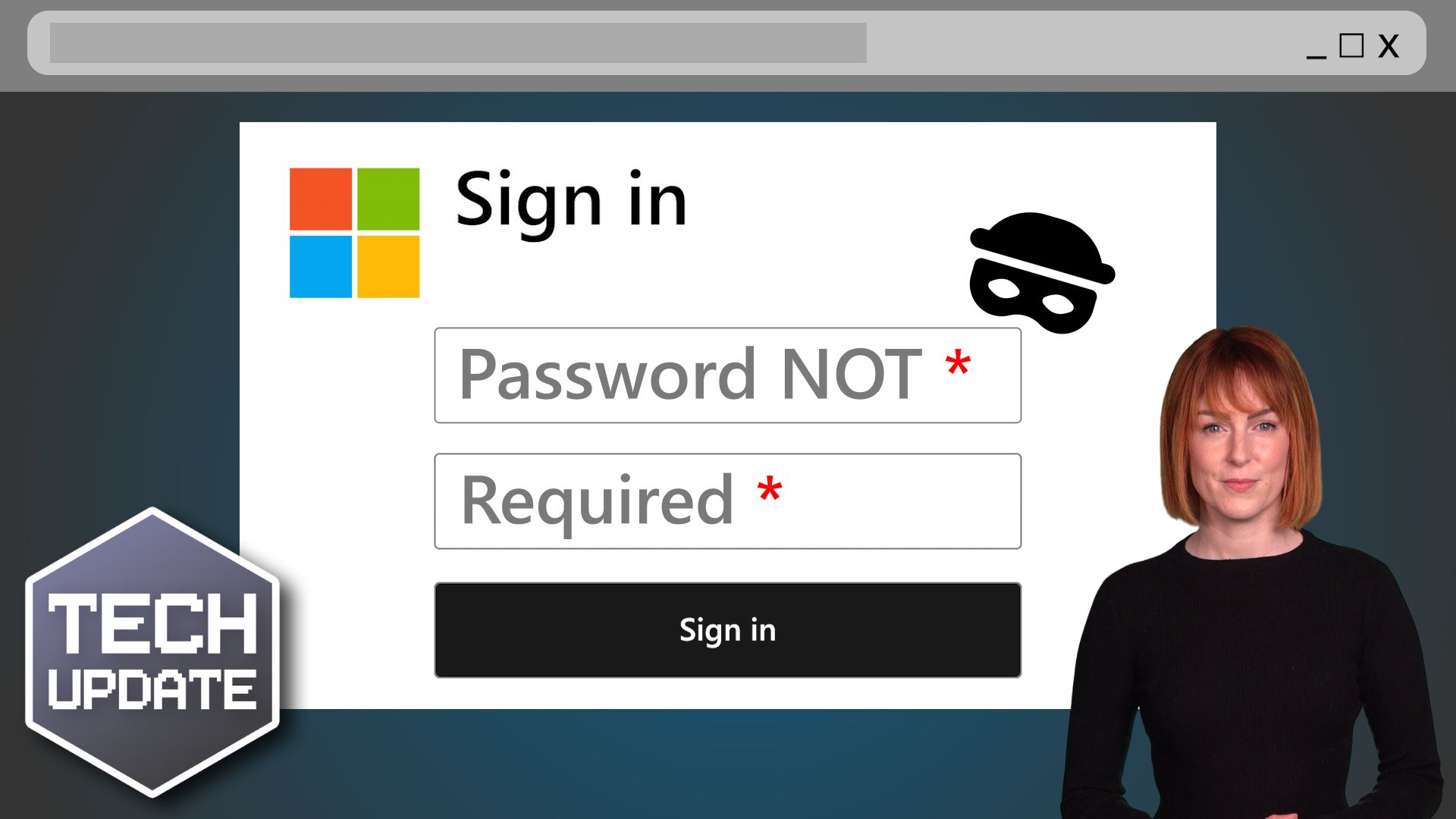
Just when you think you’ve got cyber security sorted for your business, a new scam comes along. This time, cyber criminals don’t even need to trick you out of your password to access your accounts… they can fool you with something called a “device code”.

Tech Tip: How to add your availability to an Outlook Email

Today's Tuesday Two Minute Tech Tip will save you time when arranging meetings. Are you wasting time when trying to book meetings by constantly going back and forth with people trying to find a suitable time? There is a better way to find time for a meeting by using...

Tech Tip: How to managed Focused and Junk email in Outlook

Welcome to a new Tuesday Two Minute Tech Tip that will help you to manage what you see in your Inbox. Are you wondering where your emails have gone? Is something you expect to see in your Inbox not arriving anymore? This video will show you how to:    👉...
OneDrive Backup Tip Video Thumbnail

Tech Tip: Using OneDrive to automate backups

Happy Tuesday everyone! Today's Tech Tip is a tip on how to use OneDrive to automate the backup of Known Folders. Known Folders are what Microsoft call your Documents, Desktop and Pictures folders in your Windows profile. If you are like most people, you will accept...

90% of cyber attacks start with a simple email. Why?

All it takes is one email... Did you know it can just take one email to bring your entire business to its knees? Why? Because a surprising 90% of cyber attacks begin with an email. And if you and your whole team are reliant on email every day, your chances of falling...
Share This
Contact
Love Lane
Cleobury Mortimer
Shropshire DY14 8PE

01299 382 321
[email protected]
Copyright © Blisstech Solution Ltd
Registered No: 08125391 VAT No : 307 5490 05