How to Plan for Upgrading to Windows 11: A Guide • Blisstech Solutions

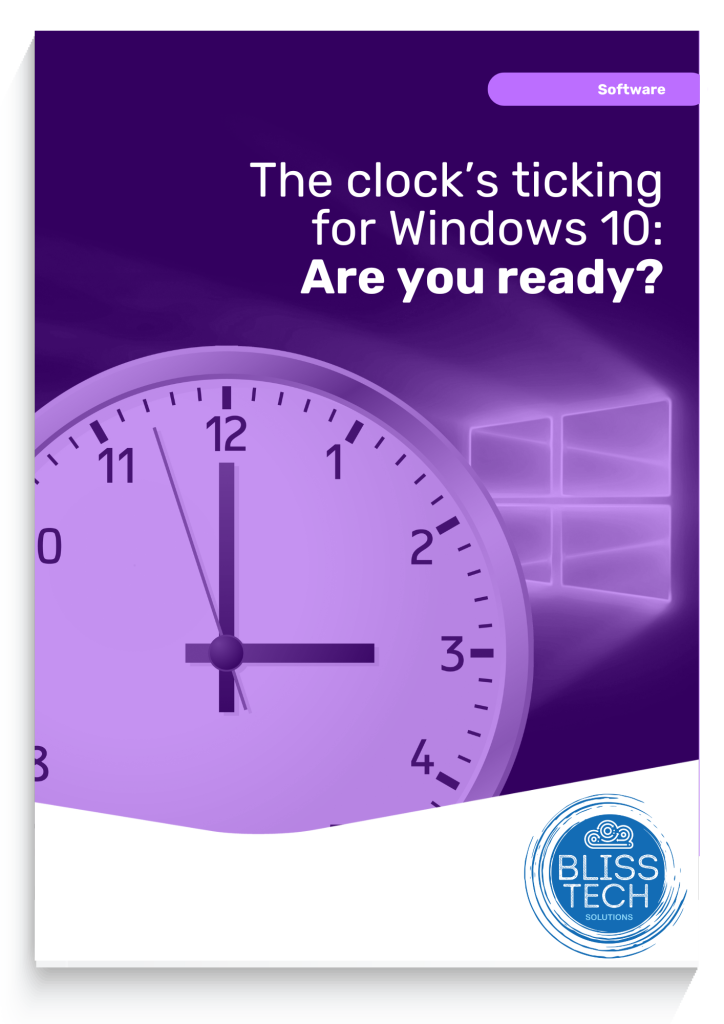
The Clock’s Ticking for Windows 10: Are You Ready?

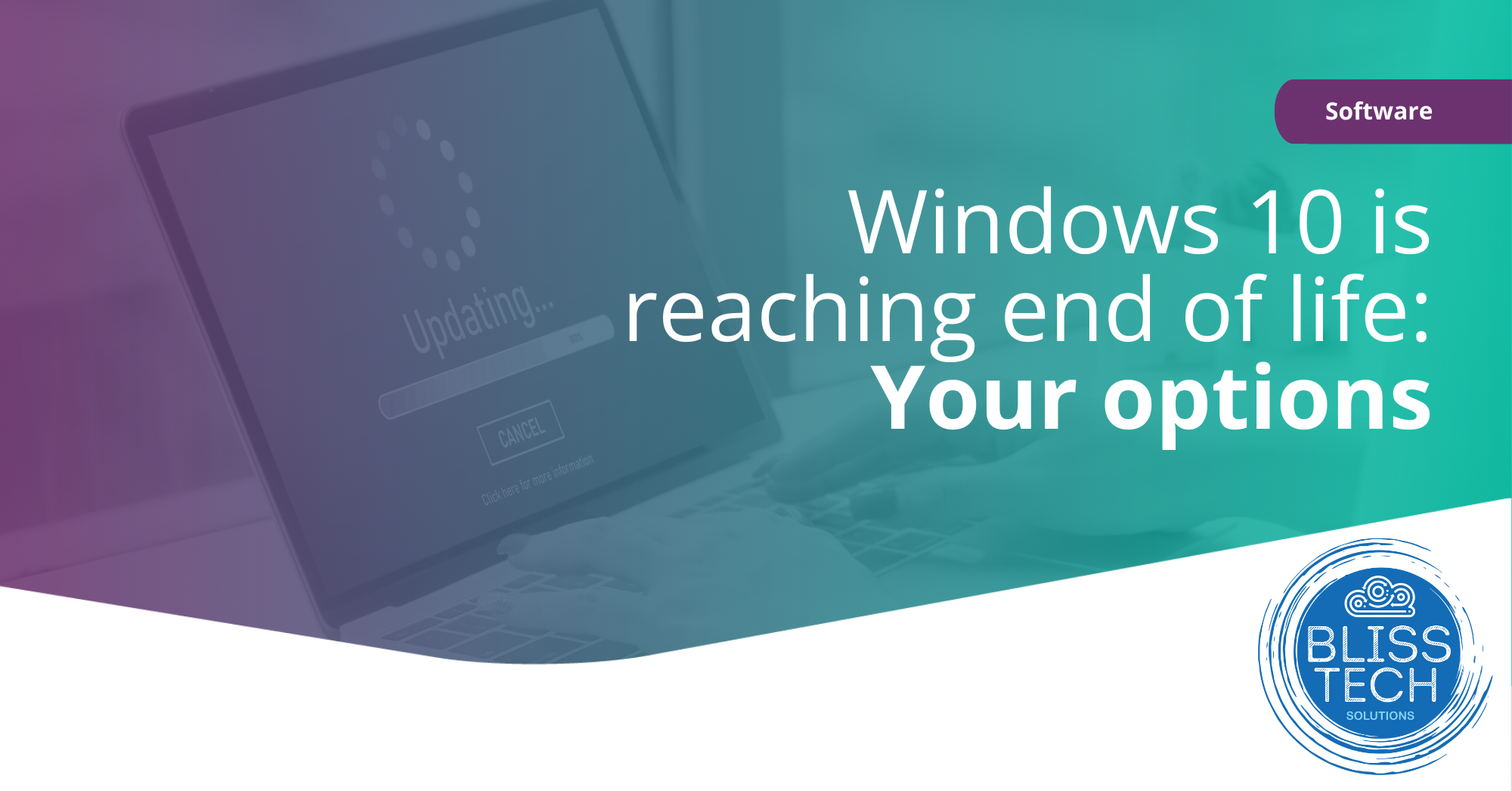
14th October 2025 is the day Microsoft ends free support for Windows 10. This means no new features, no bug fixes, and no more security updates. You can’t risk that.

Why Upgrade to Windows 11?

Windows 11 offers a modern interface, improved performance, and advanced security features. Upgrading ensures you stay ahead of potential security threats and take advantage of the latest technology.

Steps to Upgrade

  1. Check Compatibility: Ensure your hardware meets Windows 11 requirements.
  2. Backup Data: Protect your important files.
  3. Plan the Upgrade: Choose a time with minimal disruption.
  4. Install Windows 11: Follow Microsoft’s instructions.
  5. Post-Upgrade Checks: Ensure everything works correctly.

Call to Action

Don’t wait until the last minute. Download our comprehensive educational guide now to learn everything you need to know about upgrading to Windows 11 and keep your business safe and running smoothly.  If you need professional help and advice, please get in touch.
 

More Content

How to choose the correct hardware for your business

Do you know how to choose the correct hardware for business? Slow isn’t often a word you want to associate with your business. But when your hardware isn’t performing, you’ll hear it a lot. Complaints about PCs, your internet connection, even your network. Not only is...

Browse with confidence: Microsoft Edge’s Enhanced Security

Microsoft is working on a major security update for its Edge browser, which will bring Edge enhanced security to everyone using it.

Tech Tip: How to create a voting poll using Outlook

Welcome to a new Tuesday tech tip video where we will be exploring how to create a voting poll using Outlook and Microsoft Forms. Sometimes, when we need to get people's opinions on something, it can be a bit like herding cats! Maybe we need to get a consensus of...
Beware fake apps containing malware

Beware fake apps containing malware

How do you know the app you just downloaded is really what it claims to be? Even your most careful employees may be fooled. Is your business ready for that risk?

What to do when disaster strikes: Creating an Incident Response Plan

Your business has firewalls, the latest security software, multi-factor authentication, and, of course, uncrackable passwords. You may even have Cyber Essentials—high five. But… It’s still not enough to protect you from 100% of cyber attacks. Completely watertight...
Managed IT Services consultant connects a network cable into switch

What are the benefits of outsourcing IT support?

Have you ever started a DIY task only to wish you had just called in an expert?  Your IT support should be no different. Many business owners think that they can handle their IT systems themselves.  However, unless they have the experience and finger on the pulse of...

Can your business go green by switching to the cloud?

Cloud computing has quickly become a popular option for businesses that want to streamline their operations, reduce costs, and become more flexible. But are you swayed by the idea that cloud services are automatically better for the environment? Could the need to do your bit ‘cloud’ your decision-making? Sorry. Bad pun. It’s true that cloud services have environmental benefits compared …
Read More

Zoom wants to be the new Teams

Zoom is looking for a piece of the MS Teams action with the launch of a whole suite of features and services

How to use Format Painter thumbnail

Tech Tip: How to use Format Painter in Office 365

Welcome to a new Tuesday tech tip video where we will show you how to use a feature of Office applications called Format Painter. If you want to know how to quickly make the content of your Office documents look consistent, then this video will show you how. Format...

Windows 11 optional update: Why it’s better to wait  

Microsoft has just announced an option for people to trial new features before their general release in Windows 11.  This isn’t about fixes to security flaws – everyone gets those at the same time.   This is an opportunity for businesses to jump the queue to receive new features and updates first.  Sound exciting?   Yes!   Worth the risk?   Not quite.  Our …
Read More

Share This
Contact
Love Lane
Cleobury Mortimer
Shropshire DY14 8PE

01299 382 321
[email protected]
Copyright © Blisstech Solution Ltd
Registered No: 08125391 VAT No : 307 5490 05