Have your employees become AI “middleware”? • Blisstech Solutions

AI was supposed to remove repetitive work.

In some businesses, though, something different is happening.

People are spending large parts of their day moving information between systems so the AI can function properly.

Copying notes from one platform into another, checking whether data matches in different apps, rewriting prompts to give an AI tool more context, and manually correcting outputs that almost worked, but not quite.

Sound familiar?

There’s a name for this: Human middleware.

Employees end up acting like the glue holding disconnected systems together.

Once you notice it, you’ll start seeing it everywhere.

Someone downloads information from one system because another can’t access it directly.

A team member pastes customer details into an AI tool to generate a response, then copies the finished result somewhere else.

Data gets checked manually because nobody fully trusts what the systems are producing automatically.

It eats away at time.

The strange thing is that businesses can still feel more productive overall while this is happening.

AI genuinely does help people move faster in many situations. Emails get drafted quicker, reports take less time, and information becomes easier to summarise.

But new layers of admin appear around it.

AI tools often arrive faster than the systems underneath them evolve. A company adds one assistant here, another automation there, a separate AI-powered feature somewhere else… but the tools don’t naturally connect in a smooth way.

So, people bridge the gaps manually.

That creates an odd working environment where employees spend increasing amounts of energy translating between systems instead of doing the work those systems were meant to support.

And that can quickly become exhausting.

You end up with busy days that feel productive on the surface, but a lot of effort is going into coordination rather than progress.

If systems don’t integrate properly, if data quality is inconsistent, or if processes still rely heavily on manual handoffs, AI can sometimes layer extra complexity on top rather than removing it.

That’s why you may need to approach it differently.

Instead of adding isolated tools everywhere, focus on how information moves through the business.

Look at where data lives, how systems connect, and whether people are still spending too much time acting as the translator between technologies.

Ultimately, your team shouldn’t be spending their day helping software talk to other software.

They should be spending their time solving problems, helping customers, making decisions, and doing the work that creates value.

If your employees are constantly switching between apps, correcting AI outputs, or manually stitching workflows together, that’s a sign the technology strategy needs tightening up a little.

Is it time you reviewed your technology to make sure it’s reducing workload, rather than creating more of it behind the scenes? We can help. Get in touch.

More Content

Microsoft’s browser takes back the Edge with streamlined settings

Microsoft’s browser takes the Edge with streamlined settings

Trying to find your way through the Settings menu in Microsoft Edge might leave you overwhelmed but a new update is about to make it easier. Here we tell you how.

The anatomy of a cyber ready business

Cyber Readiness: How to Build a Business That’s Tough to Hack

Why Cyber Readiness Matters Cyberattacks aren’t just a problem for big corporations — cybersecurity for small businesses a growing threat too. A single breach can disrupt operations, damage your reputation, and cost you money. The good news? You don’t need a huge...

Tech Tip: How to create a voting poll using Outlook

Welcome to a new Tuesday tech tip video where we will be exploring how to create a voting poll using Outlook and Microsoft Forms. Sometimes, when we need to get people's opinions on something, it can be a bit like herding cats! Maybe we need to get a consensus of...

Tech Tip: How to use Conditional Formatting in Excel

This Tuesday Two Minute Tech-tip shows you how to automatically add pizzaz to your spreadsheets. Using a feature called 'Conditional Formatting', you can automatically format the cells of your Excel spreadsheet based on what is in them. For example, you can emphasise...
Protect your business from a data leak with Microsoft Edge

Protect your business from a data leak with Microsoft Edge

Keeping your data away from the wrong hands is a big challenge. But thanks to Microsoft Edge for Business, it’s just become easier. Here we tell you why.

There’s only one thing you can rely on cybercriminals for

There’s only one thing you can rely on cybercriminals for

It might sound like good news when cybercriminals turn on each other.
But it doesn’t make things safer.
Some are offering to “help” victims caught in the middle, which sounds tempting until you think about it properly…

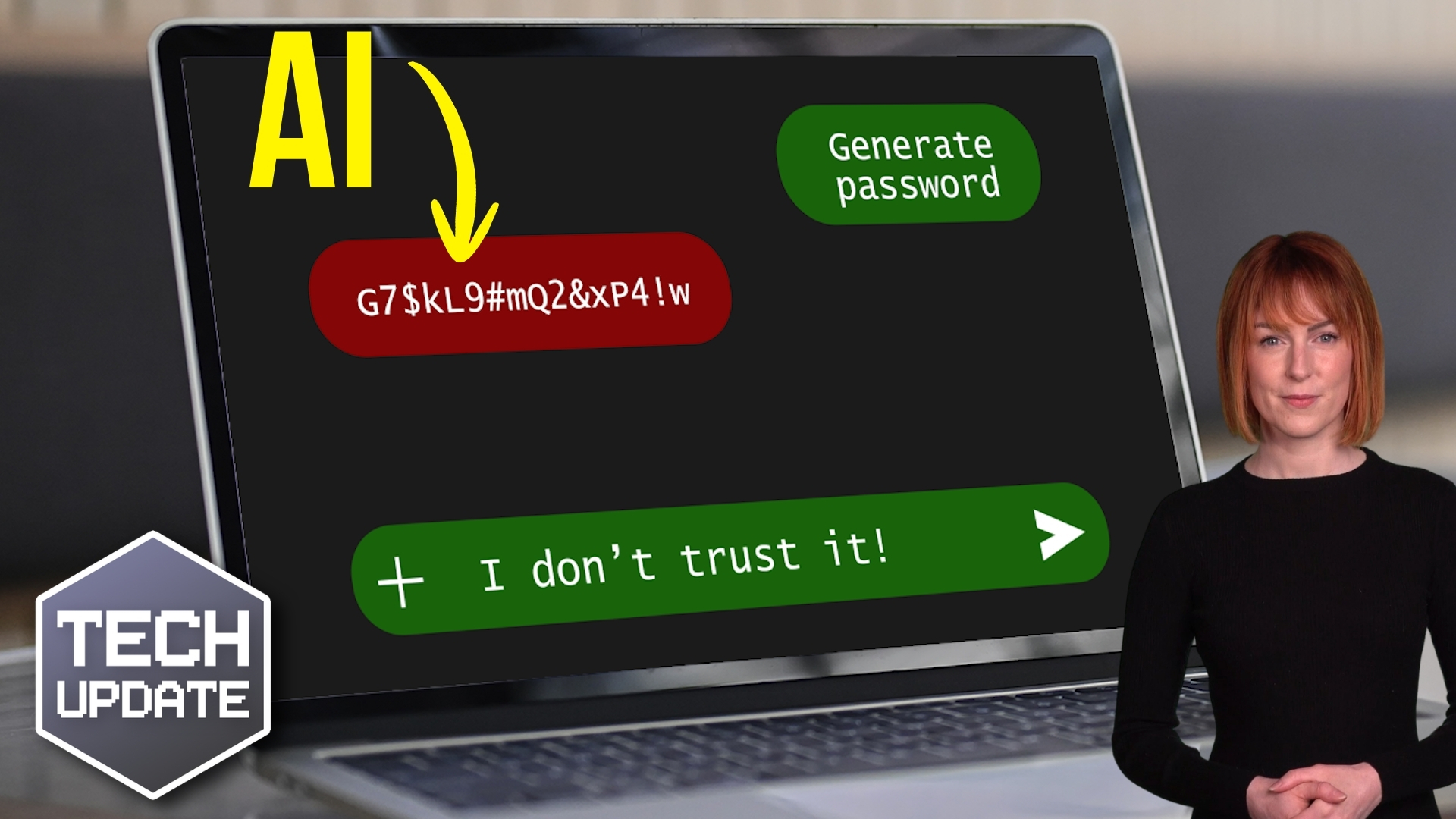
Don’t trust AI with this security essential

Don’t trust AI with this security essential

Are the passwords protecting your business as strong as you think they are?
There’s a growing shortcut that looks clever on the surface, and feels efficient, but could weaken your security without you realizing.
If you’re using AI in your business, this is something you need to understand…

Tech Tip: How to check if your device is compatible with Windows 11

Welcome to a new Tuesday tech tip video. In it, I will show you how to check if your device is compatible with Windows 11. With Microsoft's termination of support for Windows 10  in October 2025, it's crucial for business leaders to proactively plan for the transition...

You’ve made the switch, now make the most of Windows 11

You’ve upgraded to Windows 11. Great move! But now you might be thinking… what’s changed? How do I help my team get to grips with it without loads of hassle? The good news: Windows 11 is faster, smarter, and designed to make life easier (and more secure). Our latest...
A woman looking at her phone while working from home

Homeworking is bad for IT security

A new homeworking security report from CyberArk has surveyed 3000 remote office workers and IT professionals. It finds that increased homeworking, resulting from the 2020 pandemic, could be bad news for a company’s IT security posture. It has uncovered several...
Share This
Contact
Love Lane
Cleobury Mortimer
Shropshire DY14 8PE

01299 382 321
[email protected]
Copyright © Blisstech Solution Ltd
Registered No: 08125391 VAT No : 307 5490 05