Teams update: No more accidental quitting • Blisstech Solutions

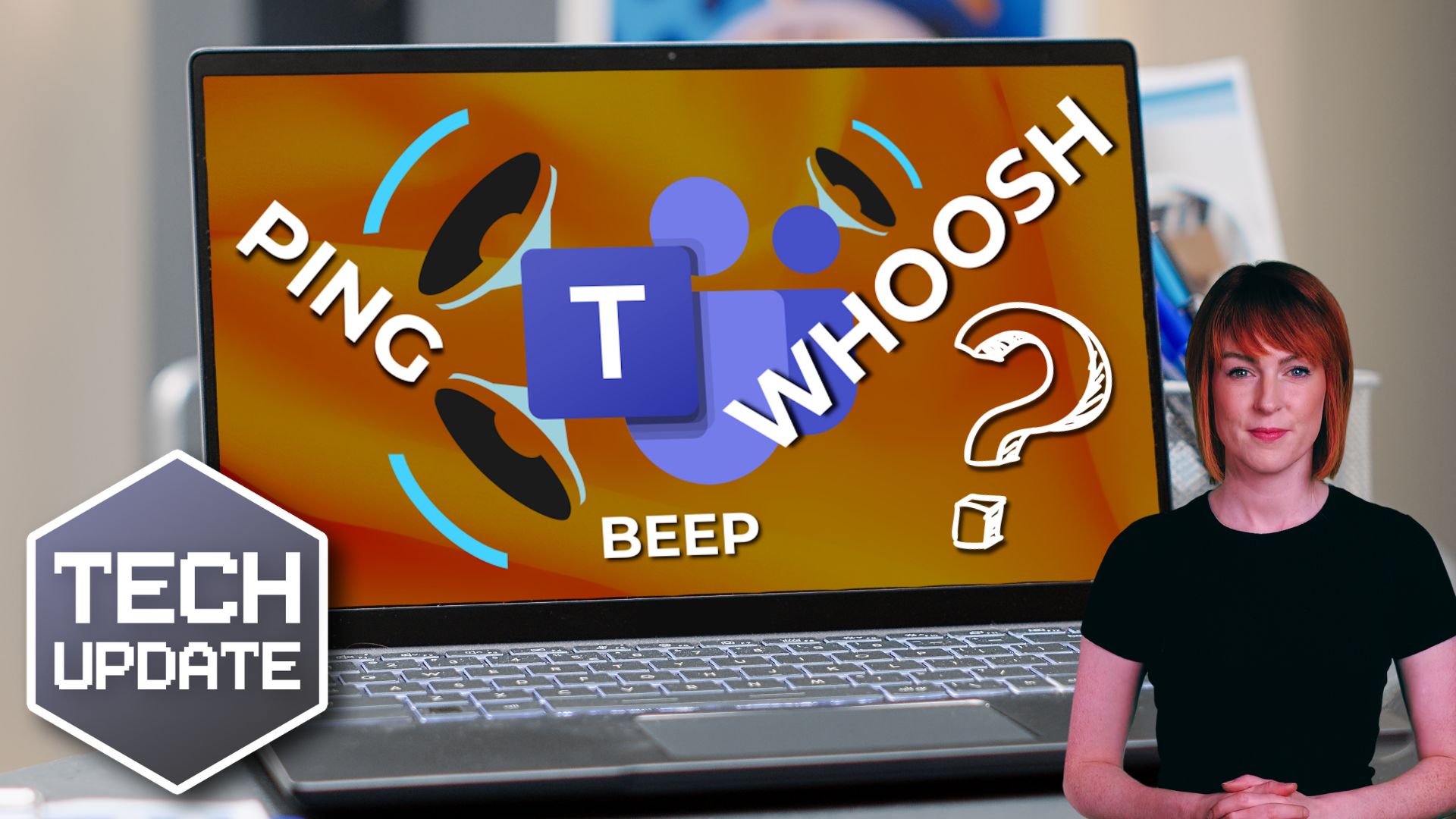
Have you ever accidentally left a Teams meeting?

You go to click something, maybe Share to present your screen, and suddenly you’re staring at your desktop while everyone else is still mid-conversation.

Awkward.

For a long time, that was a perfectly believable excuse.

The Quit option in Microsoft Teams has caught out plenty of people, especially in fast-paced meetings where you’re clicking quickly between controls.

Enough people complained that Microsoft has finally decided to fix it.

Microsoft said it would introduce an alternative way to quit a meeting using the system tray (that’s the small area down by the clock on your Windows desktop). And it’s delivered.

The idea is simple: Move Quit away from the main cluster of meeting controls so you’re less likely to click it by mistake.

If you use the desktop version of Teams, you should already see the change automatically. There’s nothing your IT team needs to switch on.

It’s not a dramatic update.

But it’s one of those small improvements that removes daily friction.

Now, just to manage expectations, this doesn’t completely eliminate the risk of clicking the wrong thing.

If you’re aiming for “Share” and misclick “Leave”, you could still drop out of the meeting. We’re not living in a perfect world just yet.

However, there’s a useful setting many people don’t know about.

Inside Teams, if you go into Settings, then General, there’s an option to turn on a confirmation message before leaving a meeting.

That extra “Are you sure?” step can save you from disappearing at exactly the wrong moment.

While we’re on the subject of small-but-helpful changes, Microsoft is also rolling out another update that will let you hide the meeting toolbar during calls.

That means more screen space and fewer distractions while you’re presenting or focusing on content.

If your people rely on Teams every day, these incremental updates reduce embarrassment, reduce disruption, and make virtual meetings feel just a bit more polished.

And if you’ve ever vanished mid-sentence from an important call, you now have one less excuse.

If you’d like to learn about other small-but-mighty features that could help everyday work, get in touch.

More Content

Windows 11 will warn you if someone’s snooping

Windows 11 Onlooker Detection will warn you if someone’s snooping

You know that feeling that someone’s looking over your shoulder?
When you’re working, it’s not just creepy, it’s a security issue. But Microsoft’s working on a very cool feature in Windows 11 that will stop people snooping at your work. Here’s what we know so far…

Browse with confidence: Microsoft Edge’s Enhanced Security

Microsoft is working on a major security update for its Edge browser, which will bring Edge enhanced security to everyone using it.

Outlook will flag your most important emails

Outlook will flag your most important emails

Your inbox is about to get a powerful new ally. Find out how Outlook’s latest feature could help you cut through the noise of junk and spot the emails that really matter (and save time too)…

Here’s how to fix that Windows 11 File Explorer glitch

Here’s how to fix that Windows 11 File Explorer glitch

Is your business running version 24H2 of Windows 11? You might be experiencing a small but annoying glitch when clicking “See more” in File Explorer. Here’s how to fix it.

1 in 4 people struggle with password overload. Here’s the answer

1 in 4 people struggle with password managment. Here’s the answer

Struggling from password overload? You’re not alone, and it’s putting your business at risk of data theft. Good news: There’s a very simple solution and we’ll tell you all about it.

@ symbol with a hook through it

Anti-virus programs aren’t enough

Today, many business owners install an antivirus program as their single line of defence and call it a day. However, there are many ways to get into a network that circumvents anti-virus. Hackers are creating malware faster than anti-virus programs can recognise them...
Relying on Windows 10 extended support? Time to upgrade

Relying on Windows 10 extended support? Time to upgrade

Still relying on Windows 10 with Extended Security Updates?
Your safety net has an end date and it’s approaching fast.
When it disappears, so does your protection.
If Windows 10 is still part of your business setup, now’s the time to start thinking ahead…

Why now is a great time to start your own business

"I can accept failure, but I can't accept not trying." - Michael Jordan We are living in unprecedented times.  People are being prevented from leaving their homes and the average worker has been sent to work from home, put on reduced hours, or worse.  It is...
Beware that “support call” – it could be a ransomware scam

Beware that “support call” – it could be a ransomware scam

Would your employees give an unknown caller access to your business devices? But what if they got a Teams chat from someone posing as Microsoft support? Here we tell you all about a new ransomware scam

Is data security your top priority?

Is data security your top priority?

Most businesses believe their data security is under control. But confidence and reality don’t always line up.
As companies grow, systems multiply, cloud apps get added, older platforms stay in place, and access permissions stack up.
And that increases risk…

Share This
Contact
Love Lane
Cleobury Mortimer
Shropshire DY14 8PE

01299 382 321
[email protected]
Copyright © Blisstech Solution Ltd
Registered No: 08125391 VAT No : 307 5490 05