Beware that corrupted email attachment: It could be a scam • Blisstech Solutions

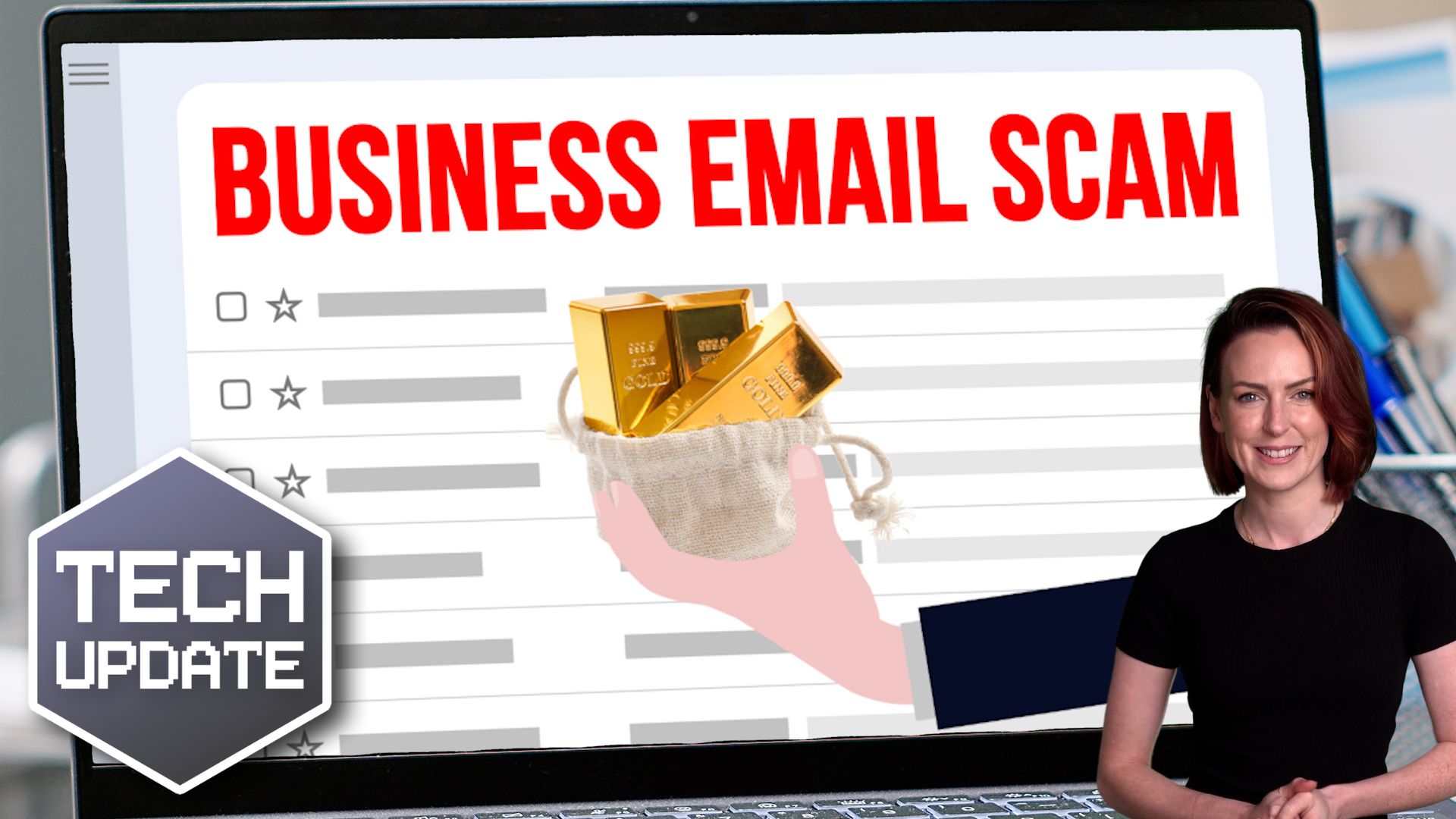
You’re scanning your inbox and spot a critical email with a Word document attached. Maybe it’s an invoice, a message from a supplier, or even a request from a colleague. You open it without thinking twice, and you’ve been scammed just like that.

This scenario is exactly what cybercriminals are counting on. Now, they’ve devised another way to bypass even the most advanced email security filters—this time, using corrupted Microsoft Word files.

It’s a clever and dangerous tactic.

Phishing (pronounced “fishing”) is where scammers try to trick you into giving away sensitive information, like passwords or bank details. They “bait” you with an email that looks legitimate, maybe from your bank, a co-worker, or a company you trust.

These emails often include attachments or links. When you open the attachment or click the link, you could be downloading malicious software (malware) or visiting a fake website designed to steal your details.

Phishing attacks are constantly evolving, and they’re now one of the most common ways scammers break into businesses. Email security filters are usually pretty good at scanning attachments. But since corrupted files can’t be analysed properly, the Word file is able to sneak into your inbox.

When you open one of these corrupted files, Microsoft Word will “repair” it and show you what looks like a normal attachment. But the document will contain a malicious QR code or link that sends you to a phishing site (often a fake Microsoft 365 login page). If you enter your details, scammers could have access to your account – and potentially your entire business.

Stealing just one employee’s login details can be enough. With access to your cloud systems, scammers could get hold of sensitive customer data, lock your team out of essential files, or even send phishing emails from your account to trick your contacts.

If this happens to you, it could be catastrophic. Your business could face financial losses, legal consequences, and a damaged reputation that could take a long time to rebuild.

Cyber attacks are getting more complicated. But you don’t need a degree in cyber security to help keep your business safe.

The best protection is awareness and caution.

Here are some steps you can take:

  • Slow down and think twice before opening attachments or clicking on links
  • If an email seems urgent, beware – scammers like to rush you, so you’ll act without thinking
  • If you’re not sure an email is legit, check with the person or company that the email seems to be from
  • Never trust an attachment or link just because it looks professional

Most importantly, make sure you educate yourself and your team about what phishing is, why it’s dangerous, and how to recognise the warning signs.

We help businesses like yours with this every day. If you’d like us to help you too, get in touch.
More Content

Tech Tip: How to add a mailbox to Outlook

Welcome to our latest tech tip blog post! In this article, we will be discussing how to add a mailbox to Outlook, a widely used email client that allows users to manage multiple email accounts in one place. Whether you're new to Outlook or just need a refresher, this...

IT Managed Services for HR and Recruitment

Technology has significantly impacted businesses involved with human resources, changing how HR and recruitment organisations and professionals operate. Technology has automated many administrative tasks, has made it easier for HR and recruitment professionals to...
Beware the next generation of phishing attacks

Beware the next generation of phishing attacks

Most phishing scams still feel a little… amateur.
But the next shift is dangerous.
Attackers are changing how scams are built, not just how they’re sent. And the signs people have been trained to look for won’t always be there anymore…

Beware these free tools – they may be hiding ransomware

Beware these free tools – they may be hiding ransomware

Need to change a file from one format to another? Easy, just Google a file converter, right? Stop! That may not be as safe as it seems. Find out why here…

Microsoft takes the pain out of updates

Microsoft takes the pain out of updates with checkpoint cumulative updates

Updates are a pain, right? Time consuming and disruptive. Not anymore… Here we tell you how Microsoft’s latest Windows 11 update is making things quicker and easier.

Slow PCs? Manage which applications launch at startup

Slow PCs? Manage which applications launch at startup

Your PC might be frustratingly slow because too many applications are starting up when you hit the power button. Windows 11 has a new solution to tell you when new apps are added to your startup list. We have all the details.

Tech Tip: How to share files securely in Teams

Welcome to a new Tuesday tech tip video where we will be exploring how to share files securely with people outside of your organisation using Microsoft 365 and Teams. Microsoft Teams is a powerful tool that allows for seamless collaboration and communication within an...

Cyber attacks are getting bigger and smarter. Are you vulnerable?

Recently, the biggest ever DDoS attack was reportedly blocked. Worse still, more businesses are being targeted with criminals demanding huge ransoms

Tech Tip: How to Share Large Files for Free with WeTransfer

Welcome to a new Tuesday tech tip video where I will show you how to transfer large files using WeTransfer. Do you ever have trouble sending large files through email? Email servers have size limits, so you can't just attach a big file and send it off. This can be a...
Warning: That antivirus website could be a fake

Warning: That antivirus website could be a fake

Scammers have been creating replica antivirus downloads that steal your data instead of protecting it. Here’s what you need to watch out for…

Share This
Contact
Love Lane
Cleobury Mortimer
Shropshire DY14 8PE

01299 382 321
[email protected]
Copyright © Blisstech Solution Ltd
Registered No: 08125391 VAT No : 307 5490 05