What to do when disaster strikes: Creating an Incident Response Plan • Blisstech Solutions

Your business has firewalls, the latest security software, multi-factor authentication, and, of course, uncrackable passwords.

You may even have Cyber Essentials—high five. But… It’s still not enough to protect you from 100% of cyber attacks.

Completely watertight security would make your system almost impossible to use. There needs to be a balance.

Don’t just focus on avoiding cyber attacks – create an Incident Response Plan that details what you’d do if your business were hit by one. This gives you the best chance of a quick, pain-free recovery if the worst happens.

In our latest guide, we tell you everything to consider, to create a strong Incident Response Plan for your business… and how to turn a potential nightmare into an inconvenience.

Download your free guide today, and if you need professional help and advice, please get in touch.
Guide image


More Content

SHOCK STAT: A third of business owners don’t trust their staff

SHOCK STAT: A third of business owners don’t trust their staff

Do you trust your employees with sensitive business data? You might be shocked to learn how many business owners don’t. But why… ? We have the answers.

Beware that “support call” – it could be a ransomware scam

Beware that “support call” – it could be a ransomware scam

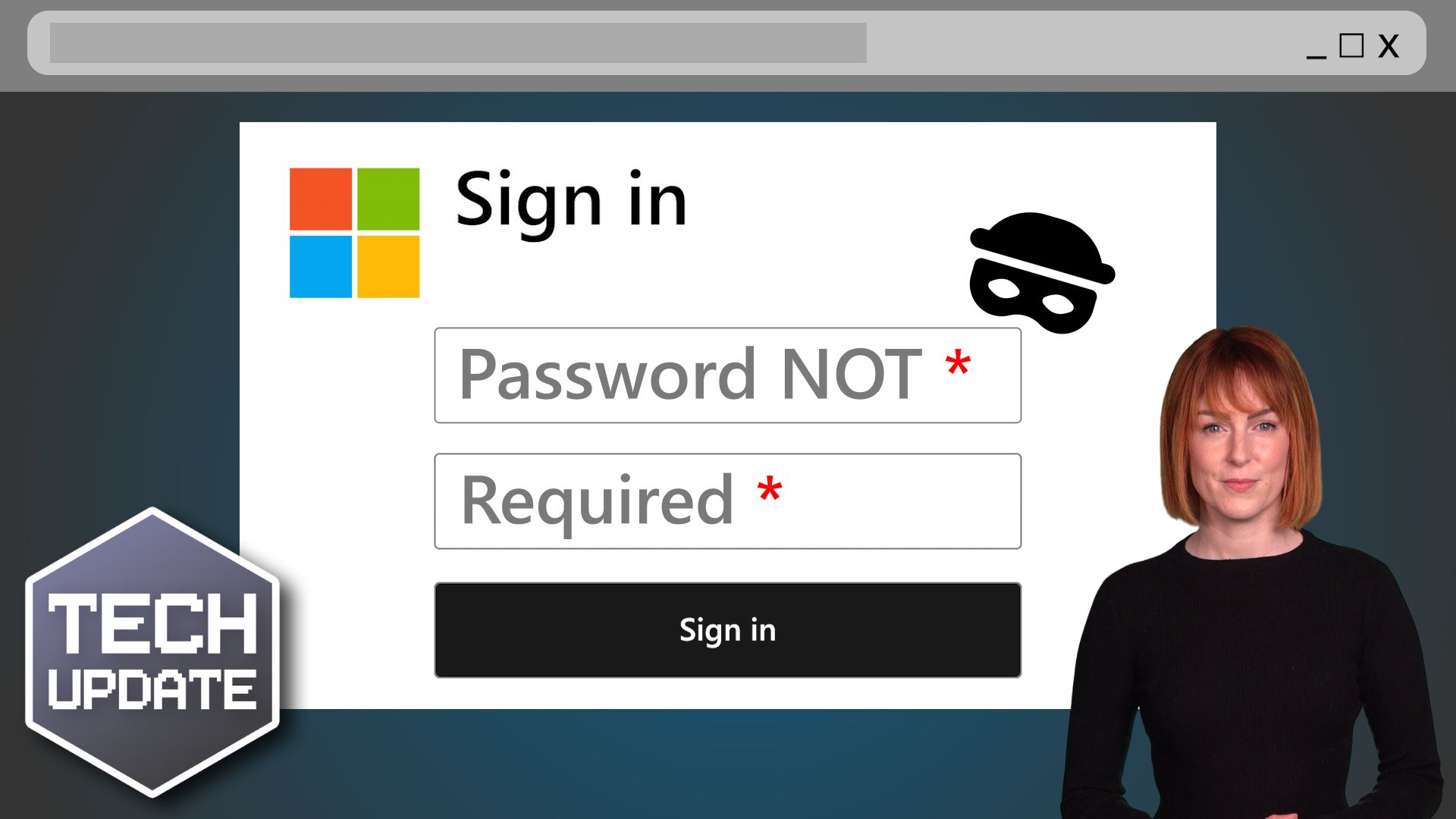
Would your employees give an unknown caller access to your business devices? But what if they got a Teams chat from someone posing as Microsoft support? Here we tell you all about a new ransomware scam

Tech Tip: How to use a Password Manager

This Tech Tip is a tip on how to manage your passwords. It's a long tip this week, but that's because there is a lot to tell! With so many things being done online now, passwords are needed constantly.  But with the advice that every password should be unique and not...

Tech Tip: How to add your availability to an Outlook Email

Today's Tuesday Two Minute Tech Tip will save you time when arranging meetings. Are you wasting time when trying to book meetings by constantly going back and forth with people trying to find a suitable time? There is a better way to find time for a meeting by using...
Windows 11 on a Laptop Screen

What’s coming in Windows 11?

Microsoft has just announced (in a typically 'West Coast'​ way) what's coming in Windows 11.  Here is a rundown of what was announced at the event. Windows 11 Interface Design The first impression visually is that it looks kind of like Linux merged with Mac OSx. The...

Tech Tip: How to use Copilot AI to Create Presentions

Welcome to a new Tuesday tech tip video. In it, I'll show you how to leverage the power of Microsoft 365 Copilot AI and PowerPoint to streamline your presentation creation process. Whether you're a seasoned professional or new to creating presentations, this video...

Windows is the prime target for cyber criminals

With its huge dominance in the workplace, Microsoft’s Windows has become the prime target for cyber criminals.

Tech Tip: How to Tidy up Copied Data in Excel

This Tuesday Two Minute Tech-tip shows you how to tidy up data in Excel spreadsheets. Do you have data in a messy format and need to change it so it is organised? Have you ever received data in Excel or in a text file or Word document and wanted to change it from rows...

When can you finally forget your password?

Passkeys are set to take over from traditional passwords to give us a safer, more secure way of logging into our online accounts.

Tech Tip: How to Work with Files in Teams

Good morning everyone. Welcome to another Tuesday Two Minute Tech Tip! This is another tip for Microsoft Teams on how to work with files in Teams. Did you know you can use Teams like a file server to store and work on files across your whole business? MS Teams is not...
Share This
Contact
Love Lane
Cleobury Mortimer
Shropshire DY14 8PE

01299 382 321
[email protected]
Copyright © Blisstech Solution Ltd
Registered No: 08125391 VAT No : 307 5490 05