5 steps to help recover from a cyber attack • Blisstech Solutions

Read this BEFORE you get hit with a cyber attack

The worst time to decide how to deal with a cyber-attack is when you’re in the middle of one.

Unfortunately, you’ll probably need to deal with it eventually—small and medium-sized businesses are prime targets for cybercriminals.

It’s a good idea to plan now so that if the worst happens, you and your team are prepared to minimise the damage caused, the money spent, and the downtime suffered.

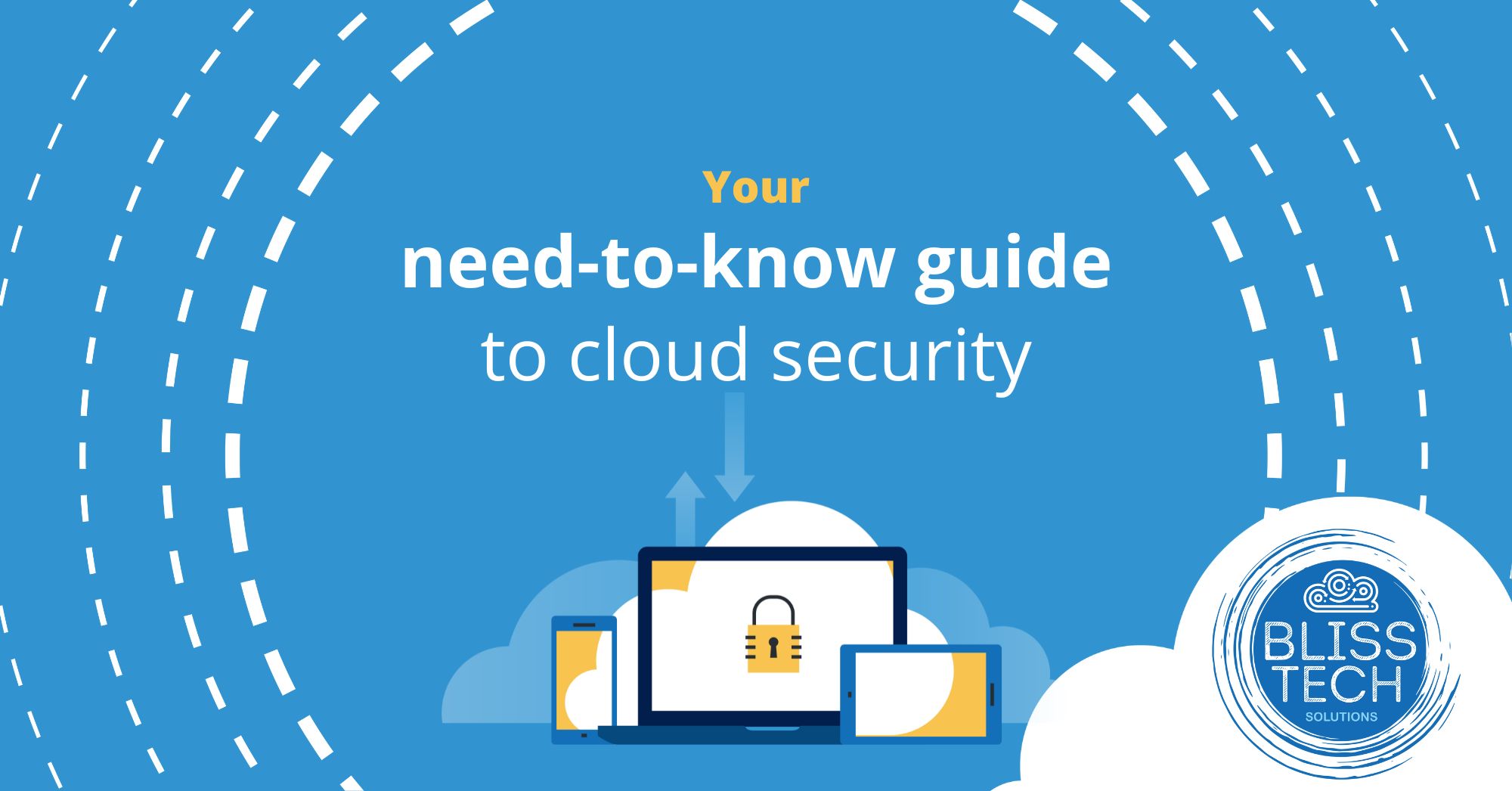
Our latest guide highlights five steps to stop cyber criminals from causing the downfall of your business.

Download your free guide today, and if you need professional help and advice, please get in touch.

More Content

A woman on a laptop with a shield and lock on the screen

Why you should use a password manager

Introduction It can be difficult to keep track of all of your online passwords, especially if you have multiple accounts for different purposes.  But did you know that there is a way to keep all of your passwords safe and secure? A password manager such as LastPass...

SharePoint made simple: How to supercharge your business

Still juggling files across laptops, Dropbox, and endless email chains? That chaos is costing you time, money, and sanity. Our latest guide shows you how to swap the mess for one secure, central hub where your team can collaborate seamlessly. Without stress or...

Tech Tip: How to use Pivot Tables in Excel

Welcome to Tuesday's Two Minute Tech Tip where Matt shows you how you can explore your Excel data using the power of Pivot Tables. Pivot Tables are a powerful feature of Excel that allows you to manipulate your flat Excel data to perform calculations and create charts...
New member of staff… new security risk?

New member of staff… new security risk?

New employees are a prime target for cybercriminals. They don’t know the ropes yet, and the chances of them becoming a victim are high. Here’s what smart businesses are doing about this problem…

Tech Tip: Avoid this OneDrive AutoSave Pitfall

Welcome to a new Tuesday tech tip video. In it, I explain a OneDrive AutoSave pitfall that you should learn to avoid. If you use Microsoft Office applications and store your data in OneDrive, you are probably familiar with the AutoSave feature. This does precisely...

Tech Tip: How to create a scheduling poll using Outlook

Welcome to a new Tuesday tech tip video where we will be exploring how to create a scheduling poll using Outlook. You know what it's like when you are trying to get everyone together for a meeting. Trying to find a time that suits everyone can be a real pain! There...
80% of malware is powered by AI

80% of malware is powered by AI

Cybercrime is evolving fast… and AI is changing the game for both hackers and how we defend against them. Is your business ready for this?

Start it on your phone… finish it on your PC?

Start it on your phone… finish it on your PC with “Hand Off”

If you work on your phone while you’re on the move, it can be a hassle to find the right file once you’re back at your PC. Here we tell you about a cool new feature coming to Windows 11 that will help.

A woman looking at her phone while working from home

Homeworking is bad for IT security

A new homeworking security report from CyberArk has surveyed 3000 remote office workers and IT professionals. It finds that increased homeworking, resulting from the 2020 pandemic, could be bad news for a company’s IT security posture. It has uncovered several...

Windows 12 is coming… here’s what we know so far

While Windows 11 is only just celebrating its first birthday, we’re already hearing our first rumours about what Windows 12 will have in store. There’s no rush for the time being – we won’t see this new operating system until the back end of 2024 – but we love to be ready for what’s coming next, so here’s what we know …

Share This
Contact
Love Lane
Cleobury Mortimer
Shropshire DY14 8PE

01299 382 321
[email protected]
Copyright © Blisstech Solution Ltd
Registered No: 08125391 VAT No : 307 5490 05