Windows update makes is easy to sign out of Windows 11 again • Blisstech Solutions

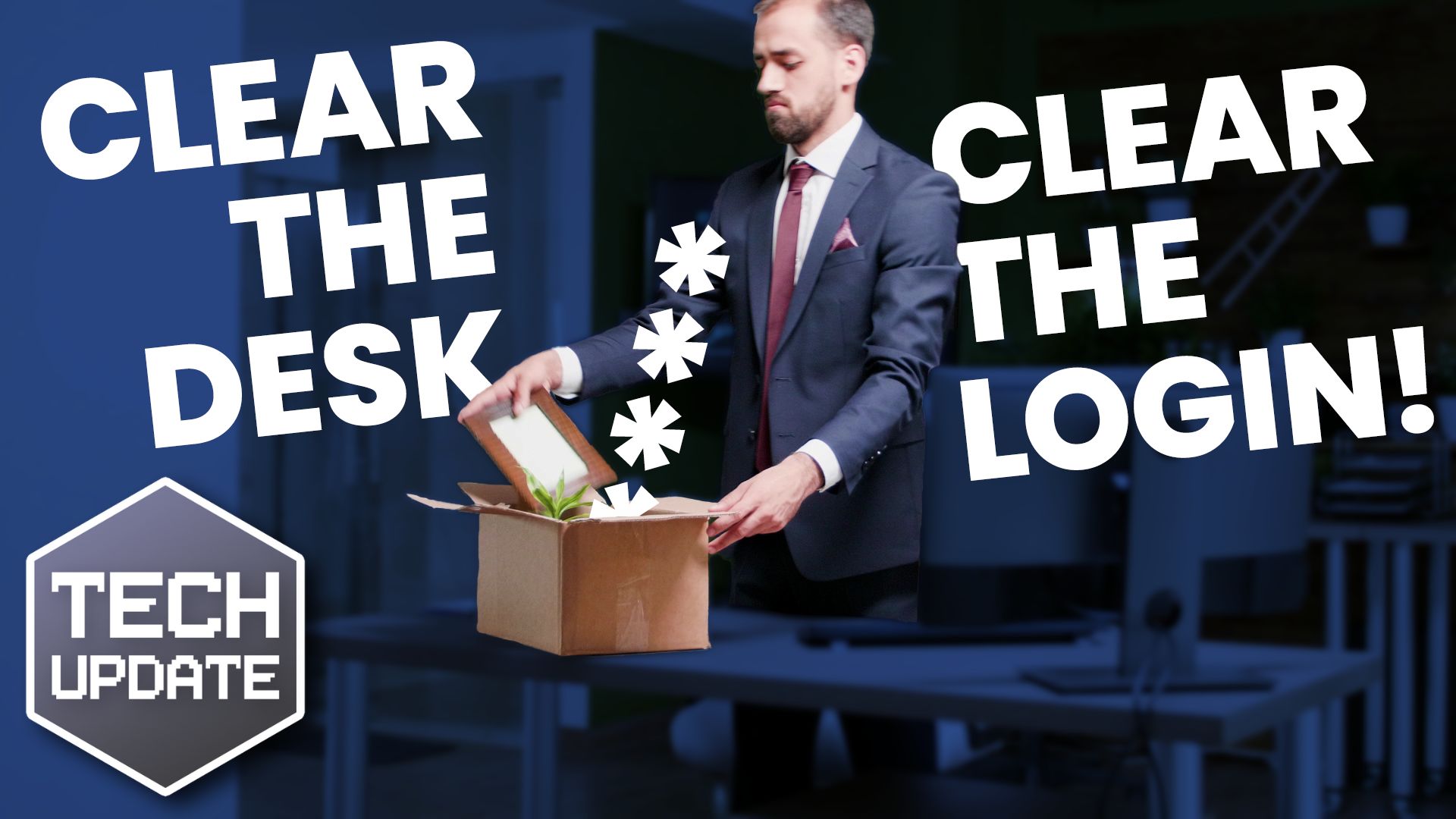
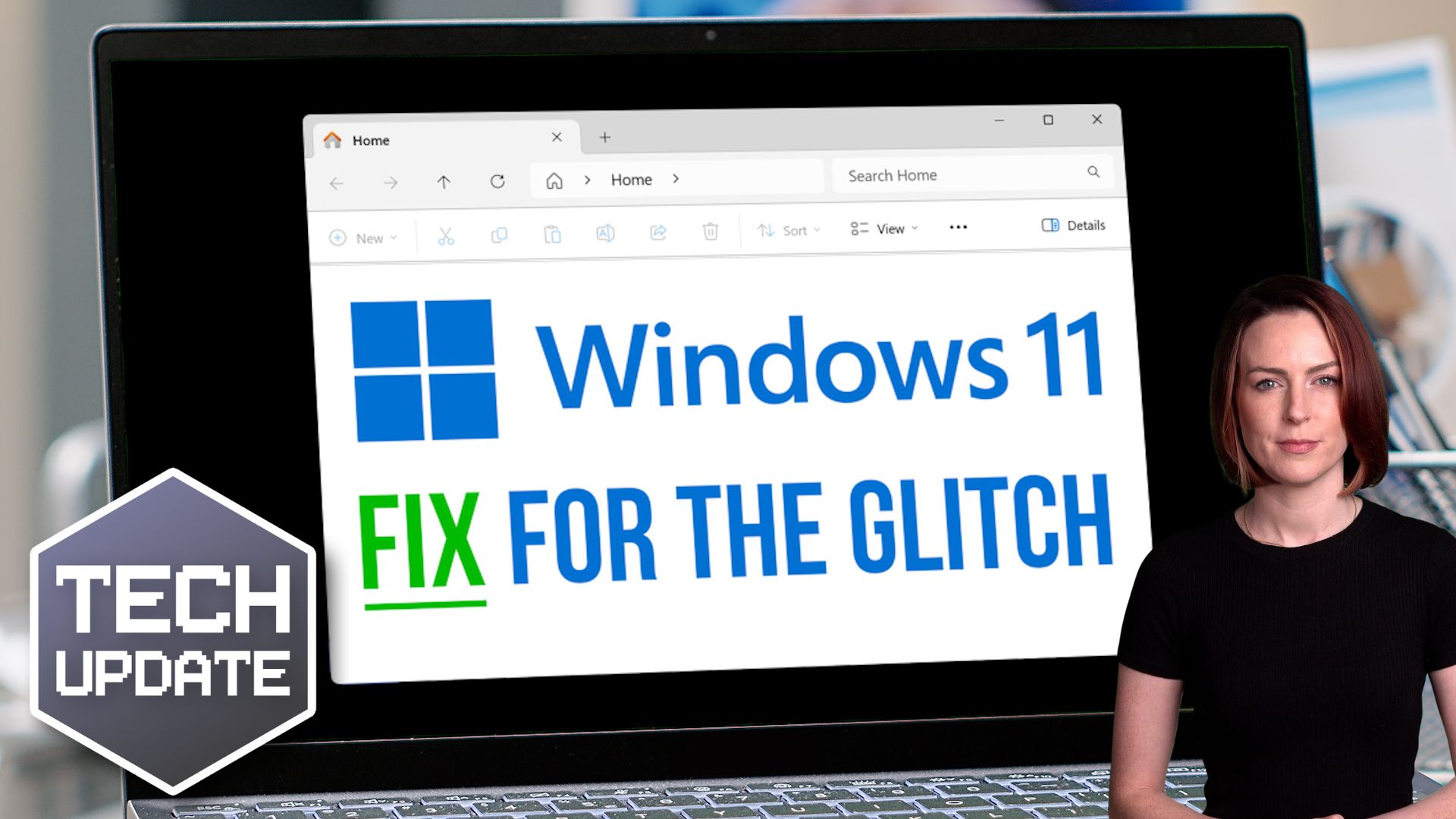
Microsoft recently made changes to the Start menu – and it caused a bit of an uproar as it made it harder to sign out of Windows 11.

Here’s what happened: Microsoft tried streamlining the Start menu by grouping related settings. But they tucked the sign out option behind a three-dot menu, creating confusion for people trying to log out of their accounts.

Thankfully, Microsoft has listened to feedback and is now testing an update that will restore the sign-out button to its previous position, making it easier to sign out of Windows 11.

This is good news for teams that have multiple profiles set up on one computer, as it makes it easier to switch between accounts again.

These changes are part of a broader update to Windows 11 that’s currently being tested. The update will also bring new features like media controls on the lock screen for playing music or videos and the ability to share files directly from your search results.

These updates are great examples of small changes that can positively impact how your team works.

Is it time for you to move your business to Windows 11? We can help you get started; get in touch.

More Content

Beware fake apps containing malware

Beware fake apps containing malware

How do you know the app you just downloaded is really what it claims to be? Even your most careful employees may be fooled. Is your business ready for that risk?

Is your team using AI well? Copilot can tell you

Is your team using AI well? Copilot can tell you

You’ve adopted Copilot in your business. You know the potential benefits are huge.

But is your team as enthusiastic about using it as you are?

This new feature will tell you…

How To Secure Your Business When Remote Working

The global COVID-19 crisis means that more people are remote working than ever before.  Businesses rushed to enable their employees to work from anywhere very quickly, which may include access to sensitive company data.  In the rush to stay operational during the...

Tech Tip: How to managed Focused and Junk email in Outlook

Welcome to a new Tuesday Two Minute Tech Tip that will help you to manage what you see in your Inbox. Are you wondering where your emails have gone? Is something you expect to see in your Inbox not arriving anymore? This video will show you how to:    👉...

Windows 11 Upgrade Requirements

The termination of support for Windows 10 by Microsoft in October 2025 means that business leaders need to plan for the transition to Windows 11, and this means understanding the Windows 11 upgrade requirements. Upgrading from Windows 10 to 11 is free, however,...

Time to move your business to the cloud?

Still relying on office computers? It’s time to move your business to the cloud. A few years ago, running your business using data and apps stored on office computers—or a dusty server in the cupboard—might have worked. But times have changed. With remote teams and...

Microsoft 365 makes Multi-Factor Authentication easier

Microsoft is planning to enable Multi-Factor Authentication (MFA) directly in its Outlook app for many 365 business users.

Windows Hello gets a new look and improved security

Windows Hello gets improvments in security usability

Is your business using Windows Hello yet? It offers easier and more secure login methods – and it’s about to get an upgrade. Here’s what’s changing.

Secure your data under lock and key

Your business's data is invaluable. Without it, you wouldn’t have much of a business, would you? So that data must be kept safe… and one of the best ways to do that is to encrypt it. That way, even if a cybercriminal gets their hands on it, your data is worthless to...

Tech Tip: How to add a FROM address in Outlook NEW

Welcome to a new Tuesday tech tip video. In it, I will show you how to add a FROM address (or alias) in the new version of Outlook. Microsoft's new version of Outlook, imaginatively titled Outlook New, is very different in look and feel from the Outlook we've all...
Share This
Contact
Love Lane
Cleobury Mortimer
Shropshire DY14 8PE

01299 382 321
[email protected]
Copyright © Blisstech Solution Ltd
Registered No: 08125391 VAT No : 307 5490 05