How to help your people be AI confident • Blisstech Solutions

How do your team really feel about using AI at work?

Are they excited?

Nervous?

Maybe a bit of both?

A new study has revealed just how widespread AI has become in the workplace. And how mixed people’s feelings still are about it.

Four in five workers now use some kind of AI tool in their day-to-day role. More than half are using AI assistants regularly to save time. But that doesn’t mean everyone’s comfortable with it.

Some employees worry they’ll be seen as lazy or untrustworthy for leaning on AI. Others feel judged or second-guessed by colleagues when they do.

It’s a strange situation. People trust AI to help them, but they don’t always trust how others will react to them using it.

The truth is, AI is here to support people. It’s important to see AI as a partner. A tool to help us focus on what we do best. To focus on strategy, creativity, and problem-solving.

But for that to happen, people need to feel confident using it. And that’s where many businesses are falling behind.

Only one in three workers have had any formal AI training. Most are figuring it out by trial and error. And that can lead to uncertainty, mistakes, and mistrust.

Managers tend to feel more confident (around 70%), but that confidence drops sharply among junior staff, where only about a third feel the same way.

So what’s the solution?

Like many other things, it starts with culture. Business owners and managers need to create an environment where experimenting with AI is encouraged, not judged.

Show your team that using AI tools isn’t cheating. It’s smart working.

Give them opportunities to learn, whether through formal training, internal workshops, or simple “show and tell” sessions where people share how they’re using AI to make their jobs easier.

AI confidence doesn’t happen overnight. But when people feel supported and trusted they’re far more likely to embrace it. That’s when you start to see results, like better efficiency, more creativity, and a team that’s ready for whatever the future of work brings.

More Content

Tech Tip: Avoid this OneDrive AutoSave Pitfall

Welcome to a new Tuesday tech tip video. In it, I explain a OneDrive AutoSave pitfall that you should learn to avoid. If you use Microsoft Office applications and store your data in OneDrive, you are probably familiar with the AutoSave feature. This does precisely...
How to cheat (the Blue Screen of) Death

The Blue Screen of Death and how to avoid it

The dreaded Blue Screen of Death makes you panic about what happened, how much work you’ve lost, and how long it’ll take to fix. But a lot of the time it’s avoidable… We’ll tell you how.

Why you will not be fine on this Cloud9

Fake Flash messages are being used as a cover for a new ‘botnet’ campaign. If you use Google Chrome or Microsoft Edge you could be a target.

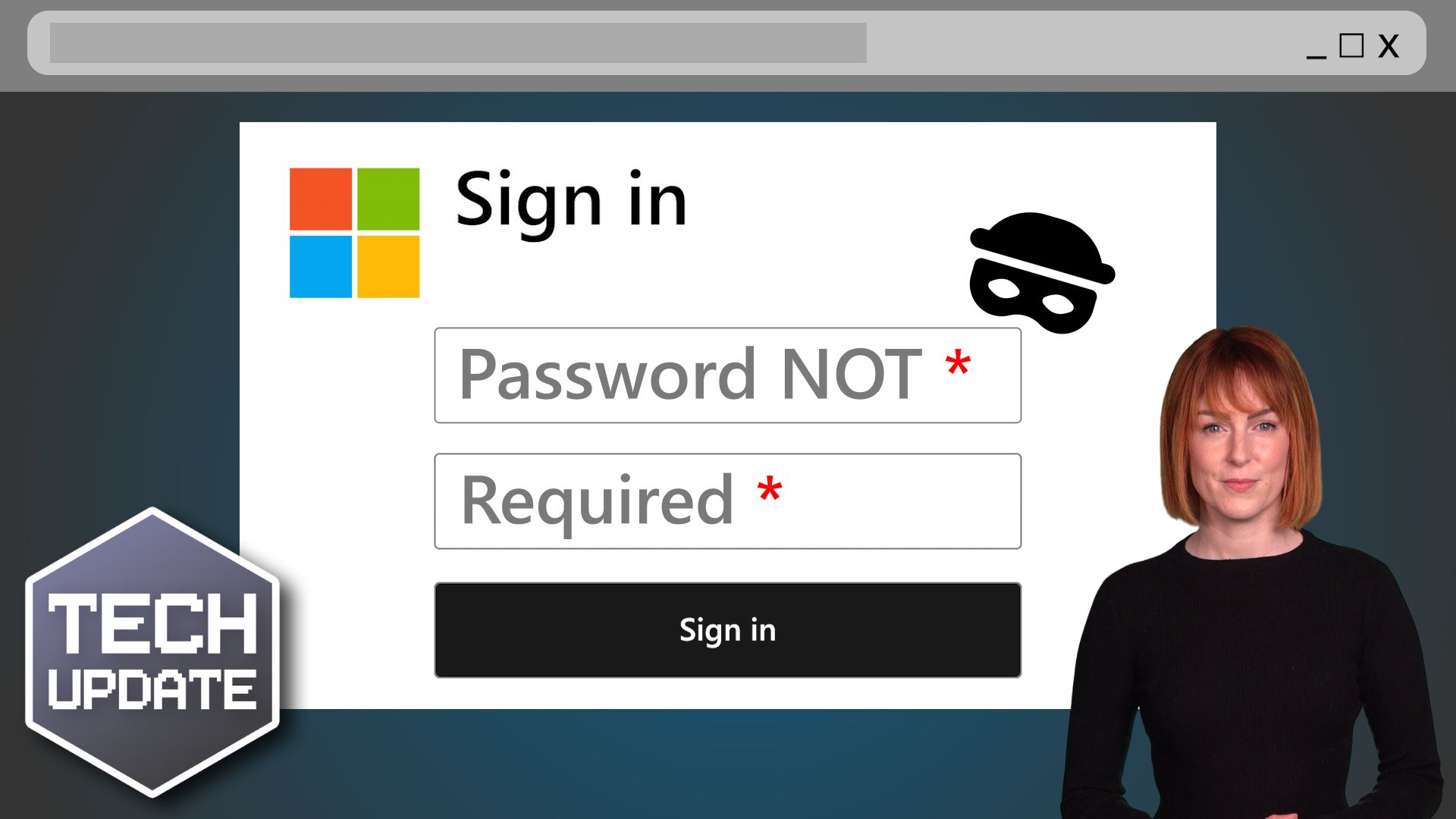
Another good reason to enforce MFA

Another good reason to enforce MFA

What if a password your team hasn’t used in years could still open the door to your business?
No hacking drama. No clever tricks. Just old login details quietly doing damage.
This is exactly how a recent cyber incident caught businesses out. It’s a threat many business owners don’t see coming…

How to use Browser Profiles thumbnail

Tech Tip: How to use browser profiles

This Tech Tip is on how to use web browser profiles. If you are a freelancer, virtual assistant, or just wear many hats in your job role, you probably have multiple different logins for the same application. As so many applications are web-based, we have to login to...
New phishing scam is smarter than ever… here’s how to protect your business

New Microsoft 365 phishing scam is smarter than ever… here’s how to protect your business

Microsoft is warning business owners that trusted cloud storage services are being hijacked to trick you into handing over your data. Here we tell you what you need to know.

The BEST protection against ransomware

The BEST protection against ransomware

Ransomware attacks – where hackers steal your data and demand a ransom to give it back – are skyrocketing. You need to have the very best protection in place to keep your data secure. And here’s what that protection is…

LinkedIn takes action to tackle fake accounts

LinkedIn is introducing new verification features over the coming months to help tackle fake accounts. The business-focused social platform is a fantastic place to connect with like-minded businesspeople, and to find new employees, jobs and opportunities. But thanks to this popularity, we’re seeing an increase in fake profiles, created by scammers for more sinister purposes. Bot-like accounts have been cropping …
Read More

How many devices do you use every workday?

Gadget overload? How many devices do you use at work?

Are all the devices your team uses helping them stay productive – or hindering them? Every extra gadget means another thing to remember, charge, and carry. There’s a simple way to help streamline tech in your business…

Tech risks law firms can’t afford to ignore

Your law firm runs on trust, deadlines, and confidential data. But small tech decisions can quietly undermine all three. From hybrid working shortcuts to security gaps you don’t see day-to-day, many practices carry risks without realising it. The question is simple:...
Share This
Contact
Love Lane
Cleobury Mortimer
Shropshire DY14 8PE

01299 382 321
[email protected]
Copyright © Blisstech Solution Ltd
Registered No: 08125391 VAT No : 307 5490 05