Beware fake apps containing malware • Blisstech Solutions

When you download a new app for work, how sure are you that it’s really the genuine thing?

A new wave of cyber attacks is making that question more important than ever.

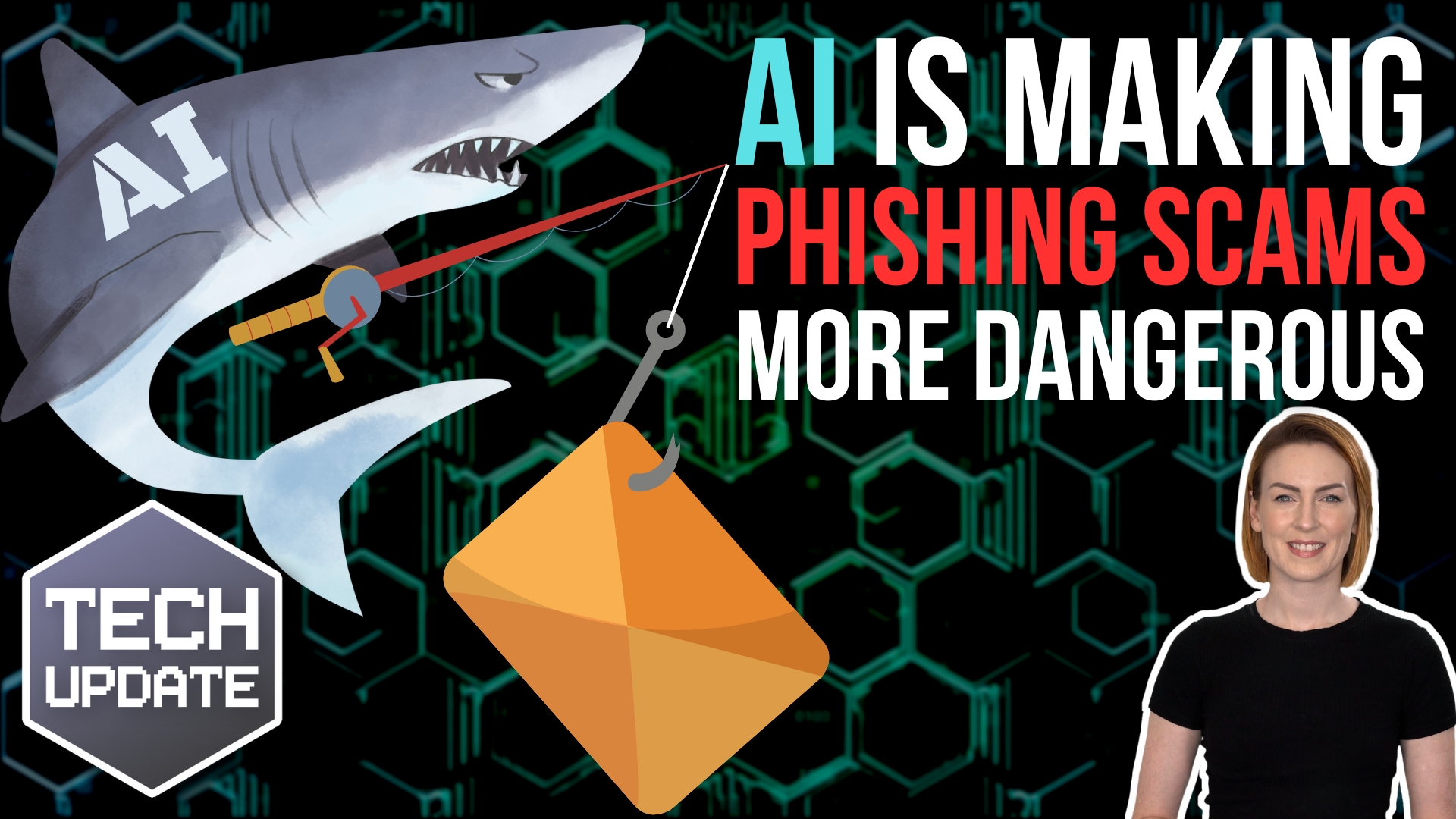
Hackers are creating fake versions of popular apps. Things like WhatsApp, Chrome, and even secure messaging platforms such as Signal or Telegram.

On the surface these look exactly like the real deal. But hidden inside is malware designed to spy on you, steal data, or even give attackers control of your device.

The trick that makes this so dangerous is something called SEO poisoning.

In simple terms, attackers use search engine optimisation (SEO) techniques to push their fake websites to the very top of search results. So even if you’re usually careful online, you could still end up on a malicious site without realising it.

From there, downloading what looks like a safe installer could also install hidden software that logs your keystrokes, monitors your clipboard, captures your screen, and even bypasses security tools.

The risks are obvious. One mistaken download by a staff member could expose sensitive company data, compromise client communications, or open the door to further attacks.

And because these fake apps sometimes also install the real version alongside the malicious one, people often have no idea anything is wrong until it’s too late.

So how can you stay safe?

The simplest step is to only ever download apps from official app stores or directly from a company’s website you’ve typed in yourself.

Encourage staff to double-check web addresses before clicking on download links. They should look for subtle misspellings or odd characters that give away a fake.

And make sure your security software is up to date so it can help spot threats if something slips through.

Most importantly, don’t forget that awareness is one of your strongest defences.

Talk to your employees about scams like these and keep them updated on new threats. A quick reminder in a team meeting or an internal email could be enough to stop someone making an expensive mistake.

Fake apps aren’t going away any time soon. But by staying alert and building good security habits across your business, you can make sure your people, and your data, stay safe.

If you need help training your team, or checking your security is up to task, get in touch.
More Content

Laptop and stethoscope

Get a FREE IT RISC Assessment (and that’s not a typo!)

Most small businesses don't have the time or resources to perform in-depth IT assessments on their own. This can be a major problem, as failing to keep your technology up to date can lead to reliability and security issues down the road. Therefore, Blisstech Solutions...
Managed IT Services consultant connects a network cable into switch

What are the benefits of outsourcing IT support?

Have you ever started a DIY task only to wish you had just called in an expert?  Your IT support should be no different. Many business owners think that they can handle their IT systems themselves.  However, unless they have the experience and finger on the pulse of...
How to stop AI projects stalling

How to stop AI projects stalling

If your business has experimented with AI but hasn’t seen much change, it’s a sign of something missing, not something broken.
The obstacles usually have nothing to do with the technology…

Don’t sleep on this simple, effective security booster

Don’t sleep on this simple, effective security booster

Microsoft’s enforcing an extra layer of security for logins to one of its tools. Even if you don’t use it, you should follow their lead and implement this security booster in your business.

How to create secure passwords

How to create secure passwords

Weak passwords are one of the biggest security risks to your business.
Why?
Because cyber criminals are getting smarter than ever before. If they manage to crack just one password, they could gain access to your sensitive business data, financial information, or even gain control of your entire system.
Cyber criminals use automated tools to guess passwords, allowing them to try out millions of combinations in seconds. So, if you’re using something like “Password123” or “CompanyName2025”, you’re practically handing them the keys to your business.
A compromised password can lead to big issues, such as:
• Data breaches
• Financial losses
• Identity theft
• Reputation damage
But how do you create strong passwords without driving yourself (and your team) mad?
Think of your password like a secret recipe, where only you should know the ingredients. It should:
• Be at least 14 characters long (the longer, the better)
• Include a mix of uppercase and lowercase letters
• Contain a few numbers and symbols (like @, $, %, or &)
• Not contain any common words or easily guessable information (like birthdays, names, or the word “password”)
Instead of using a single word, you could try a passphrase – a short, random sentence that only you would understand. For example, instead of “Sailing2025”, try something like “Coffee&CloudsAreGreat9!”. This is much harder to crack, yet still easy to remember.
You should also steer clear of these common mistakes:
• Using personal info (your name, birthday, business name, etc.)
• Reusing the same passwords across multiple accounts
• Using simple sequences (“123456” or “abcdef”)
• Storing passwords in an easily accessible place (like a sticky note on your desk)
If remembering unique passwords for every account sounds impossible, there is another option: Password managers. These generate strong passwords, store them securely and autofill them for you.
With a password manager, you only need to remember one strong master password for the manager app itself. The rest are encrypted and stored safely, reducing the risk of data breaches.
Even the strongest password isn’t foolproof, which is why multi-factor authentication (MFA) is also important. MFA requires a second form of verification, like a one-time code sent to your phone or generated from an authentication app.
If you have employees accessing your business systems, it’s a good idea to have a password policy in place to explain your rules and why they’re important. This should include:
• Unique passwords for each system and account
• Regular security training on password best practices
• Business-wide use of MFA for critical systems
• Scanning for compromised passwords regularly
By making password security a priority, you can reduce the chances of a cyber attack creating a nightmare for your business.
And if you need help making your business more secure, get in touch.

Privacy alert: Change this setting in Edge, now

Attention! Microsoft Edge is recording information on the images you browse to improve their AI models. This is how to disable it.

Point-to-point WiFi – How to extend your network across buildings without cables

No wires?  No problem!  Point-to-point Wireless Revolutionises Connectivity for Every Business In today's fast-paced digital world, having a reliable and extensive network is crucial for the success of any business. However, the physical limitations of laying down...
Free support for Windows 10 ends in TWO WEEKS

Free support for Windows 10 ends in TWO WEEKS

In just over two weeks, Microsoft ends free support for Windows 10 as it reaches end of life. If your business is still using it, this is going to affect you. Here’s what you need to know…

This new search feature in Edge is a revolution

This new search feature in Edge is a revolution

Microsoft’s Edge browser has an amazing new search feature that we think is a total game changer, and the most compelling reason yet to switch. We have all the details.

It’s time to govern your team’s AI use

It’s time to govern your team’s AI use

Quick question: Do you know how your team is using AI at work?
Not how you think they’re using it, but how they’re really using it?
Most businesses don’t. And that’s where the risk creeps in…

Share This
Contact
Love Lane
Cleobury Mortimer
Shropshire DY14 8PE

01299 382 321
[email protected]
Copyright © Blisstech Solution Ltd
Registered No: 08125391 VAT No : 307 5490 05