How to Plan for Upgrading to Windows 11: A Guide • Blisstech Solutions

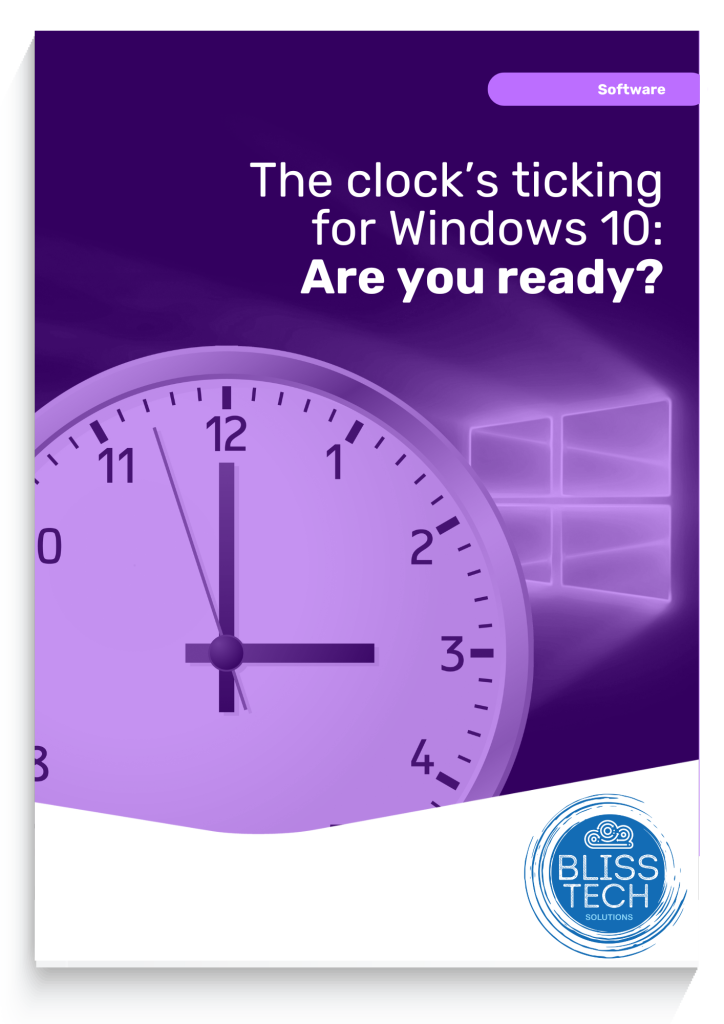
The Clock’s Ticking for Windows 10: Are You Ready?

14th October 2025 is the day Microsoft ends free support for Windows 10. This means no new features, no bug fixes, and no more security updates. You can’t risk that.

Why Upgrade to Windows 11?

Windows 11 offers a modern interface, improved performance, and advanced security features. Upgrading ensures you stay ahead of potential security threats and take advantage of the latest technology.

Steps to Upgrade

  1. Check Compatibility: Ensure your hardware meets Windows 11 requirements.
  2. Backup Data: Protect your important files.
  3. Plan the Upgrade: Choose a time with minimal disruption.
  4. Install Windows 11: Follow Microsoft’s instructions.
  5. Post-Upgrade Checks: Ensure everything works correctly.

Call to Action

Don’t wait until the last minute. Download our comprehensive educational guide now to learn everything you need to know about upgrading to Windows 11 and keep your business safe and running smoothly.  If you need professional help and advice, please get in touch.
 

More Content

How to plan a big IT project

We all dream of making changes to our business that will make us more efficient and profitable, but significant changes to the technology you use to run your business should never be rushed.

How to use Format Painter thumbnail

Tech Tip: How to use Format Painter in Office 365

Welcome to a new Tuesday tech tip video where we will show you how to use a feature of Office applications called Format Painter. If you want to know how to quickly make the content of your Office documents look consistent, then this video will show you how. Format...

Cybercrime is always evolving. Your training should be too

Cybercrime is an ever-evolving threat, and it's crucial to adapt and stay ahead. The increasing recognition of the value of cybersecurity awareness training among businesses is a positive trend.  However, moving away from the "one-and-done" mindset is vital....
Beware these free tools – they may be hiding ransomware

Beware these free tools – they may be hiding ransomware

Need to change a file from one format to another? Easy, just Google a file converter, right? Stop! That may not be as safe as it seems. Find out why here…

Passkeys will be better integrated in Windows

Passkeys will be better integrated in Windows

Big changes are coming to Windows 11 to make logging in safer and easier. Which is why now’s the time to get ready for a password-free future…

Getting to Grips with Email Security

Owners of small and medium-sized businesses often make the mistake of thinking that they aren’t on the criminals’ radar. But more than 40% of cyber attacks are aimed at small businesses – and email is usually the criminals’ way in. Our new guide, ‘Getting to Grips...
Say goodbye to video call pop-ups (and Teams meeting blushes)

Say goodbye to video call pop-ups (and Teams meeting blushes)

Has a pop-up notification ever embarrassed you while you were on a video call? Microsoft may finally have a feature to stop that happening. Learn more here.

Is Wi-Fi 7 worth the investment?

Is Wi-Fi 7 worth the investment?

Is upgrading to Wi-Fi 7 the right investment for your business? We look at the pros and cons of the next-gen wireless connection.

How to use Browser Profiles thumbnail

Tech Tip: How to use browser profiles

This Tech Tip is on how to use web browser profiles. If you are a freelancer, virtual assistant, or just wear many hats in your job role, you probably have multiple different logins for the same application. As so many applications are web-based, we have to login to...
How to configure multiple profiles in Outlook thumbnail

Tech Tip: How to create multiple Outlook profiles

Happy Tuesday everyone! Today's Tech Tip is a tip on how to create multiple Outlook profiles. Is your email playing up with Outlook occasionally crashing or hanging for no apparent reason? OR Maybe you have multiple email accounts configured in Outlook and things are...
Share This
Contact
Love Lane
Cleobury Mortimer
Shropshire DY14 8PE

01299 382 321
[email protected]
Copyright © Blisstech Solution Ltd
Registered No: 08125391 VAT No : 307 5490 05