Beware these common ‘malvertising’ attacks • Blisstech Solutions

Think about the last online ad you clicked…

Did you just assume it was genuine?

If you said yes, you’re not alone – and this is exactly what scammers count on.

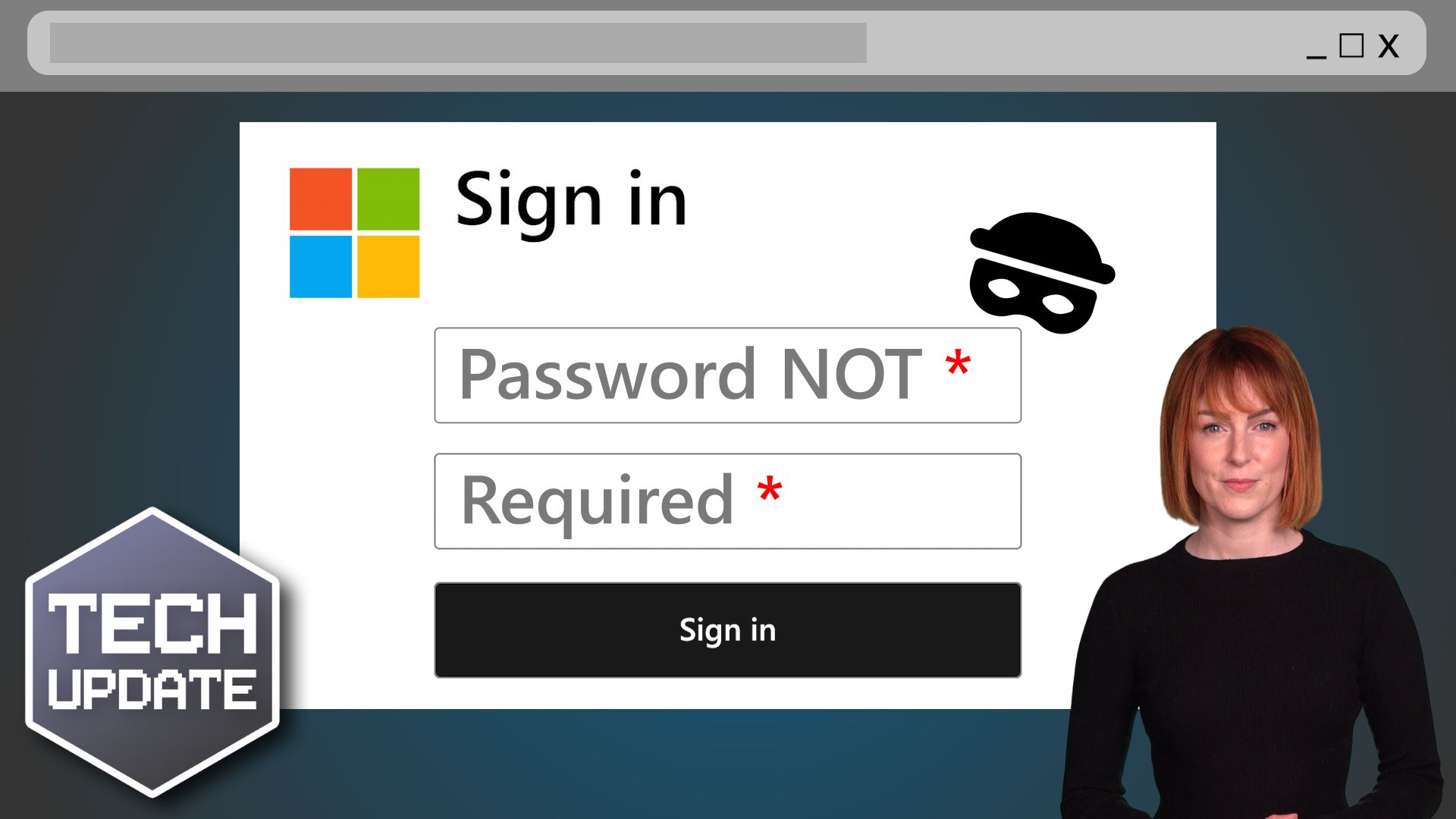
Malvertising”, or malicious advertising, is where scammers use online ads to trick you into downloading malware (malicious software), sharing sensitive information like passwords, or even handing over money.

These attacks are becoming more sophisticated and a growing threat to businesses of all sizes. Worse yet, you don’t need to click on these ads to become a victim; loading the ad in an out-of-date browser can be enough to compromise your device.

The three most common malvertising techniques are scam, fake installer, and drive-by download. Here’s a little more about them:

  • Scam malvertising is where an ad claims that your computer is infected and urges you to call for support. Once you do, the scammers convince you to install software that gives them control over your system. Then they charge you to “fix” the fake issue.
  • Fake installer malware often uses ads that lead you to cloned websites of trusted brands. You download software, thinking it’s legit… but you’re downloading malware onto your device instead.
  • Drive-by download malvertising is where ads infect your computer without you even clicking on anything. This malvertising exploits outdated browsers and automatically installs malicious files or extensions.

Recognising these scams is the first step to keeping your business safe. If you see an ad claiming you’ve been hacked or urgently need to act, stop and think: How would this company even know anything about your computer?

Also, make sure you double-check links before you click. If the link isn’t sending you to a legitimate domain, steer clear. And most importantly, make sure you’re running the latest version of your browser, as updates fix vulnerabilities that malvertising often exploits.

Don’t forget to share this knowledge with your employees, too. They’re your first line of defence – and training them to spot suspicious ads can save your business from serious trouble.

Scammers want you to trust without thinking. But a healthy dose of scepticism can make all the difference. Next time you see an ad that feels wrong, trust your gut… and ask yourself if it’s safe before you click.

Want to train your team to protect your business from malvertising and other online scams? We can help. Get in touch.


More Content

Why setting up Facebook Wi-Fi for your business is a good idea

Setting up Facebook Wi-Fi for your business is a great way to increase customer engagement and loyalty. When customers connect to your guest Wi-Fi they can check in to your business on Facebook to gain access rather than entering a WiFi code. This allows them to stay...

Tech Tip: How to Share Large Files for Free with WeTransfer

Welcome to a new Tuesday tech tip video where I will show you how to transfer large files using WeTransfer. Do you ever have trouble sending large files through email? Email servers have size limits, so you can't just attach a big file and send it off. This can be a...

Why you will not be fine on this Cloud9

Fake Flash messages are being used as a cover for a new ‘botnet’ campaign. If you use Google Chrome or Microsoft Edge you could be a target.

How to reopen a closed browser tab thumbnail

Tech Tip: How to quickly reopen a closed browser tab

Welcome to a new Tuesday tech tip video, and it's a really quick, but useful one This video shows how to quickly reopen a closed browser tab in Google Chrome or Edge. The video demonstrates a keyboard shortcut (Ctrl+Shift+T) to restore the last closed tab. I will also...
Beware that corrupted email attachment: It could be a scam

Beware that corrupted email attachment: It could be a scam

Cyber criminals get more creative every day. The latest scam designed to steal your business data uses corrupted Word files – and getting fooled is easier than you might think…

Tech Tip: How to find the tools you need in Microsoft Office

Welcome to a new Tuesday tech tip video, and it's another speedy, but useful one Are you struggling to find the tools you need in Office applications? Me too! Since Microsoft introduced the ribbon in Office applications, it has become harder to find tools that you...

Why is my computer so slow!?

“Why is my computer so slow?” is a question heard time and time again and is one of the most common computer complaints. There are a variety of reasons that your computer can appear to be running slowly. I say ‘appear’ as it may not actually be your computer that is causing the problem. Read on to find out possible reasons for this problem.

A person in a hoodie surrounded by green cipher text

3 Things You Must Do to Protect Against Ransomware

Ransomware is an increasingly common and devastating cyberattack that can happen to any business. The ransomware attacks that get the most media attention are those on high profile companies, but ransomware attacks on small businesses are increasing too. Many smaller...
How to cheat (the Blue Screen of) Death

The Blue Screen of Death and how to avoid it

The dreaded Blue Screen of Death makes you panic about what happened, how much work you’ve lost, and how long it’ll take to fix. But a lot of the time it’s avoidable… We’ll tell you how.

Windows 11 Upgrade Requirements

The termination of support for Windows 10 by Microsoft in October 2025 means that business leaders need to plan for the transition to Windows 11, and this means understanding the Windows 11 upgrade requirements. Upgrading from Windows 10 to 11 is free, however,...
Share This
Contact
Love Lane
Cleobury Mortimer
Shropshire DY14 8PE

01299 382 321
[email protected]
Copyright © Blisstech Solution Ltd
Registered No: 08125391 VAT No : 307 5490 05