Another good reason to enforce MFA • Blisstech Solutions

What would happen if someone got hold of one of your employees’ passwords from years ago?

Not a password they’re using today.

Not one they even remember.

Just an old one that never got changed.

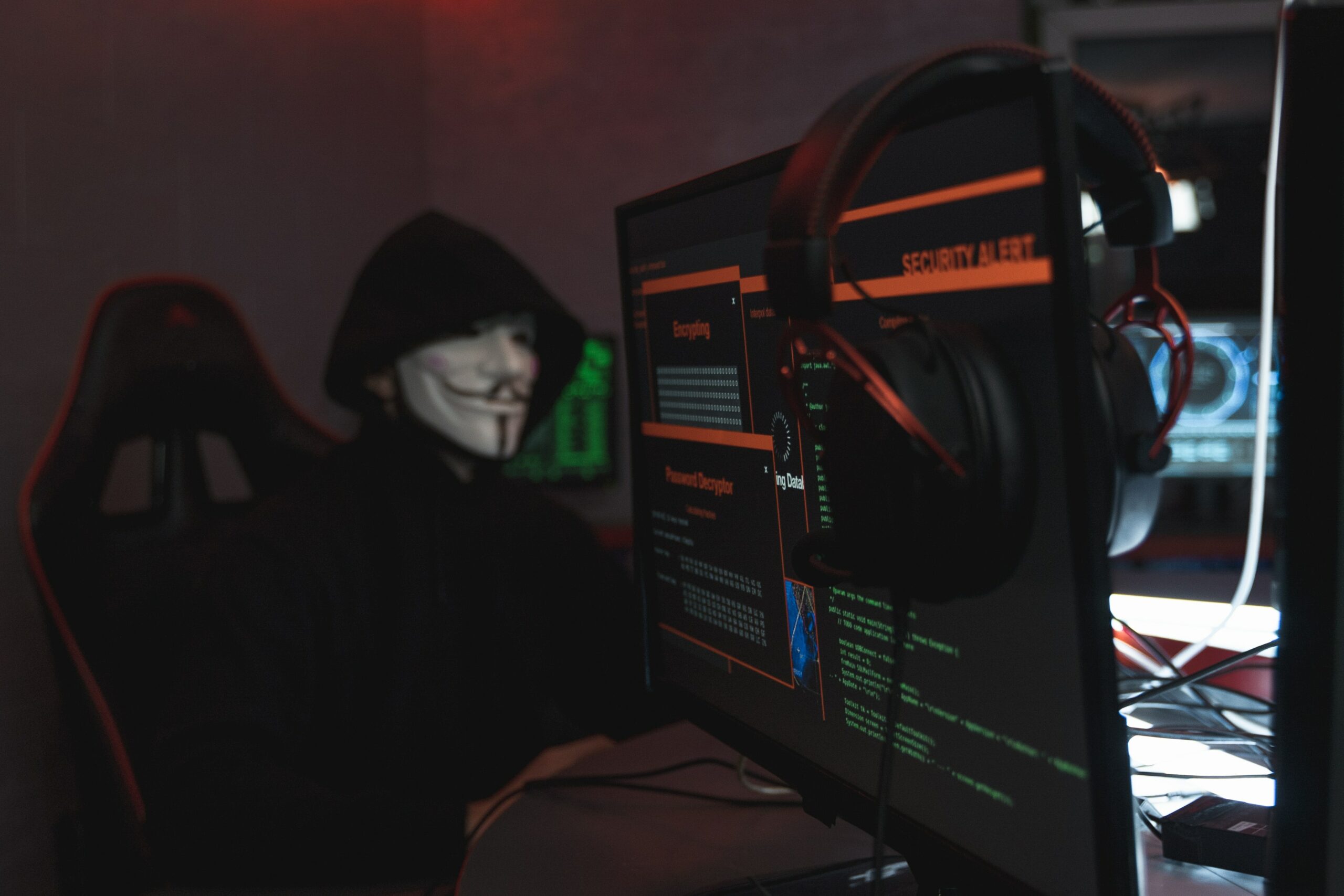
Because that’s exactly how a recent, large-scale data-theft campaign worked.

A recent investigation by a cyber security firm uncovered a new hacking campaign. Sensitive business data from dozens of organisations around the world was quietly collected and later put up for sale on the dark web.

Different industries. Different countries. Different sizes of business.

But one thing kept coming up again and again.

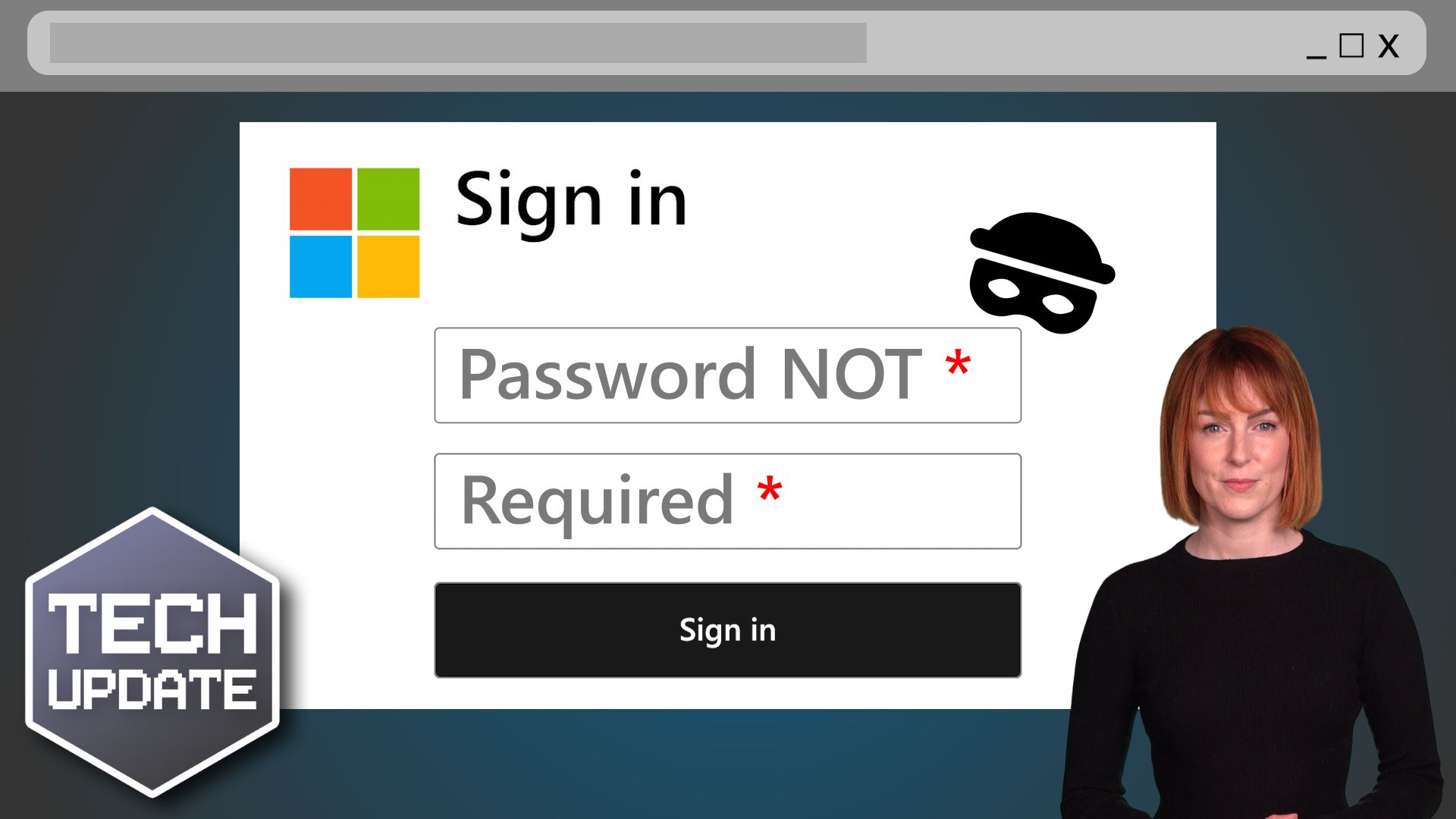
Every affected organisation had allowed staff to log into important cloud systems using nothing more than a username and password. No second step. No extra check. Just type your password and you’re in.

This is where MFA comes in.

Multi-factor authentication simply means using more than one piece of evidence to prove it’s really you. Usually that’s your password plus something else, like a code on your phone, a notification you approve, or a fingerprint. 

So even if someone steals your password, they still can’t get in.

In these cases, MFA wasn’t enforced.

So how did the attackers get hold of the passwords in the first place?

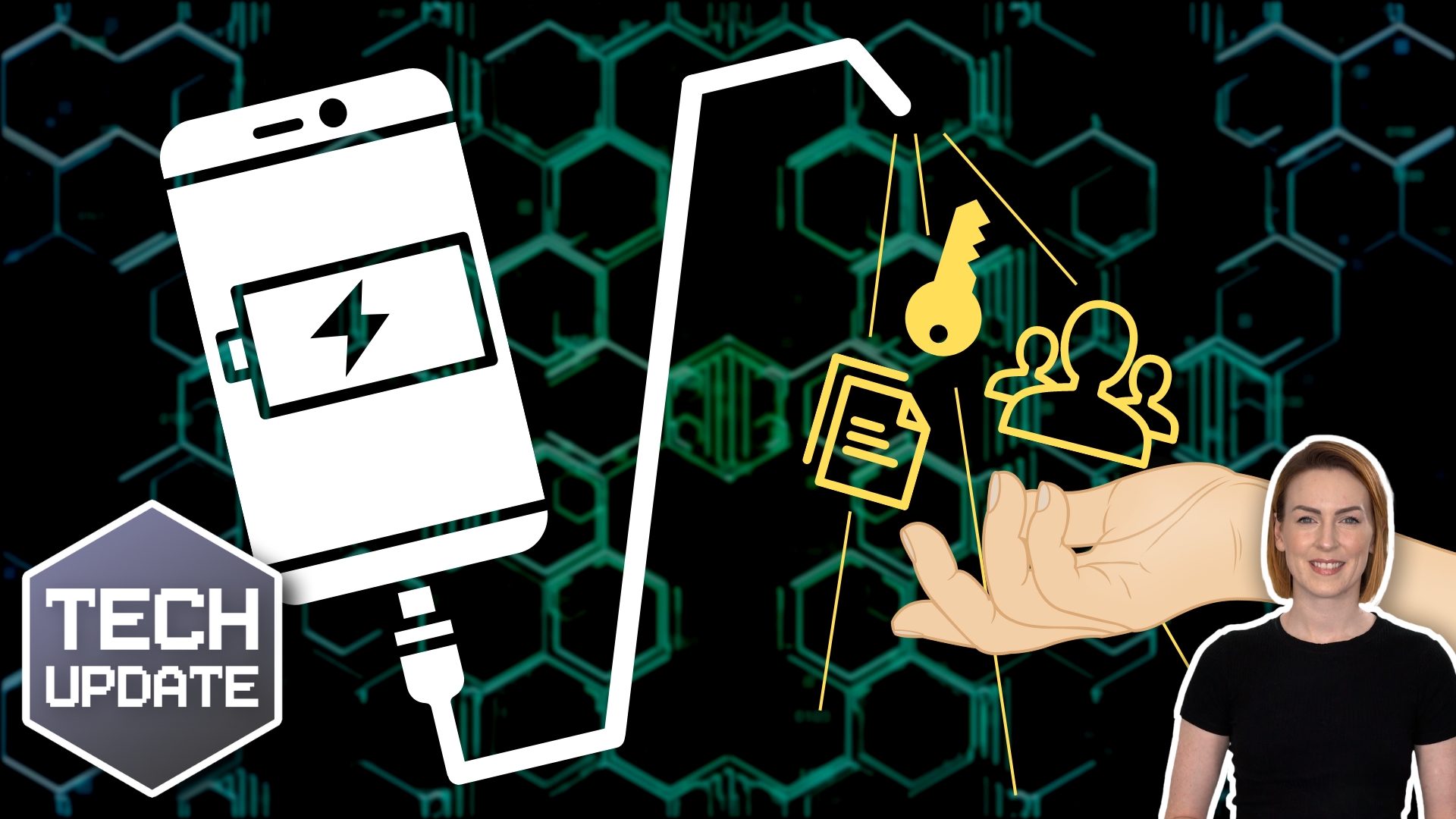
They relied on something called infostealing malware. That’s a type of malicious software that can end up on a computer without the person using it realising. 

Once it’s there, it quietly collects saved passwords, login details, and other sensitive information, and sends it back to criminals.

This doesn’t only happen on office computers. It can happen on home devices, personal laptops, or any machine that’s ever been used to log into work systems.

When those details are stolen, they don’t always get used straight away. And this is the part that really matters.

Some of the passwords used in this campaign were years old.

That tells us two important things:

  • Passwords weren’t being changed often enough
  • Old logins were still being trusted long after they should have been invalidated

In other words, a device infected a long time ago could suddenly become a serious problem today.

This has been described as a “latency” issue. The threat sits quietly in the background, waiting. An old mistake doesn’t disappear just because time has passed.

The attackers would have been stopped if MFA had been switched on.

They had the passwords. But they didn’t have the second factor. No phone. No app. No approval tap. That one extra step would have turned a successful break-in into a dead end.

This is why security professionals (like me) keep saying the same thing, repeatedly: Passwords on their own are no longer enough.

I know one of the most common reactions to MFA is, “But it’s annoying”. And yes, it does add an extra moment to the login process. 

But compare that to what happens when a password nobody remembers is still valid years later. When confidential files can be copied, sold, or quietly taken without anyone noticing until it’s too late.

MFA turns a stolen password into a useless piece of information. And that’s why enforcing MFA isn’t overkill anymore, it’s sensible.

If there’s one lesson here, it’s a simple one: Old passwords don’t expire on their own. One extra lock on the door makes all the difference.

Need help getting set up? Get in touch.
More Content

Why you’re better off in a contract with your IT company

Imagine this: Your business stops working due to a tech issue like malware, data loss or computer malfunction, resulting in a loss of productivity and revenue.  Now, think about your current IT support situation. Do you have an IT support contract, or do you only call...

Browse with confidence: Microsoft Edge’s Enhanced Security

Microsoft is working on a major security update for its Edge browser, which will bring Edge enhanced security to everyone using it.

Why a business password manager is essential

Still using spreadsheets or sticky notes for your business passwords? It might seem harmless… but it’s one of the biggest risks to your security. Weak or reused passwords are how most hacks happen. And if one login gets leaked, cybercriminals can gain access to...
Microsoft’s browser takes back the Edge with streamlined settings

Microsoft’s browser takes the Edge with streamlined settings

Trying to find your way through the Settings menu in Microsoft Edge might leave you overwhelmed but a new update is about to make it easier. Here we tell you how.

How to get the most from Microsoft Teams

Is your business struggling with too many emails, lost files, and “final_final_v3” documents? Teams could be a game changer. Yep, it does more than just video calls.  For example, you can also: Chat with your employees Host webinars Share and edit files together Keep...

Can your business go green by switching to the cloud?

Cloud computing has quickly become a popular option for businesses that want to streamline their operations, reduce costs, and become more flexible. But are you swayed by the idea that cloud services are automatically better for the environment? Could the need to do your bit ‘cloud’ your decision-making? Sorry. Bad pun. It’s true that cloud services have environmental benefits compared …
Read More

What does the global chip shortage mean for your business?

For the past couple of years, the tech world has been struggling with a global chip shortage. But it’s not just tech businesses that are feeling the impact. So many of the things we use every day contain a chip. Laptops and desktops, sure. But also household...
Unlock your potential with Copilot

Unlock your potential with Copilot

Tried Microsoft Copilot yet? It’s a smart tool baked into the applications you use every day, that could save you time. Here we tell you some cool ways it can help.

Logos for Microsoft 365

Migrate to Microsoft 365 manually using PST files

When you are migrating to Microsoft 365 from an existing email provider, you'll want to migrate the emails, contacts and calendar from your users existing mailboxes to their shiny new Microsoft 365 mailboxes.  The best-case scenario is your provider will migrate you...
Which ransomware payment option is best? (Hint: none)

Which ransomware payment option is best? (Hint: none)

Cyber criminals are giving you more options when it comes to paying your way out of a ransomware attack. Our advice remains the same though. Find out what that advice is here.

Share This
Contact
Love Lane
Cleobury Mortimer
Shropshire DY14 8PE

01299 382 321
[email protected]
Copyright © Blisstech Solution Ltd
Registered No: 08125391 VAT No : 307 5490 05