Are you still using a password you created years ago? • Blisstech Solutions

When was the last time you changed your passwords?

It’s not something most people think about unless they’re locked out of an account or told they must choose a new one.

For a lot of people, the honest answer is, “I can’t remember”.

That can become a problem in a business.

Think about how many systems your team signs into every day.

Microsoft 365, accounting software, CRM systems, cloud storage, payroll, banking, supplier portals… the list grows quickly.

If somebody is still using a password they created several years ago, there’s a chance it has already appeared in a data breach without anyone realising.

Data breaches happen regularly.

When they do, usernames and passwords are sometimes copied and shared between criminals.

The person whose password has been exposed may never know.

If that same password is also being used to access business systems, it gives attackers another opportunity to get in.

That’s why password reuse causes so many problems.

An attacker doesn’t need to guess dozens of passwords.

They take a username and password that’s already been exposed and try it across popular business services.

The process is automated, so thousands of login attempts can happen in minutes.

And one successful login is all it takes.

That could mean access to company emails, customer information, documents, or financial systems.

This is why using a different password for every account is still one of the most effective security measures you can put in place.

Of course, nobody can realistically remember that many passwords.

That’s why password managers have become such an important business tool.

Instead of employees creating memorable passwords or making small changes to old favourites, a password manager generates long, random passwords for every account and stores them securely.

Staff only need to remember one master password, while the software takes care of everything else.

Multi-factor authentication should also be used as standard across the business.

That extra approval step, usually through an app on a phone, makes it much harder for somebody to access an account even if they already know the password.

While you’re reviewing passwords, look at old accounts too.

Former employees, software that’s no longer used, and forgotten online services can all leave unnecessary doors open if they’re never cleaned up.

A few sensible habits, backed up by the right tools, make it much harder for attackers to gain a foothold in your business without creating extra work for your team.

If it’s been a while since you reviewed how passwords are managed across your business, now is a good time to do it. We can help. Get in touch.

More Content

Laptop and stethoscope

How Much Should You Pay for IT Managed Services in the UK?

This article has been updated to reflect the market in 2026. If you are looking for managed IT services in the UK, you should understand that there is no "one-size-fits-all" solution. There are many managed service providers out there, and they offer a huge range of...

Get ready for another game-changer from Teams

Microsoft is working hard to lead the AI revolution and its latest update to Teams will certainly make it a front-runner. We think the potential is unlimited, here we’ll tell you why.

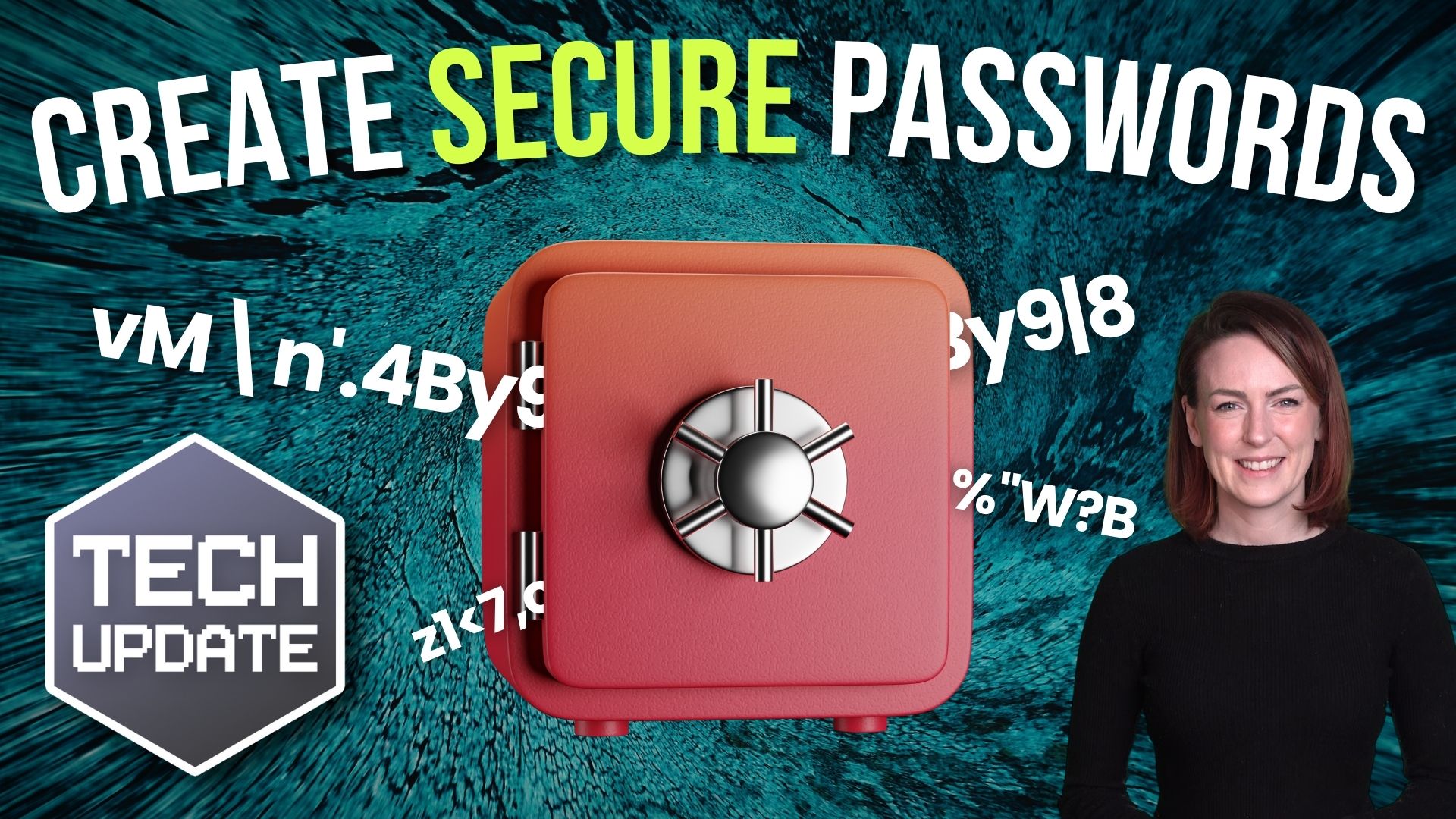
How to create secure passwords

How to create secure passwords

Weak passwords are one of the biggest security risks to your business.
Why?
Because cyber criminals are getting smarter than ever before. If they manage to crack just one password, they could gain access to your sensitive business data, financial information, or even gain control of your entire system.
Cyber criminals use automated tools to guess passwords, allowing them to try out millions of combinations in seconds. So, if you’re using something like “Password123” or “CompanyName2025”, you’re practically handing them the keys to your business.
A compromised password can lead to big issues, such as:
• Data breaches
• Financial losses
• Identity theft
• Reputation damage
But how do you create strong passwords without driving yourself (and your team) mad?
Think of your password like a secret recipe, where only you should know the ingredients. It should:
• Be at least 14 characters long (the longer, the better)
• Include a mix of uppercase and lowercase letters
• Contain a few numbers and symbols (like @, $, %, or &)
• Not contain any common words or easily guessable information (like birthdays, names, or the word “password”)
Instead of using a single word, you could try a passphrase – a short, random sentence that only you would understand. For example, instead of “Sailing2025”, try something like “Coffee&CloudsAreGreat9!”. This is much harder to crack, yet still easy to remember.
You should also steer clear of these common mistakes:
• Using personal info (your name, birthday, business name, etc.)
• Reusing the same passwords across multiple accounts
• Using simple sequences (“123456” or “abcdef”)
• Storing passwords in an easily accessible place (like a sticky note on your desk)
If remembering unique passwords for every account sounds impossible, there is another option: Password managers. These generate strong passwords, store them securely and autofill them for you.
With a password manager, you only need to remember one strong master password for the manager app itself. The rest are encrypted and stored safely, reducing the risk of data breaches.
Even the strongest password isn’t foolproof, which is why multi-factor authentication (MFA) is also important. MFA requires a second form of verification, like a one-time code sent to your phone or generated from an authentication app.
If you have employees accessing your business systems, it’s a good idea to have a password policy in place to explain your rules and why they’re important. This should include:
• Unique passwords for each system and account
• Regular security training on password best practices
• Business-wide use of MFA for critical systems
• Scanning for compromised passwords regularly
By making password security a priority, you can reduce the chances of a cyber attack creating a nightmare for your business.
And if you need help making your business more secure, get in touch.

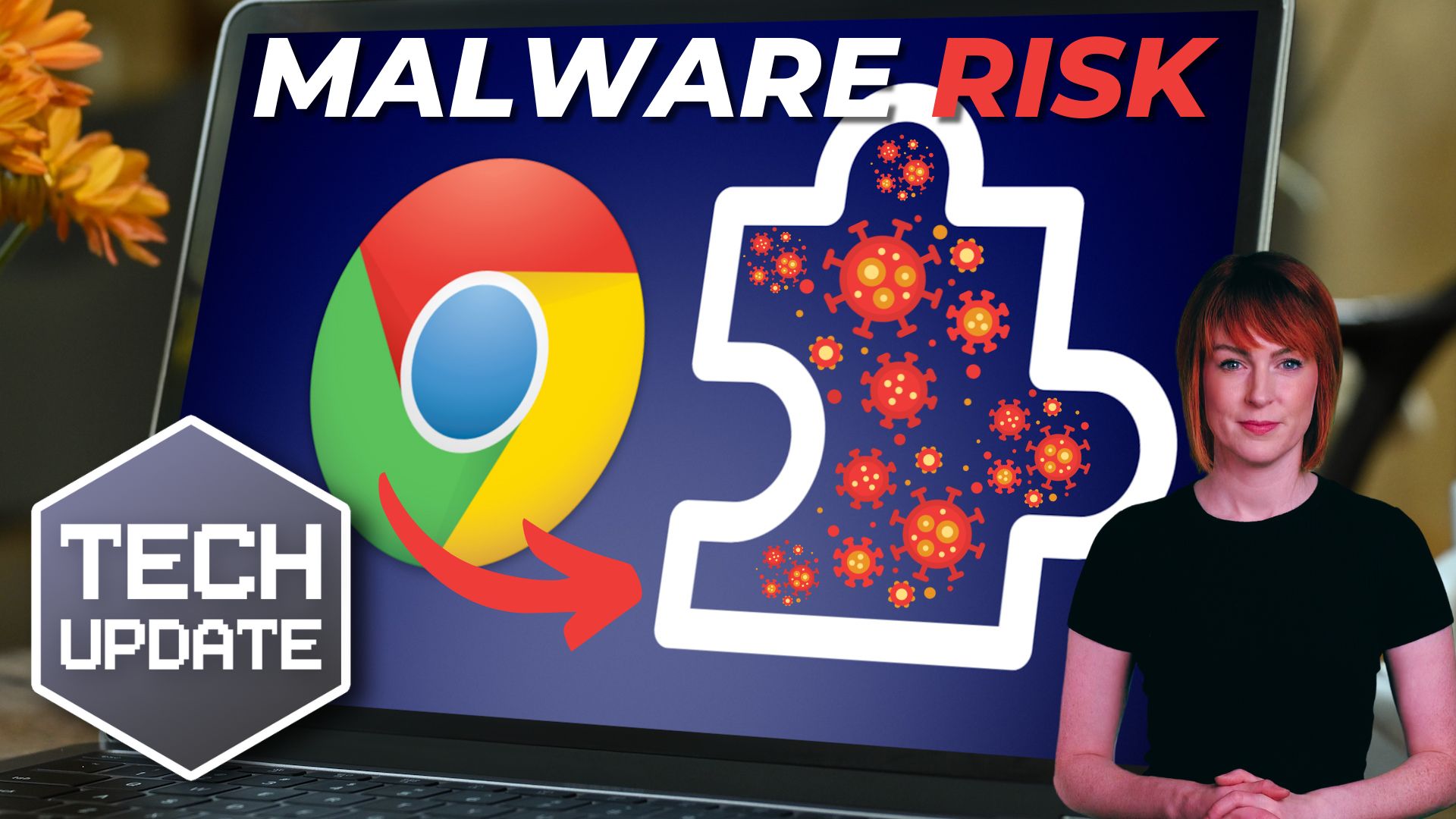
Is that Chrome extension filled with malware?

Is that Chrome extension filled with malware?

Chrome extensions are great for boosting productivity and saving time. But if they’re not the real deal, you could be at risk from malware. We tell you how to stay protected.

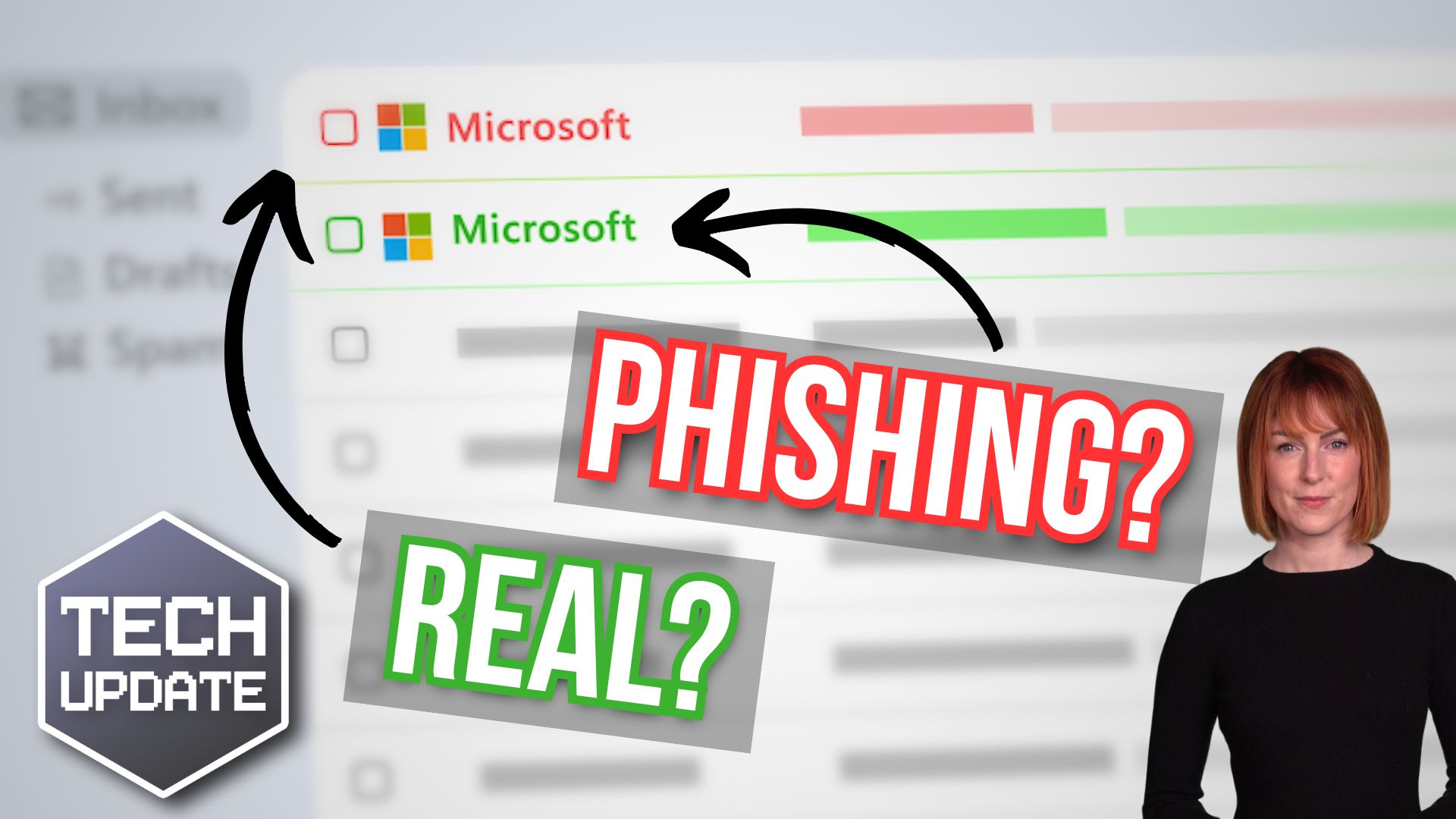
Beware: Is that Microsoft… or a phishing attempt?

Beware: Is that Microsoft… or a phishing attempt?

Another email from Microsoft. But this time it’s asking you to take urgent action to protect your account. Before you click any links or provide any personal information, ask yourself: Is it really Microsoft? Or could it be a phishing attempt? Here’s how to tell…

Tech Tip: How to create a table of content in Word

Happy Tuesday everyone! Today's Two Minute Tech Tip was an idea given to me by my apprentice, George Borns. When asked what would be a good idea for a Tech Tip and without hesitation, George said "What about headings and tables of content in Word?" It is a great tip...
Pirated software thumbnail

Don’t walk the plank with pirated software

A huge number of small and medium-sized businesses would consider using pirated software to try and save money. Don’t do it.

Are your people Christmas shopping from work?

Almost half of people with social media accounts admit to falling for shopping scams. If your team are shopping at work, is your business protected?

Warning: Don’t ignore hardware requirements for Windows 11

Warning: Don’t ignore hardware requirements for Windows 11

Do you love keeping your employees happy by allowing them to work remotely? Or do you think everyone is more productive in the office? Businesses are divided on this right now… here are some important considerations before you decide what’s best for your team.

Power Automate and Flows Thumbnail

Tech Tip: What is Microsoft Power Automate?

Welcome to a new Tuesday tech tip video where I will give you a quick introduction to Microsoft Power Automate. We all want to streamline our work life and make ourselves more productive. Well, if you use Microsoft 365, you can do just that by using Power Automate....

Tech Tip: How to Follow Sites in SharePoint

Hello, Happy New Year and welcome to today's Tuesday Two Minute Tech Tip which is about how to find the data you want to access in SharePoint and OneDrive. If you are working with files in Teams and on SharePoint sites, you might wonder why you do not see the sites...
Share This
Contact
Love Lane
Cleobury Mortimer
Shropshire DY14 8PE

01299 382 321
[email protected]
Copyright © Blisstech Solution Ltd
Registered No: 08125391 VAT No : 307 5490 05