How to Secure Your Business from Cyber Threats in 2024: A Free Guide • Blisstech Solutions

Protect your business from these cybersecurity threats in 2024

We’re weeks away from the new year. And this is a great time to start thinking about what needs to get better in 2024.

We believe you should allocate more of your business’s precious resources to the cybersecurity threats likely to proliferate in 2024.

As technology develops, so do the techniques used by cybercriminals to trick you and your team out of your precious data… and, ultimately, your business’s money.

Our latest guide explains the cybersecurity risks in 2024 and beyond and the security measures to stay protected.

Download your free guide today and learn how to safeguard your business from remote work security risks. If you need professional help and advice, please get in touch.
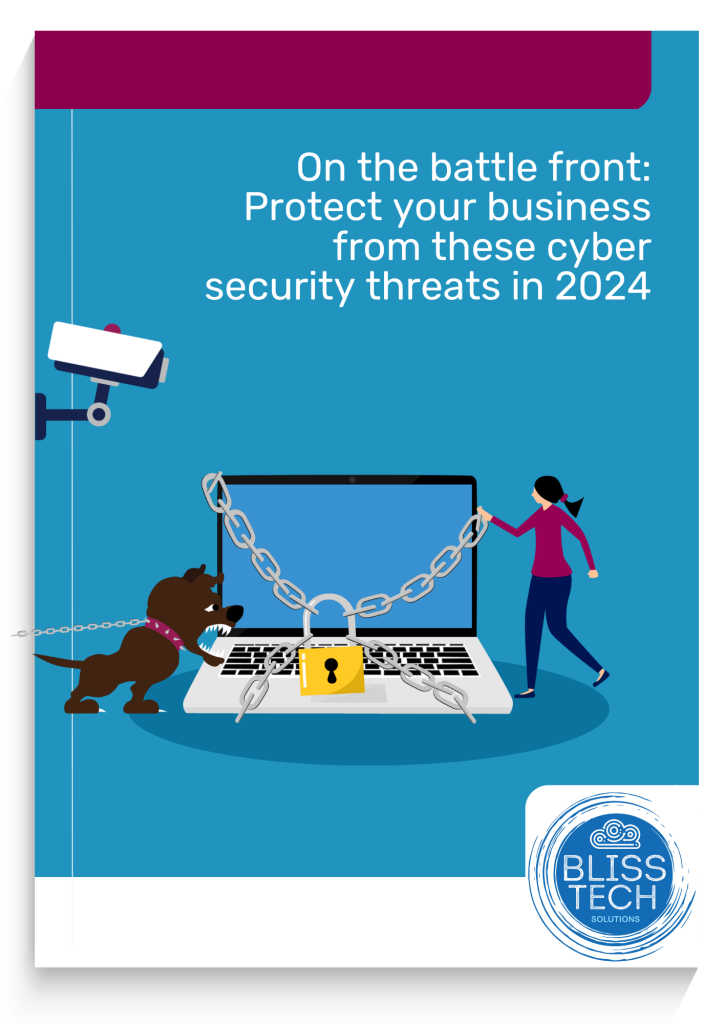
An image of the educational guide - click to download


More Content

How to create secure passwords

How to create secure passwords

Weak passwords are one of the biggest security risks to your business.
Why?
Because cyber criminals are getting smarter than ever before. If they manage to crack just one password, they could gain access to your sensitive business data, financial information, or even gain control of your entire system.
Cyber criminals use automated tools to guess passwords, allowing them to try out millions of combinations in seconds. So, if you’re using something like “Password123” or “CompanyName2025”, you’re practically handing them the keys to your business.
A compromised password can lead to big issues, such as:
• Data breaches
• Financial losses
• Identity theft
• Reputation damage
But how do you create strong passwords without driving yourself (and your team) mad?
Think of your password like a secret recipe, where only you should know the ingredients. It should:
• Be at least 14 characters long (the longer, the better)
• Include a mix of uppercase and lowercase letters
• Contain a few numbers and symbols (like @, $, %, or &)
• Not contain any common words or easily guessable information (like birthdays, names, or the word “password”)
Instead of using a single word, you could try a passphrase – a short, random sentence that only you would understand. For example, instead of “Sailing2025”, try something like “Coffee&CloudsAreGreat9!”. This is much harder to crack, yet still easy to remember.
You should also steer clear of these common mistakes:
• Using personal info (your name, birthday, business name, etc.)
• Reusing the same passwords across multiple accounts
• Using simple sequences (“123456” or “abcdef”)
• Storing passwords in an easily accessible place (like a sticky note on your desk)
If remembering unique passwords for every account sounds impossible, there is another option: Password managers. These generate strong passwords, store them securely and autofill them for you.
With a password manager, you only need to remember one strong master password for the manager app itself. The rest are encrypted and stored safely, reducing the risk of data breaches.
Even the strongest password isn’t foolproof, which is why multi-factor authentication (MFA) is also important. MFA requires a second form of verification, like a one-time code sent to your phone or generated from an authentication app.
If you have employees accessing your business systems, it’s a good idea to have a password policy in place to explain your rules and why they’re important. This should include:
• Unique passwords for each system and account
• Regular security training on password best practices
• Business-wide use of MFA for critical systems
• Scanning for compromised passwords regularly
By making password security a priority, you can reduce the chances of a cyber attack creating a nightmare for your business.
And if you need help making your business more secure, get in touch.

“Ask Copilot” is coming to your Taskbar (but only if you want it to)

“Ask Copilot” is coming to your Taskbar (but only if you want it to)

What if your computer could understand what you mean, not just what you type?
Microsoft’s testing something new in Windows 11 that could completely change how you search, click, and get things done.
It’s smart. It’s optional. And it might save your team a lot of time…

Don’t forget to protect your browsing privacy

Don’t forget to protect your browsing privacy

Your mobile browser knows a lot more about you than you think.
Not just the sites you visit, but patterns, habits, clues about your business.
Most people never check what’s being shared or stored behind the scenes.
It’s time you take a look…

Free support for Windows 10 ends in TWO WEEKS

Free support for Windows 10 ends in TWO WEEKS

In just over two weeks, Microsoft ends free support for Windows 10 as it reaches end of life. If your business is still using it, this is going to affect you. Here’s what you need to know…

Windows 11 optional update: Why it’s better to wait  

Microsoft has just announced an option for people to trial new features before their general release in Windows 11.  This isn’t about fixes to security flaws – everyone gets those at the same time.   This is an opportunity for businesses to jump the queue to receive new features and updates first.  Sound exciting?   Yes!   Worth the risk?   Not quite.  Our …
Read More

Microsoft hints at some exciting Windows 12 developments

Windows 11 still feels like a new toy, yet we’ve already heard speculation about Windows 12 arriving as soon as next year. It’s all we can think about!

Microsoft 365 makes Multi-Factor Authentication easier

Microsoft is planning to enable Multi-Factor Authentication (MFA) directly in its Outlook app for many 365 business users.

Why all businesses should adopt MFA now

Years ago, Multi-Factor Authentication (MFA) used to be called 2FA, or Two Factor Authentication.  This was made up of: Something you have, like a device that can generate a one-time password (OTP). Something you know, like a password. MFA has extended things meaning...
Outlook will flag your most important emails

Outlook will flag your most important emails

Your inbox is about to get a powerful new ally. Find out how Outlook’s latest feature could help you cut through the noise of junk and spot the emails that really matter (and save time too)…

Windows 11’s new focus on efficiency

Windows 11’s new focus on efficiency

What if the biggest productivity boost for your team isn’t a new tool but a smoother experience with the tools they already use?
Tiny delays, cluttered screens, systems that feel a little sluggish don’t seem like much. But over weeks and months, they eat into efficiency.
These Windows 11 updates will make everyday work feel cleaner and faster…

Share This
Contact
Love Lane
Cleobury Mortimer
Shropshire DY14 8PE

01299 382 321
[email protected]
Copyright © Blisstech Solution Ltd
Registered No: 08125391 VAT No : 307 5490 05