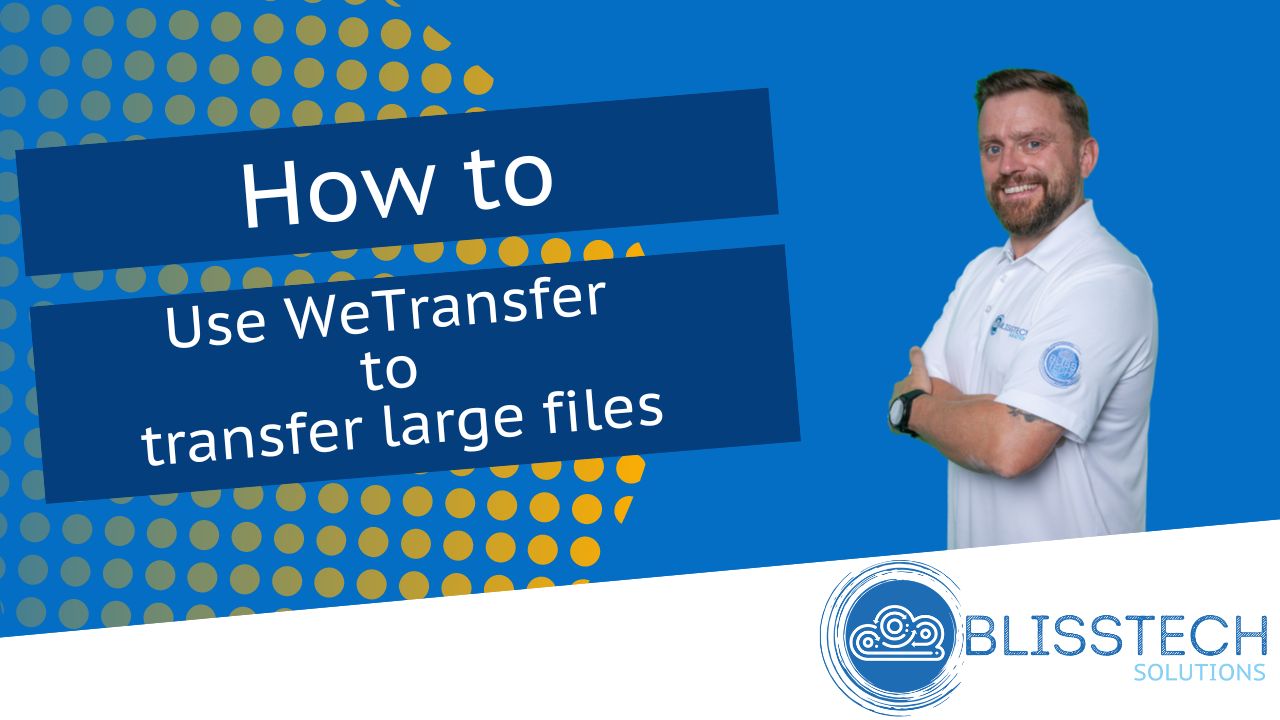
Tech Tip: How to Follow Sites in SharePoint • Blisstech Solutions

Hello, Happy New Year and welcome to today’s Tuesday Two Minute Tech Tip which is about how to find the data you want to access in SharePoint and OneDrive.

If you are working with files in Teams and on SharePoint sites, you might wonder why you do not see the sites you want to access through OneDrive or SharePoint. This is because OneDrive and SharePoint will only show you recent or followed sites. To add sites/folders you must follow sites in SharePoint so that they appear in OneDrive.

This video will walk you through the process of following a site in SharePoint and then viewing it on OneDrive! Check out the video to learn more and subscribe to our YouTube channel https://www.youtube.com/channel/UCr8R…


More Content

Global State of Ransomware Report 2020

Datto have released their annual Global State of the Channel Ransomware Report for 2020. They have interviewed more than 1000 managed service providers (MSPs) around the world. The report gives details on the state of ransomware from the perspective of the...

Tech Tip: Understanding Microsoft work and personal accounts

Welcome to another Blisstech Solutions Tuesday Tech Tip! Have you set up both a personal and work Microsoft account and are now running into problems when you are trying to work as you can't work out which account you are logged in with?  You are not alone and we see...
Cyber attacks: Stronger, faster and more sophisticated

Cyber attacks: Stronger, faster and more sophisticated

A new cyber security report has brought some bad news: Cyber attacks are getting stronger, faster, and more sophisticated. We have all the details.

Can your business go green by switching to the cloud?

Cloud computing has quickly become a popular option for businesses that want to streamline their operations, reduce costs, and become more flexible. But are you swayed by the idea that cloud services are automatically better for the environment? Could the need to do your bit ‘cloud’ your decision-making? Sorry. Bad pun. It’s true that cloud services have environmental benefits compared …
Read More

Don’t Overlook Home Worker Security

Protecting Home Workers and Your Business In the current work-from-home landscape, business security strategies often overlook one crucial aspect: home office security. This oversight creates vulnerabilities that cybercriminals are actively exploiting. With more...

Bonus Guide: The Crowdstrike Outage Explained

Download our free guide summarising everything you need to know about the recent Crowdstrike outage. This is written specifically for business owners and managers. Inside, you’ll discover: What CrowdStrike is What happened on Friday 19th July 2024 The impact of the...
The secrets to make your laptop battery live longer

The secrets to make your laptop battery live longer

Ever been caught out by a low laptop battery at the worst possible time? Here’s our professional advice to prolong your laptop battery’s lifespan.

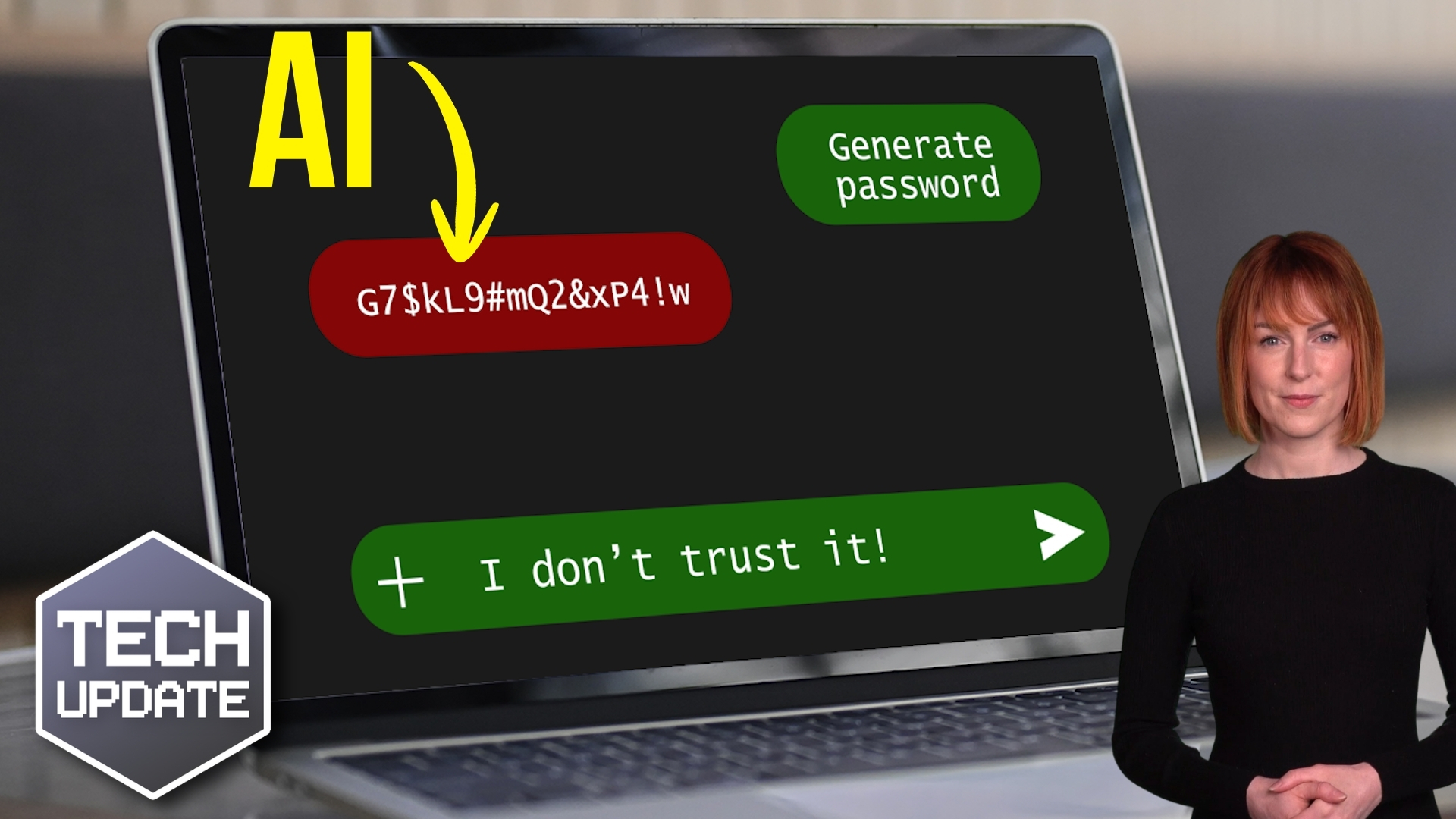
How to create secure passwords

How to create secure passwords

Weak passwords are one of the biggest security risks to your business.
Why?
Because cyber criminals are getting smarter than ever before. If they manage to crack just one password, they could gain access to your sensitive business data, financial information, or even gain control of your entire system.
Cyber criminals use automated tools to guess passwords, allowing them to try out millions of combinations in seconds. So, if you’re using something like “Password123” or “CompanyName2025”, you’re practically handing them the keys to your business.
A compromised password can lead to big issues, such as:
• Data breaches
• Financial losses
• Identity theft
• Reputation damage
But how do you create strong passwords without driving yourself (and your team) mad?
Think of your password like a secret recipe, where only you should know the ingredients. It should:
• Be at least 14 characters long (the longer, the better)
• Include a mix of uppercase and lowercase letters
• Contain a few numbers and symbols (like @, $, %, or &)
• Not contain any common words or easily guessable information (like birthdays, names, or the word “password”)
Instead of using a single word, you could try a passphrase – a short, random sentence that only you would understand. For example, instead of “Sailing2025”, try something like “Coffee&CloudsAreGreat9!”. This is much harder to crack, yet still easy to remember.
You should also steer clear of these common mistakes:
• Using personal info (your name, birthday, business name, etc.)
• Reusing the same passwords across multiple accounts
• Using simple sequences (“123456” or “abcdef”)
• Storing passwords in an easily accessible place (like a sticky note on your desk)
If remembering unique passwords for every account sounds impossible, there is another option: Password managers. These generate strong passwords, store them securely and autofill them for you.
With a password manager, you only need to remember one strong master password for the manager app itself. The rest are encrypted and stored safely, reducing the risk of data breaches.
Even the strongest password isn’t foolproof, which is why multi-factor authentication (MFA) is also important. MFA requires a second form of verification, like a one-time code sent to your phone or generated from an authentication app.
If you have employees accessing your business systems, it’s a good idea to have a password policy in place to explain your rules and why they’re important. This should include:
• Unique passwords for each system and account
• Regular security training on password best practices
• Business-wide use of MFA for critical systems
• Scanning for compromised passwords regularly
By making password security a priority, you can reduce the chances of a cyber attack creating a nightmare for your business.
And if you need help making your business more secure, get in touch.

New member of staff… new security risk?

New member of staff… new security risk?

New employees are a prime target for cybercriminals. They don’t know the ropes yet, and the chances of them becoming a victim are high. Here’s what smart businesses are doing about this problem…

Tech Tip: How to use a Password Manager

This Tech Tip is a tip on how to manage your passwords. It's a long tip this week, but that's because there is a lot to tell! With so many things being done online now, passwords are needed constantly.  But with the advice that every password should be unique and not...
Share This
Contact
Love Lane
Cleobury Mortimer
Shropshire DY14 8PE

01299 382 321
[email protected]
Copyright © Blisstech Solution Ltd
Registered No: 08125391 VAT No : 307 5490 05