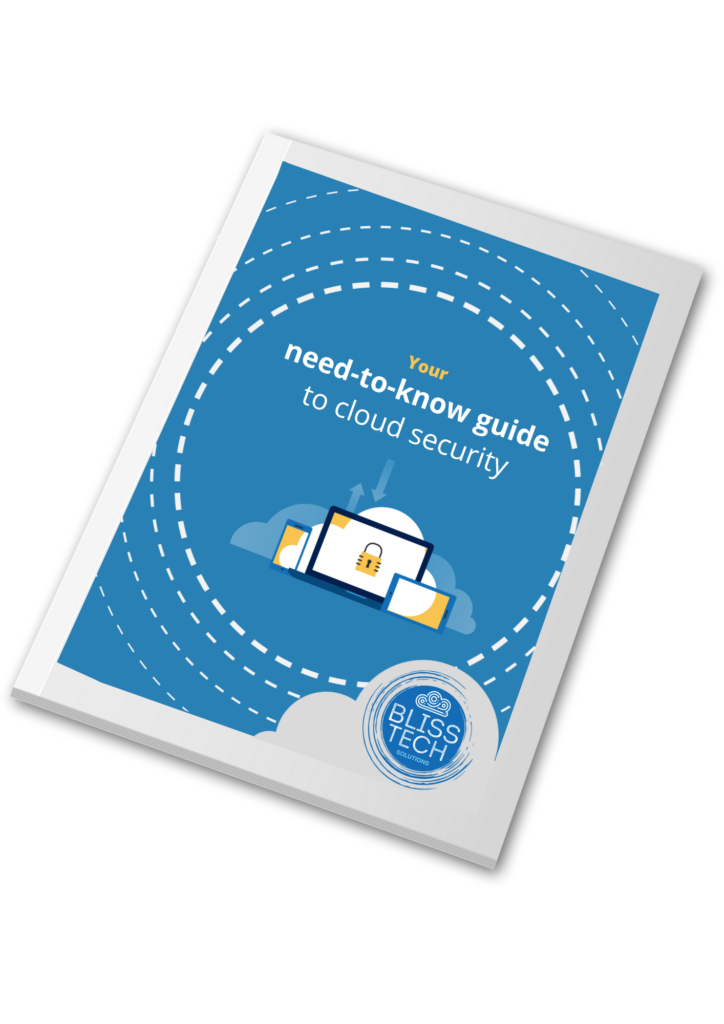
Your need-to-know guide to cloud security • Blisstech Solutions

Cloud computing is no longer new technology, it is everywhere and has completely changed how we work. However, just because you are using someone else systems in the cloud, it does not imply that it is automatically secure.

There is a saying in the cloud security world:

“Cloud Providers are responsible for security OF the cloud, Cloud Users are responsible for security IN the cloud”.

This basically means that security is as much your responsibility as it is of the Cloud Services Providers.  YOU are responsible for the security of your data in the cloud.

In our new guide, we give you all you need to know to protect your business in plain English. You’ll discover what you can do for yourself to stay safe in the cloud, and where some professional help will make a big difference.

Download our guide below and learn more about the fundamentals of cloud security.  If you need professional help and advice, please get in touch.
More Content

That long password isn’t keeping you better protected

Even passwords of 15 characters can be cracked by cyber criminals. Our latest tech update explains what to do instead

Tech Tip: How to Sync Teams Files to Your Computer

Hello everyone, welcome to a new Tuesday Two Minute Tech Tip.    đꑉ Do you use Microsoft 365?    đꑉ Do you need to collaborate on documents with your colleagues?    đꑉ Do you want to do this using the same familiar Windows...

Everything you need to know about password managers for your business

If you’re confused about password managers, you’re not alone. A password manager is software that generates safe passwords, remembers them, and auto-fills logins for you. That saves time. But means your business can quickly lock out staff when they leave. Some people...

Charging in public places? Watch out for “juice jacking”

Airports, hotels, cafĂ©s, even shopping centres, offer public charging points where you can boost your phone or laptop battery on the go. They’ve been in the news after the FBI recently tweeted advice to stop using them. Crooks have figured out how to hijack USB ports to install malware and monitoring software onto devices as they charge. The security risk …
Read More

Prepare your business for more refined cyberthreats

Prepare your business for more refined cyberthreats

Cyberthreats don’t look the way they used to.
They’re quieter now. Smarter. Harder to spot until it’s too late.
If you think today’s attackers are still using old school tactics, you might be missing the real danger already moving in the background…

Microsoft: Criminals can access your accounts without your password

Microsoft: Criminals can access your accounts without your password

Just when you think you’ve got cyber security sorted for your business, a new scam comes along. This time, cyber criminals don’t even need to trick you out of your password to access your accounts… they can fool you with something called a “device code”.

How to Plan for Upgrading to Windows 11: A Guide

The Clock’s Ticking for Windows 10: Are You Ready? 14th October 2025 is the day Microsoft ends free support for Windows 10. This means no new features, no bug fixes, and no more security updates. You can't risk that. Why Upgrade to Windows 11? Windows 11 offers a...
Is data security your top priority?

Is data security your top priority?

Most businesses believe their data security is under control. But confidence and reality don’t always line up.
As companies grow, systems multiply, cloud apps get added, older platforms stay in place, and access permissions stack up.
And that increases risk…

Tech Tip: How to add a FROM address in Outlook NEW

Welcome to a new Tuesday tech tip video. In it, I will show you how to add a FROM address (or alias) in the new version of Outlook. Microsoft's new version of Outlook, imaginatively titled Outlook New, is very different in look and feel from the Outlook we've all...

Tech Tip: How to use Conditional Formatting in Excel

This Tuesday Two Minute Tech-tip shows you how to automatically add pizzaz to your spreadsheets. Using a feature called 'Conditional Formatting', you can automatically format the cells of your Excel spreadsheet based on what is in them. For example, you can emphasise...
Share This
Contact
Love Lane
Cleobury Mortimer
Shropshire DY14 8PE

01299 382 321
[email protected]
Copyright © Blisstech Solution Ltd
Registered No: 08125391 VAT No : 307 5490 05