8 tech trends you need to prepare for in 2023 • Blisstech Solutions

The end of the year is a time when many business owners take time to reflect and plan for the coming year.

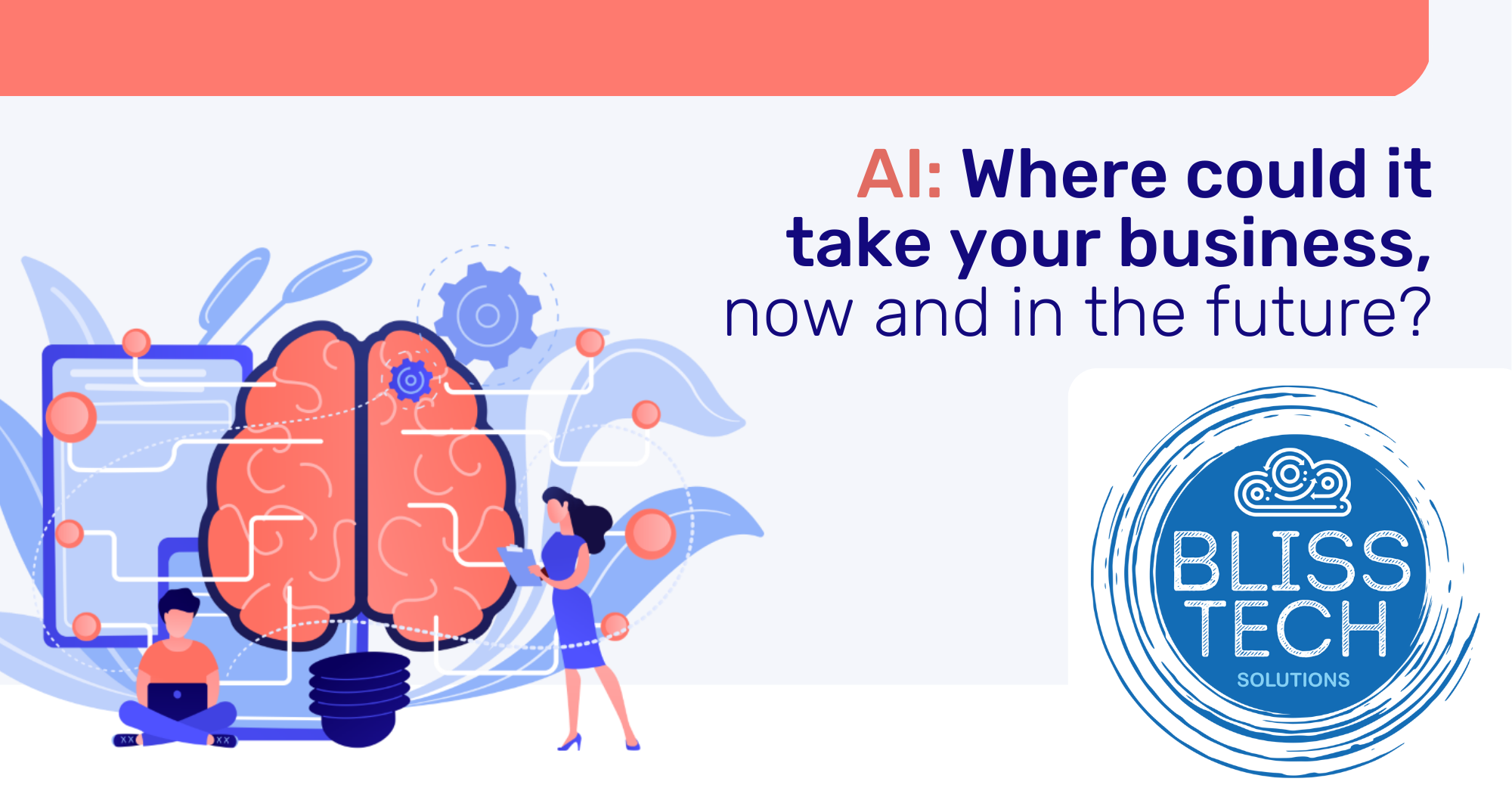
For many that will involve thinking about forecasting and growth over the next 12 months, but we want you to think about the tech trends in 2023 that will affect your business over the next 10 years.

Technology changes rapidly and what seems futuristic and ‘bleeding edge‘ now, will be commonplace in a decade’s time.  Being aware of tech trends means that you can keep up with advancements that might just put you ahead of your competition.  Eventually, we all get taken along on the technology rollercoaster whether we like it or not and we think that it is better to be aware of upcoming changes and plan for their adoption.

Download our guide below and learn more about the top 8 tech trends that you need to know about.  If you want to know more about these trends, please get in touch.

More Content

This new search feature in Edge is a revolution

This new search feature in Edge is a revolution

Microsoft’s Edge browser has an amazing new search feature that we think is a total game changer, and the most compelling reason yet to switch. We have all the details.

Tech Tip: How to use Copilot AI to Create Presentions

Welcome to a new Tuesday tech tip video. In it, I'll show you how to leverage the power of Microsoft 365 Copilot AI and PowerPoint to streamline your presentation creation process. Whether you're a seasoned professional or new to creating presentations, this video...

Why now is a great time to start your own business

"I can accept failure, but I can't accept not trying." - Michael Jordan We are living in unprecedented times.  People are being prevented from leaving their homes and the average worker has been sent to work from home, put on reduced hours, or worse.  It is...
How to create secure passwords

How to create secure passwords

Weak passwords are one of the biggest security risks to your business.
Why?
Because cyber criminals are getting smarter than ever before. If they manage to crack just one password, they could gain access to your sensitive business data, financial information, or even gain control of your entire system.
Cyber criminals use automated tools to guess passwords, allowing them to try out millions of combinations in seconds. So, if you’re using something like “Password123” or “CompanyName2025”, you’re practically handing them the keys to your business.
A compromised password can lead to big issues, such as:
• Data breaches
• Financial losses
• Identity theft
• Reputation damage
But how do you create strong passwords without driving yourself (and your team) mad?
Think of your password like a secret recipe, where only you should know the ingredients. It should:
• Be at least 14 characters long (the longer, the better)
• Include a mix of uppercase and lowercase letters
• Contain a few numbers and symbols (like @, $, %, or &)
• Not contain any common words or easily guessable information (like birthdays, names, or the word “password”)
Instead of using a single word, you could try a passphrase – a short, random sentence that only you would understand. For example, instead of “Sailing2025”, try something like “Coffee&CloudsAreGreat9!”. This is much harder to crack, yet still easy to remember.
You should also steer clear of these common mistakes:
• Using personal info (your name, birthday, business name, etc.)
• Reusing the same passwords across multiple accounts
• Using simple sequences (“123456” or “abcdef”)
• Storing passwords in an easily accessible place (like a sticky note on your desk)
If remembering unique passwords for every account sounds impossible, there is another option: Password managers. These generate strong passwords, store them securely and autofill them for you.
With a password manager, you only need to remember one strong master password for the manager app itself. The rest are encrypted and stored safely, reducing the risk of data breaches.
Even the strongest password isn’t foolproof, which is why multi-factor authentication (MFA) is also important. MFA requires a second form of verification, like a one-time code sent to your phone or generated from an authentication app.
If you have employees accessing your business systems, it’s a good idea to have a password policy in place to explain your rules and why they’re important. This should include:
• Unique passwords for each system and account
• Regular security training on password best practices
• Business-wide use of MFA for critical systems
• Scanning for compromised passwords regularly
By making password security a priority, you can reduce the chances of a cyber attack creating a nightmare for your business.
And if you need help making your business more secure, get in touch.

3 essential security tools for every business

Your data is one of your most valuable business assets. Keeping it safe should be one of your main priorities.

Windows 11 on a Laptop Screen

What’s coming in Windows 11?

Microsoft has just announced (in a typically 'West Coast'​ way) what's coming in Windows 11.  Here is a rundown of what was announced at the event. Windows 11 Interface Design The first impression visually is that it looks kind of like Linux merged with Mac OSx. The...
The Microsoft sign on a building

Microsoft urge users to patch against critical vulnerability

Microsoft is warning of a recently discovered critical Windows DNS Server vulnerability that is described as “wormable”. DNS (Domain Name Services) is used by computers all over the world to find each other. The Internet could not work without it. Microsoft DNS is...

How to get faster Wi-Fi in your office and for remote workers

The quickest way to upset your staff is by giving them slow access to the internet. Bad Wi-Fi quickly creates tension in the team and is a real productivity killer. You don’t have to suffer slow Wi-Fi. Here’s our guide to making Wi-Fi faster whether you’re working in...

Cut the Jargon! The top 3 things you should discuss with your IT partner

IT support involves technical tasks, and the language used in this field can be quite technical at times. Therefore, we have created a plain language guide that focuses on the three key areas you should discuss with your technology partner. Contact us if you want to...
Overconfident employees: Your hidden cyber security threat?

Overconfident employees: Your hidden cyber security threat?

Your team are smart, right? They’d never fall for a scam email or click a suspicious link. At least, that’s what they think. Here’s why overconfidence could spell disaster for your business’s security.

Share This
Contact
Love Lane
Cleobury Mortimer
Shropshire DY14 8PE

01299 382 321
[email protected]
Copyright © Blisstech Solution Ltd
Registered No: 08125391 VAT No : 307 5490 05