Windows 11’s new focus on efficiency • Blisstech Solutions

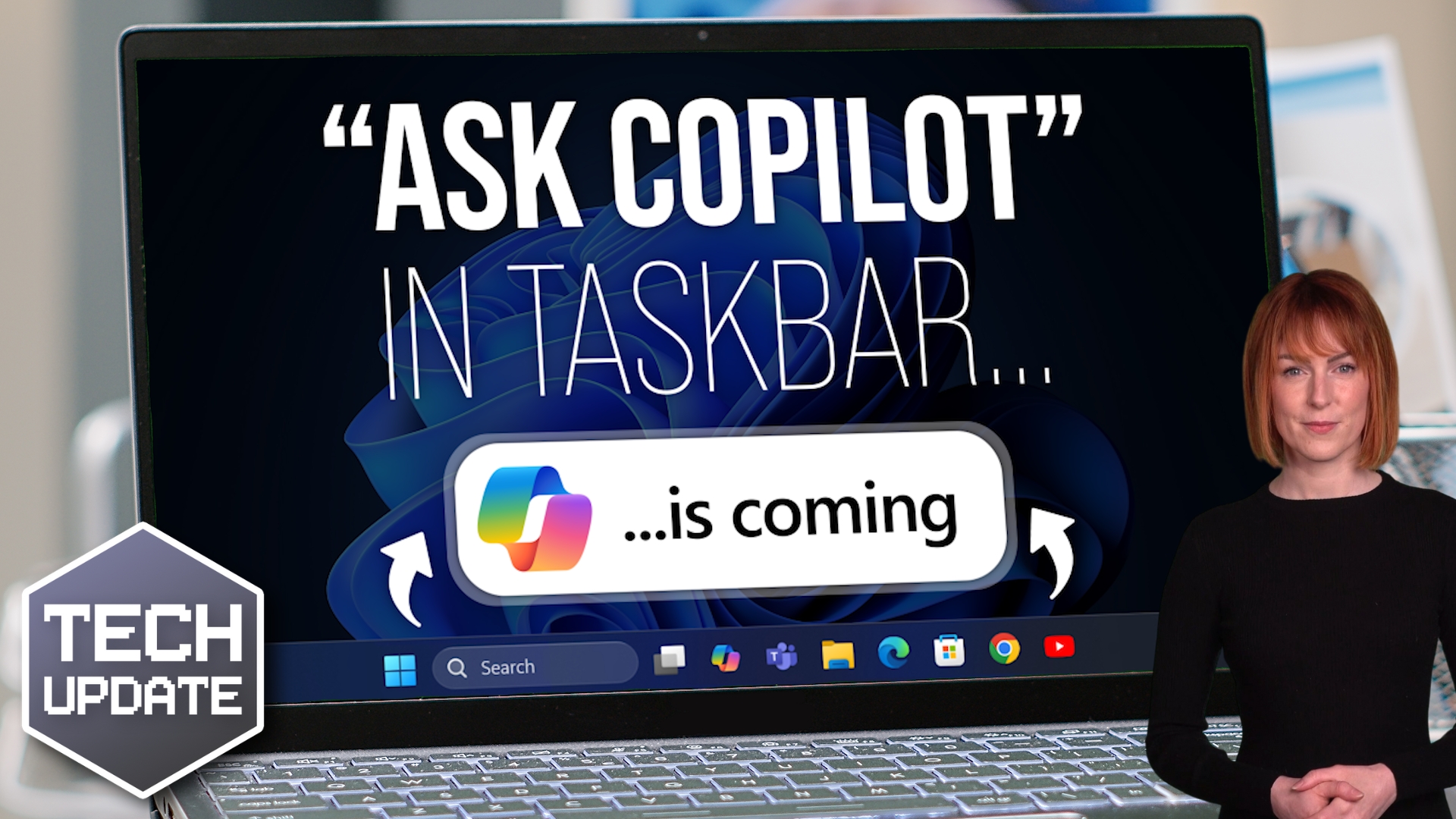
For the past year or so, it’s felt like every Windows update came with three new AI features attached.

Some of them are genuinely useful. Some feel like they’re there because they can be.

So it’s interesting to see Microsoft take a slightly different tone with recent Windows 11 preview updates. 

Instead of cramming in more AI, the focus seems to be on something far less flashy: Making Windows smoother, faster and less irritating to use.

And as someone who works with businesses using Windows every day, I’m quite pleased about that.

Let’s start with something simple. You’ll soon be able to run a network speed test directly from the taskbar. 

If your internet suddenly feels slow, you won’t need to open a browser and search for a speed test site. You can check performance straight from Windows.

For a small or medium sized business, that’s practical. 

If a member of staff says, “The system’s crawling”, you can quickly see whether it’s the connection or something else.

There are also small but welcome tweaks to how apps behave on the taskbar. 

If you’ve ever had multiple windows of the same app open, for example, several Word documents, you might have noticed them being tucked away awkwardly into an overflow area. 

Now it makes better use of the space available, so things feel less cluttered and easier to manage.

Performance improvements are another key area. 

Microsoft has optimised how Windows resumes from “sleep” mode. 

Sleep mode is what happens when you close your laptop lid or leave your PC idle. It goes into a low-power state but keeps your work ready to go. 

If you’ve ever opened your laptop in a meeting and waited that slightly uncomfortable few seconds for it to wake up, this update is designed to make that process feel snappier.

That might not sound dramatic, but in a business setting, small delays add up. A faster resume means fewer awkward pauses and less frustration.

There’s also a subtle shift in how Microsoft is handling AI. 

Instead of pushing it everywhere, they’re adding more control. For example, if your webcam has automatic AI framing, where it tries to zoom and follow your face during calls, you’ll have manual controls to adjust pan and tilt in settings. 

If you’ve experienced the camera zooming in at the wrong moment, that’s a welcome change.

Other updates are less glamorous but still useful. 

The Storage Settings page now scans faster when looking for temporary files, making it easier to free up space. 

The Windows Update page responds more quickly when you check for updates. You can even set modern image formats like .webp as your desktop wallpaper. 

Small details, but they improve day-to-day usability.

For small and medium sized businesses, reliability and responsiveness matter more than experimental features. 

If Windows feels quicker, cleaner and less intrusive, your team works more smoothly. And that’s where real productivity happens.

These updates are rolling out gradually, so you may not see everything immediately, but it won’t be long. 

If you’d like to learn what other Windows features could give your team a productivity boost, I can help. Get in touch.
More Content

The two big threats of doing business on public Wi-Fi

The two big threats of doing business on public Wi-Fi

Public Wi-Fi can be a lifesaver when you must send an urgent email while out of the office. But did you know it can also put your business data at risk? These are the two big threats you and your team need to be aware of…

What to do when disaster strikes: Creating an Incident Response Plan

Your business has firewalls, the latest security software, multi-factor authentication, and, of course, uncrackable passwords. You may even have Cyber Essentials—high five. But… It’s still not enough to protect you from 100% of cyber attacks. Completely watertight...
The Microsoft sign on a building

Microsoft urge users to patch against critical vulnerability

Microsoft is warning of a recently discovered critical Windows DNS Server vulnerability that is described as “wormable”. DNS (Domain Name Services) is used by computers all over the world to find each other. The Internet could not work without it. Microsoft DNS is...
Digital dinosaur

7 Cybersecurity Threats That Could Wipe Out Your Business

Cyberattacks aren’t rare anymore—they’re routine, and cybersecurity for small businesses has never been more important. Whether you’re a small business or a growing enterprise, the threats are real, relentless, and evolving faster than traditional defences can keep...

Tech Tip: Capture Your Screen Like a Pro – Essential Screenshot Techniques for Windows

Welcome to a new Tuesday tech tip video where I will show you how to take screenshots in Windows. Screenshots are an indispensable tool for anyone who uses a computer. They allow us to capture specific areas of our screen, share instructions, document errors, or...
How to reopen a closed browser tab thumbnail

Tech Tip: How to quickly reopen a closed browser tab

Welcome to a new Tuesday tech tip video, and it's a really quick, but useful one This video shows how to quickly reopen a closed browser tab in Google Chrome or Edge. The video demonstrates a keyboard shortcut (Ctrl+Shift+T) to restore the last closed tab. I will also...

Tech Tip: How to use Mail Merge

This Tuesday Two Minute Tech-tip shows you how to automate customised emails and letters using Mail Merge. Imagine; you need to send a letter or email to 10s, or even 100s of people with the same base content, but personalised for each recipient. You could manually...

Tech Tip: How to create a table of content in Word

Happy Tuesday everyone! Today's Two Minute Tech Tip was an idea given to me by my apprentice, George Borns. When asked what would be a good idea for a Tech Tip and without hesitation, George said "What about headings and tables of content in Word?" It is a great tip...

Tech Tip: How to check if your device is compatible with Windows 11

Welcome to a new Tuesday tech tip video. In it, I will show you how to check if your device is compatible with Windows 11. With Microsoft's termination of support for Windows 10  in October 2025, it's crucial for business leaders to proactively plan for the transition...

Facebook Meta: A New Reality?

Facebook Meta: A New Reality? Facebook has been a part of our lives for the past decade and Facebook Meta is Facebook's next step into the future. Facebook Meta is an augmented reality system that will allow users to play games, purchase items, meet friends, and more...
Share This
Contact
Love Lane
Cleobury Mortimer
Shropshire DY14 8PE

01299 382 321
[email protected]
Copyright © Blisstech Solution Ltd
Registered No: 08125391 VAT No : 307 5490 05