Important: Protect your business from digital fraud • Blisstech Solutions

Scams aren’t what they used to be. 

They’re not always obvious, they’re not always clumsy, and they don’t always come with spelling mistakes or odd graphics. 

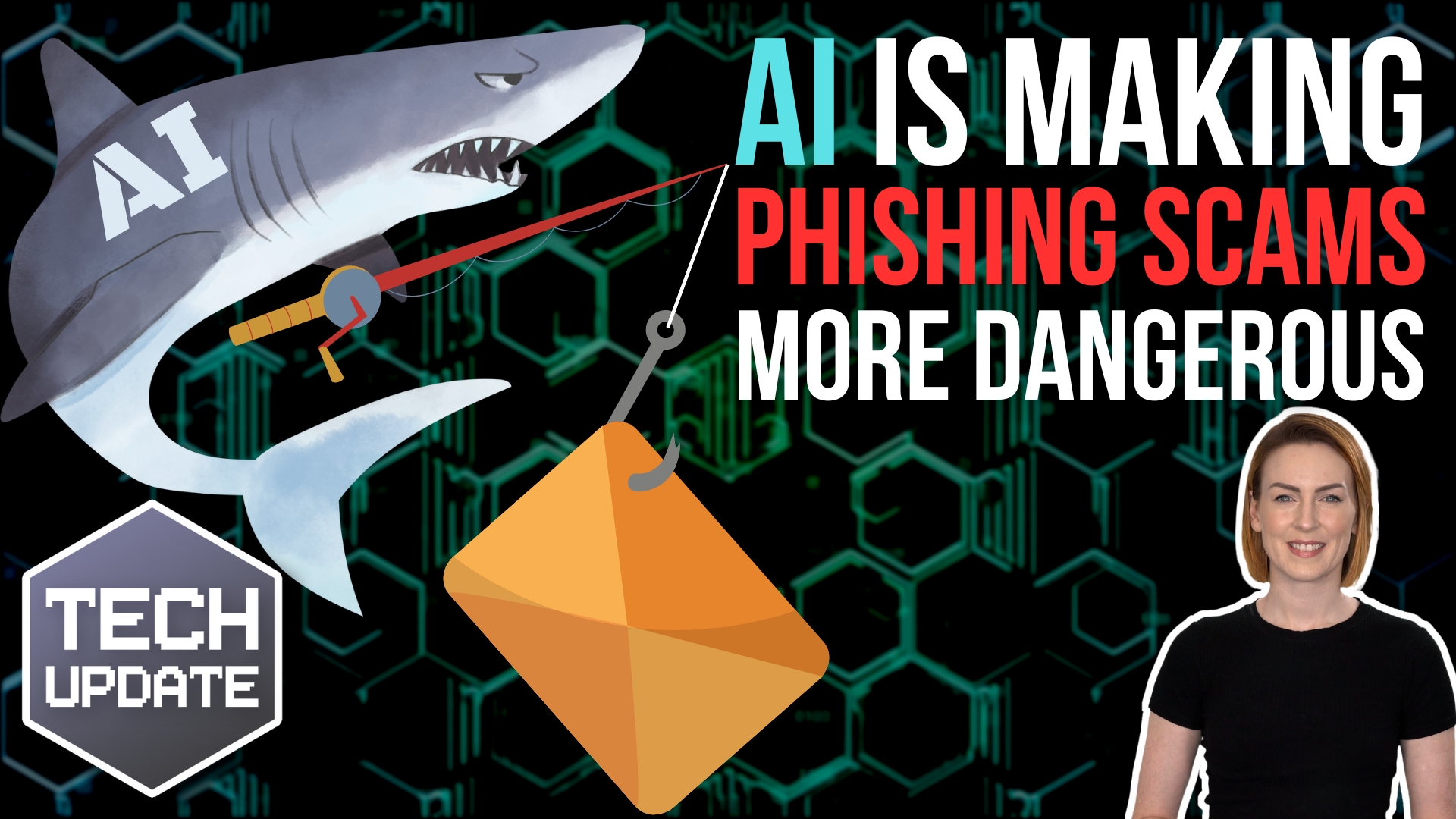
Today’s digital fraud is faster, smarter, and often created with the help of AI. Which means it’s becoming harder for even the most careful people to spot.

And it doesn’t matter whether it’s Christmas, summer, or an ordinary Tuesday. Scammers don’t take days off. 

That’s why it’s so important for every business, no matter the size, to understand the basics of staying safe online.

The first thing scammers try to do is rush you. 

They love creating pressure. Countdown timers, “urgent” warnings, messages that say your account will close in minutes, or delivery alerts claiming you must act right now. 

The moment they make you panic, your guard drops. That’s why one of the most powerful habits you can build is: Stop. Think. Verify.

If anything makes you feel rushed or stressed, pause immediately. Then check what’s going on using a trusted source. 

Don’t click the link inside a suspicious email or text. Instead, visit the company’s official website or call their real phone number. 

Scammers often use tiny tricks, like slightly misspelled website addresses, to fool you into thinking they’re legitimate.

It also helps to know what scammers are usually after. Most of the time, they want your money or your data. That’s why so many fake messages claim there’s a problem with your bank, a missed delivery, a locked account, or a prize waiting for you. 

Real companies won’t ask for your full bank details, passwords, or remote access over email, text, or unexpected phone calls. If someone does, it’s a scam.

But awareness isn’t enough on its own. You also need good defences in place. 

Thankfully, modern tools make this much easier. 

Using an authenticator app (for multi-factor authentication) adds an extra lock to your accounts, even if someone steals your password. 

A password manager can generate strong passwords for you and remember them safely, so you don’t have to reuse simple ones. 

And keeping your software updated means you’re closing known weaknesses that scammers love to exploit.

Another smart habit is regularly checking which apps and devices have access to your accounts. Especially if you use Google or Facebook to sign in to other services. Sometimes old devices or unused apps stay connected without you realising, and that’s a risk worth clearing up.

There’s one final step many people forget: Reporting scams. 

It’s not just for your benefit. It helps protect everyone else too. Every report helps experts take down dangerous websites and warn others.

Digital fraud is getting more advanced, but the good news is that simple, consistent habits can keep you and your business safe. Stay calm, stay cautious, and stay informed.

And if you’d like help putting the right protections in place for your team, get in touch.
More Content

The final curtain call for Windows 10: What you need to know

Microsoft has announced there will be no new feature updates for Windows 10 so maybe it’s time to upgrade to Windows 11. Our latest video will help you make up your mind.

IT Managed Services for Law Firms

Over the years, technology has shaped and changed legal firms in the UK in many ways.   Technology has helped legal firms to go digital and provide a streamlined client experience by allowing them to access case files online from anywhere. Technology has also helped...

Tech Tip: How to use Windows shortcut keys

Good morning everyone and welcome to your Tuesday Two Minute Tech Tip. 👉 Tired of dragging the mouse around the screen to access the things you use all of the time? 👉 Want to hear about some handy shortcuts Windows that you never know existed? Today's tip will help...

Why all businesses should adopt MFA now

Years ago, Multi-Factor Authentication (MFA) used to be called 2FA, or Two Factor Authentication.  This was made up of: Something you have, like a device that can generate a one-time password (OTP). Something you know, like a password. MFA has extended things meaning...
Reverse image search makes purchasing and marketing easier

Bing Visual Search makes purchasing and marketing easier

Think the Windows 11 Photo app has little use in your business? Visual Search with Bing is about to change that, with some very useful new functionality… Find out more here.

Unlock your potential with Copilot

Unlock your potential with Copilot

Tried Microsoft Copilot yet? It’s a smart tool baked into the applications you use every day, that could save you time. Here we tell you some cool ways it can help.

Tech Tip: Send quick Teams messages from anywhere

We all know that Teams messaging is a great way to communicate with others, but it can be disruptive if it interrupts our flow. Even though Teams messaging is a great way to communicate with colleagues, it can easily break your concentration and flow. You might find...
Logos for Microsoft 365

The Microsoft New Commerce Experience (NCE) is on the way

Microsoft is introducing what it calls a New Commerce Experience (NCE) in 2022, with changes to licensing terms and pricing for Microsoft 365. This will mean fairly big, and potentially expensive, changes for business customers who have Microsoft 365 licences. The...

Tech Tip: How to use Pivot Tables in Excel

Welcome to Tuesday's Two Minute Tech Tip where Matt shows you how you can explore your Excel data using the power of Pivot Tables. Pivot Tables are a powerful feature of Excel that allows you to manipulate your flat Excel data to perform calculations and create charts...

A little trust can go a long way

Countless employers still don’t trust their people to do their best work unless they’re physically in the office.

Share This
Contact
Love Lane
Cleobury Mortimer
Shropshire DY14 8PE

01299 382 321
[email protected]
Copyright © Blisstech Solution Ltd
Registered No: 08125391 VAT No : 307 5490 05