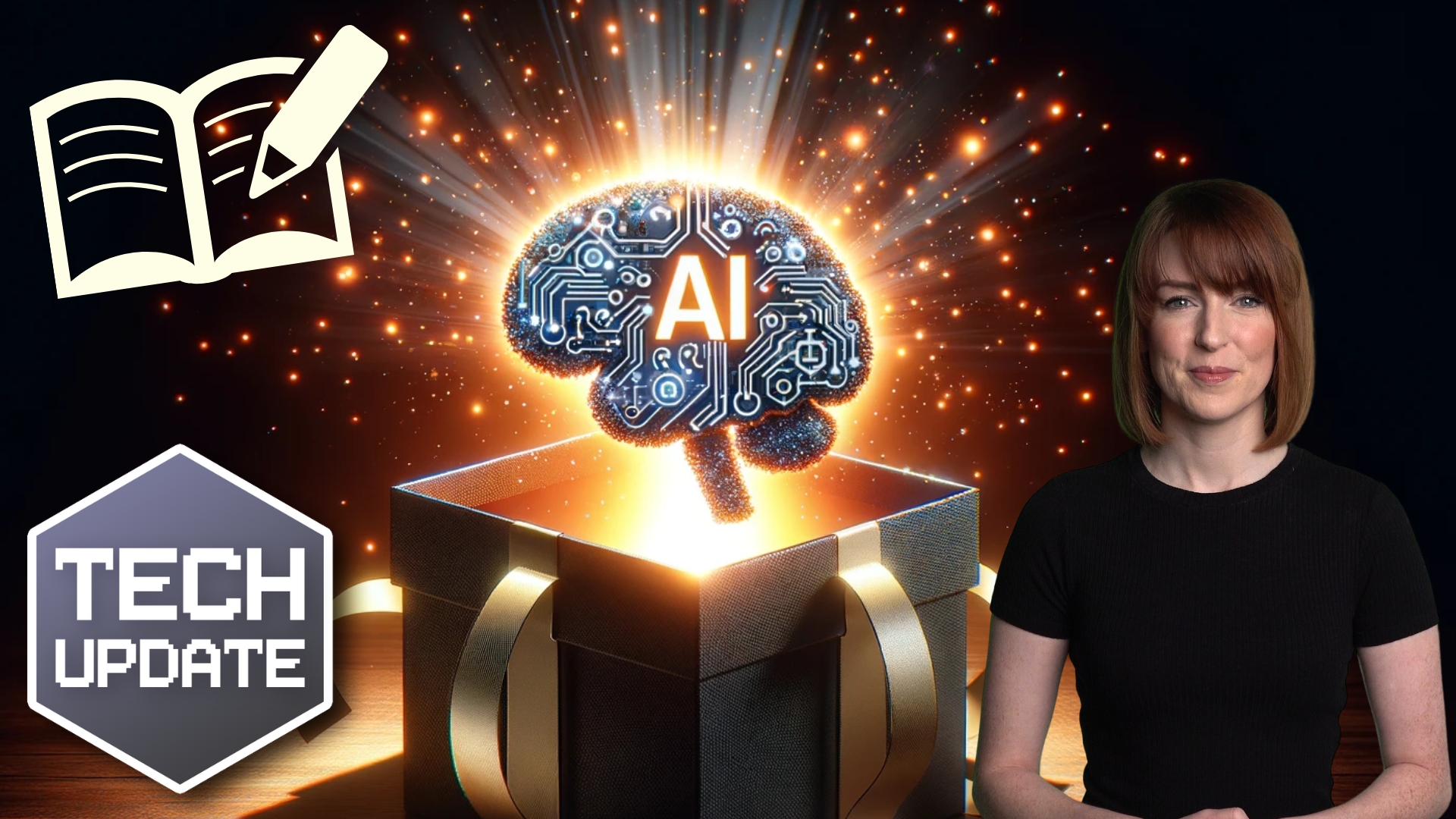
Don’t trust AI with this security essential • Blisstech Solutions

Let me start with a question: If you needed a strong password, would you ask AI to generate one for you?

It sounds reasonable enough. 

Tools like ChatGPT and Copilot can write reports, draft emails and even create bits of code. Asking them for a 16-character password packed with symbols and numbers feels like a smart shortcut.

But you might want to rethink that. 

Researchers recently tested AI tools by asking them to generate secure passwords. 

On the surface, the results looked great. Long strings of mixed-case letters, numbers and symbols. 

When checked using online password strength meters, they scored highly. Some tools even suggested it would take centuries to crack them.

But when those passwords were analysed properly, a different picture emerged.

AI systems are powered by something called a large language model, or LLM. That means they’re trained to predict what text should come next. They’re brilliant at producing text that looks natural and plausible.

What they are not designed to do is create true randomness.

And strong passwords rely on randomness.

When researchers examined dozens of AI-generated passwords, they found repeating patterns. Some passwords were duplicates. Many followed very similar structures. 

Interestingly, none of them contained repeating characters. 

That might sound like a good thing, but real randomness often includes repetition. The absence of it suggests the password is following learned rules rather than being generated unpredictably.

The researchers measured something called “entropy”, which is a technical way of describing how unpredictable something is. 

AI-generated passwords scored far lower than a genuinely random 16-character password should. 

That means they could be much easier to crack using a brute-force attack, where attackers try huge numbers of combinations very quickly.

Online password checkers don’t catch this because they only look at visible complexity. 

They see symbols and numbers and assume it’s secure. They don’t account for the hidden patterns created by AI.

Even newer models like Gemini 3 Pro have issued warnings when asked to generate passwords, advising people not to rely on chat-generated credentials for sensitive accounts. 

That should tell you something.

If you want properly secure passwords, use a password manager with a built-in generator. 

These use cryptographic randomness, in other words, mathematical processes specifically designed to create unpredictable results.

AI is an excellent productivity tool. But when it comes to security essentials like passwords, it’s the wrong tool for the job.

If you’d like help choosing the right password manager for your business, get in touch. 
More Content

Tech Tip: How to use Pivot Tables in Excel

Welcome to Tuesday's Two Minute Tech Tip where Matt shows you how you can explore your Excel data using the power of Pivot Tables. Pivot Tables are a powerful feature of Excel that allows you to manipulate your flat Excel data to perform calculations and create charts...

How to scan a QR code with your phone

As more venues open up for face to face meetings, some are introducing their own track and trace systems using a QR code that you need to scan with your mobile phone. But how? This video explains how to scan a QR code with your phone so you are not trying to figure it...
Your business’s passwords are still too weak

Your business’s passwords are still too weak

“iloveyou”, “12345”, “qwerty1”. If I’ve just guessed all your passwords, you need to change them, immediately. Why? Because your passwords are STILL too weak. It’s a big problem…

Time saver: Auto-launch your favourite Windows 11 apps

Time saver: Autostart your favourite Windows 11 apps

Imagine starting your PC and your favourite apps open automatically. It’s a small change that could save you a lot of time. Here’s how to make it happen…

Tech Tip: How to Sync Teams Files to Your Computer

Hello everyone, welcome to a new Tuesday Two Minute Tech Tip.    👉 Do you use Microsoft 365?    👉 Do you need to collaborate on documents with your colleagues?    👉 Do you want to do this using the same familiar Windows...
Security alert: Attacks on business email accounts are surging

Security alert: Business Email Compromise attacks are surging

Your business relies on emails every day – that’s exactly why scammers target them. Here’s what you need to know.

SharePoint made simple: How to supercharge your business

Still juggling files across laptops, Dropbox, and endless email chains? That chaos is costing you time, money, and sanity. Our latest guide shows you how to swap the mess for one secure, central hub where your team can collaborate seamlessly. Without stress or...

Stop! And think, before you act on that email

Don’t fall victim to cyber criminals. We explain what a BEC attack is and how to protect your business.

Employees are falling for 3x more phishing scams

Employees are falling for 3x more phishing scams

Cyber criminals are getting smarter, and businesses are paying the price – especially when it comes to phishing attacks. Here’s what to watch out for…

Bonus Guide: The Crowdstrike Outage Explained

Download our free guide summarising everything you need to know about the recent Crowdstrike outage. This is written specifically for business owners and managers. Inside, you’ll discover: What CrowdStrike is What happened on Friday 19th July 2024 The impact of the...
Share This
Contact
Love Lane
Cleobury Mortimer
Shropshire DY14 8PE

01299 382 321
[email protected]
Copyright © Blisstech Solution Ltd
Registered No: 08125391 VAT No : 307 5490 05