Never lose a Word document again • Blisstech Solutions

Be honest, how many times have you lost a Word document because you forgot to hit “Save”?

We’ve all been there.

The power cuts out, your laptop crashes, or you just close the window too fast… and hours of work vanish in an instant.

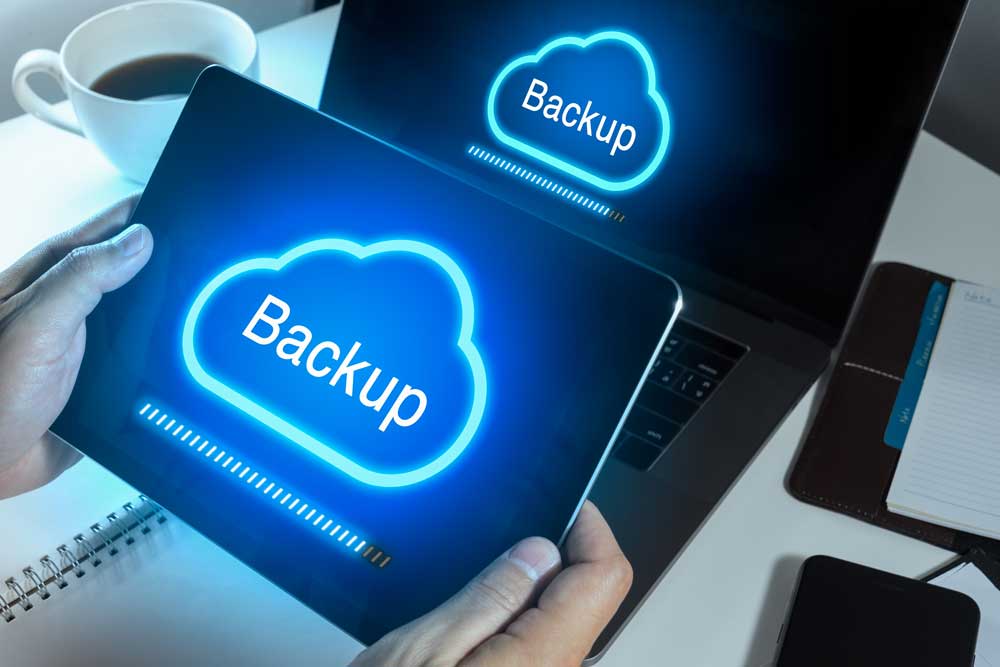
Well, Microsoft’s decided that enough is enough. From now on, new Word documents will automatically save straight to your OneDrive cloud storage. Autosave will be turned on by default.

That means your work is backed up instantly. And you can pick up where you left off from any device.

Accidentally close the file? No problem, it’s sitting safely in the cloud.

For anyone who’s ever lost an important report, proposal, or invoice, that sounds like a dream come true. Right?

But not everyone’s cheering just yet.

Some people aren’t comfortable with every new document automatically being uploaded to the cloud. They’d rather decide for themselves where a file should live. Especially if it contains sensitive information.

There’s also the question of privacy.

While Microsoft says your files are secure and only accessible to you, some people simply prefer keeping their work stored locally, where they feel more in control.

In fairness, Microsoft isn’t locking you in. You can turn this feature off and go back to saving files manually if you prefer.

But for many, this change could slip by unnoticed. Word will just quietly back everything up for you without asking.

It’s a big shift, and it says a lot about where Microsoft’s heading. The company wants to make OneDrive the central hub for your files, and with new Copilot AI features coming to it, that makes sense.

Soon you’ll be able to ask Copilot to find, summarise, or even edit your documents directly from OneDrive. There will be no need to dig through folders or filenames.

So, is this update a terrible idea or a great one?

It depends on how you like to work.

If you value simplicity, peace of mind, and automatic backups, it’s a fantastic move. But if you prefer a little more control and privacy, it might feel like Word’s making decisions for you.

Either way, one thing’s certain: The days of losing your unsaved masterpiece are numbered.
More Content

Microsoft wants you to pay for updates

Microsoft wants you to pay for updates

Microsoft plans to charge for updates to Windows 10 starting next year (2025). We tell you your three options… and which we recommend.

3 things you should do now to protect your business email

It's a fact, most cyber attacks start with an email.  In fact, a frightening 91% of attacks begin with someone clicking on something they shouldn't in an email they received. Here are three things you can do now to protect your business and make it harder for...

What to do when disaster strikes: Creating an Incident Response Plan

Your business has firewalls, the latest security software, multi-factor authentication, and, of course, uncrackable passwords. You may even have Cyber Essentials—high five. But… It’s still not enough to protect you from 100% of cyber attacks. Completely watertight...
Save time by accessing your Android phone’s files with File Explorer

Save time by accessing your Android phone’s files with File Explorer

A new feature in Windows 11 may make accessing files on your Android phone much quicker. We have all the details.

Windows 12 is coming… here’s what we know so far

While Windows 11 is only just celebrating its first birthday, we’re already hearing our first rumours about what Windows 12 will have in store. There’s no rush for the time being – we won’t see this new operating system until the back end of 2024 – but we love to be ready for what’s coming next, so here’s what we know …

Why a business password manager is essential

Still using spreadsheets or sticky notes for your business passwords? It might seem harmless… but it’s one of the biggest risks to your security. Weak or reused passwords are how most hacks happen. And if one login gets leaked, cybercriminals can gain access to...

Tech Tip: How to use Microsoft Teams as a phone system

Welcome to a new Tuesday tech tip video. In it, I will demo the Microsoft Teams Phone system. Microsoft Teams has become a cornerstone for collaboration, offering seamless chat and meeting experiences for millions of users worldwide. But did you know that Teams can...
How to use Browser Profiles thumbnail

Tech Tip: How to use browser profiles

This Tech Tip is on how to use web browser profiles. If you are a freelancer, virtual assistant, or just wear many hats in your job role, you probably have multiple different logins for the same application. As so many applications are web-based, we have to login to...
KEMP Virtual Santa Fun Run Logo

Blisstech Solutions sponsors KEMP’s Virtual Santa Fun Run

In 2020 everything has been different, and the traditional KEMP Hospice Santa Fun Run is no exception.  In a year where so many charity and participation events have been cancelled, it is great to see that this iconic local event is going ahead, albeit in a very...

Microsoft hints at some exciting Windows 12 developments

Windows 11 still feels like a new toy, yet we’ve already heard speculation about Windows 12 arriving as soon as next year. It’s all we can think about!

Share This
Contact
Love Lane
Cleobury Mortimer
Shropshire DY14 8PE

01299 382 321
[email protected]
Copyright © Blisstech Solution Ltd
Registered No: 08125391 VAT No : 307 5490 05