Uh oh! You’re at greater risk of malware than ever before • Blisstech Solutions

Uh oh! You’re at greater risk of malware than ever before

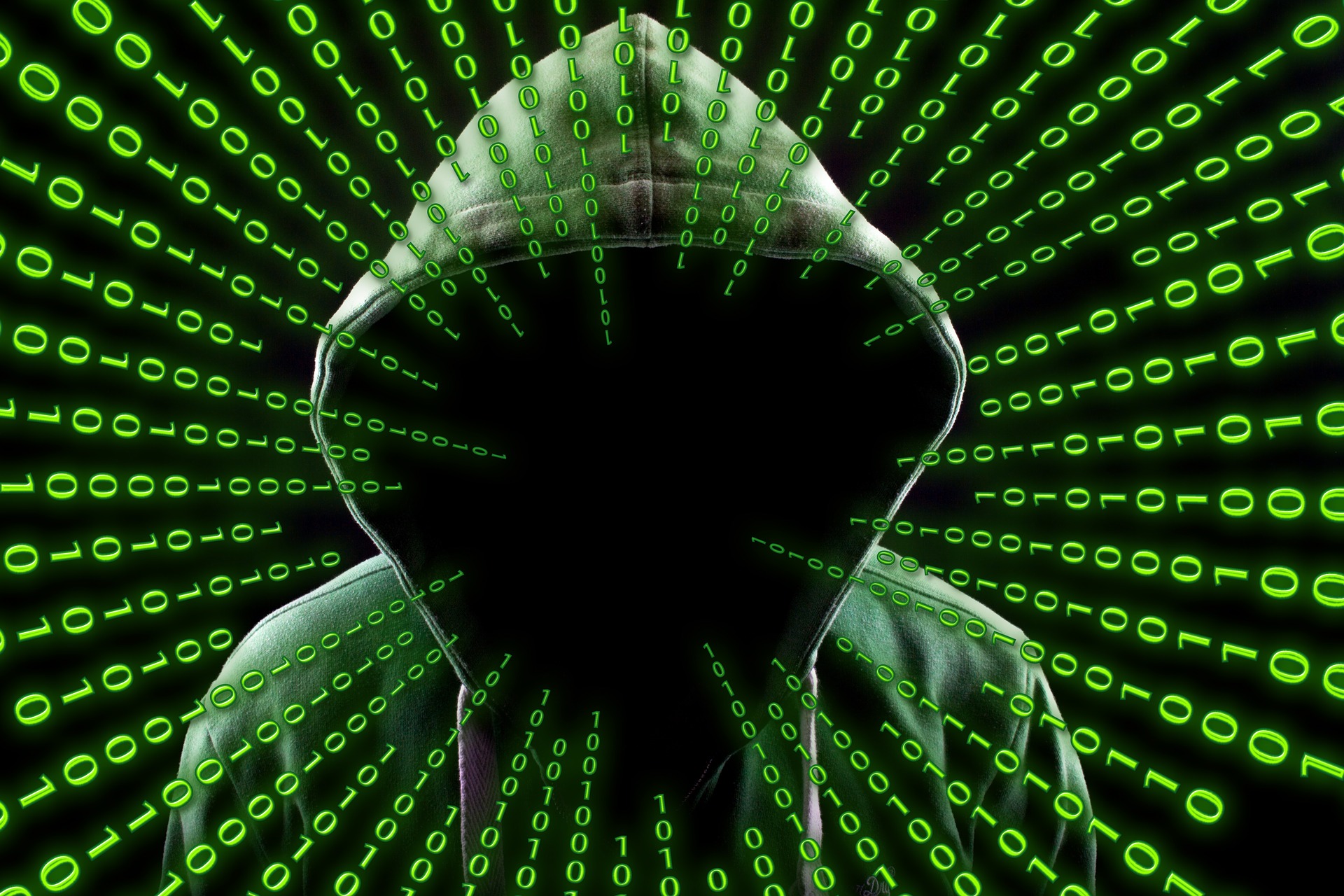
Here’s something not-so-fun but incredibly important to talk about: Malware attacks.

And it’s bad news. These scary cyber threats are hitting small and medium-sized businesses (SMBs) harder than ever before. That means you need to know how you can defend your business.

First things first, what exactly is malware?

Think of it as the digital equivalent of the germs that make you sick. Malware, short for malicious software, is like the flu virus of the cyber world. It’s designed to sneak into your computer systems or network and wreak havoc in all sorts of ways.

So, what kinds of malware are we talking about here?

Well, according to a recent report, there are a few significant troublemakers: Information-stealing malware, ransomware, and business email compromise (BEC).

You might wonder why you should care about malware. Let me set the scene: You’re running your business smoothly, minding your own business, when BAM! A malware attack hits.

Suddenly, your files are encrypted, your systems are locked down, and you’re being held hostage for ransom.

Sounds like a nightmare, right?

That’s the reality for many SMBs facing malware attacks. It’s not just about losing money – it’s about the potential damage to your reputation, your operations, and your customers’ trust.

But there are plenty of ways to fight back against malware and keep your business safe and sound:

Educate your team

Teach your employees to spot phishing emails (emails pretending to be from someone you trust), suspicious links, and other sneaky tactics used by cybercriminals. A little awareness goes a long way.

Armour up your devices

Ensure all your computers and devices have the best software to prevent attacks.

Back up, back up, back up

Regularly back up your data to secure offsite locations. That way, if you are attacked, you’ll have a backup plan (literally) to restore your files.

Fortify your network

Improve your network security with firewalls, encryption, and other powerful weapons. We can help with all of that.

Stay sceptical

Be cautious of suspicious emails or requests for sensitive information. When in doubt, double-check the sender’s identity and never click on risky links or attachments.

Have a plan

Prepare an incident response plan for dealing with malware attacks. Think of it as your emergency playbook, complete with steps for containing the threat, recovering your data, and reporting the incident.

That’s a lot to take in, but remember, knowledge is power.

These are all things we help our clients with, so they don’t have to worry about it. If we can help you too, get in touch.
More Content

Tech Tip: How to use Windows shortcut keys

Good morning everyone and welcome to your Tuesday Two Minute Tech Tip. 👉 Tired of dragging the mouse around the screen to access the things you use all of the time? 👉 Want to hear about some handy shortcuts Windows that you never know existed? Today's tip will help...

Tech Tip: How to create a scheduling poll using Outlook

Welcome to a new Tuesday tech tip video where we will be exploring how to create a scheduling poll using Outlook. You know what it's like when you are trying to get everyone together for a meeting. Trying to find a time that suits everyone can be a real pain! There...
Are your employees reporting security issues fast enough… or even at all?

Are your employees reporting security issues fast enough… or even at all?

The faster your employees report a potential cyber security issue, the less damage is done to your business. But how can you encourage quick reporting? Here we share some solid ideas.

A woman on a laptop with a shield and lock on the screen

7 ways to secure small business IT

It is hard enough running a business without having to worry about how to ensure your computer systems and data are secure from bad guys.  To help you out, we have put together a list of the top 7 things that you should do to secure your small business IT systems. 1....

Tech Tip: What is Autosave and Version History?

This is the latest Tuesday Two Minute Tech-tip that explains the AutoSave and Version History features of Office 365. When we migrate businesses to Microsoft 365 and they start working with OneDrive and SharePoint, I often hear the question, "How do I save my files...
Cyber attacks: Stronger, faster and more sophisticated

Cyber attacks: Stronger, faster and more sophisticated

A new cyber security report has brought some bad news: Cyber attacks are getting stronger, faster, and more sophisticated. We have all the details.

New phishing scam is smarter than ever… here’s how to protect your business

New Microsoft 365 phishing scam is smarter than ever… here’s how to protect your business

Microsoft is warning business owners that trusted cloud storage services are being hijacked to trick you into handing over your data. Here we tell you what you need to know.

Ransomware Attacks Grow for Small Businesses

Two organisations have recently released reports on the state of ransomware and cybersecurity incidents affecting small businesses. Datto's State of the Channel Ransomware Report Datto has recently released their "State of the Channel Ransomware Report"  for 2019...
How to use Format Painter thumbnail

Tech Tip: How to use Format Painter in Office 365

Welcome to a new Tuesday tech tip video where we will show you how to use a feature of Office applications called Format Painter. If you want to know how to quickly make the content of your Office documents look consistent, then this video will show you how. Format...
A free tool for more polished communication

A free tool for more polished communication

You’ve hit send on an important email – then you notice a typo. Windows 11 lets you spellcheck and autocorrect across most of its apps. Here we help you to set it up

Share This
Contact
Love Lane
Cleobury Mortimer
Shropshire DY14 8PE

01299 382 321
[email protected]
Copyright © Blisstech Solution Ltd
Registered No: 08125391 VAT No : 307 5490 05