Warning: Don’t fall for fake CAPTCHAs • Blisstech Solutions

You’ve seen them hundreds of times.

“Click here to prove you’re not a robot.”

It’s one of those things you don’t really think about.

You tick a box, maybe select a few images, and move on with your day.

That’s why this new scam works.

There’s a growing number of fake CAPTCHA pages designed to trick people into doing something slightly unusual… but not unusual enough to raise alarm bells in the moment.

Instead of clicking a box or selecting images, the page asks you to confirm you’re human by sending a text message.

That might already feel a bit odd, but the way it’s presented makes it seem like part of a normal verification process.

You tap the button, your phone opens a message that’s already written, and all you need to do is press send.

Simple.

Except behind the scenes, that single action can trigger multiple texts to international numbers.

In some cases, dozens of them.

Each one adds a small charge to your bill, and because those charges don’t show up immediately, the connection isn’t obvious.

A few weeks later, the bill arrives… and by then, you’ve probably forgotten all about the “verification” you completed.

That delay is what makes this scam particularly effective.

There’s another layer to it as well.

Some of these fake CAPTCHA pages don’t appear out of nowhere. You can be redirected to them through compromised websites or advertising networks.

You click something that looks legitimate, land on a page that feels familiar, and follow the instructions without thinking too deeply about it.

In some cases, even the browser behaves in a way that nudges you forward, making it harder to simply go back or exit.

This one doesn’t rely on technical knowledge; it relies on habit.

Your team is used to seeing CAPTCHAs. They expect and trust them.

And when something looks routine, people move quickly.

But remember this: CAPTCHAs should never ask you to send a text message.

If you ever see that, stop. Close the page and don’t interact with it further.

And remind your team of this, especially as more of these scams start to appear.

A lesson in awareness can save a lot of confusion (and unexpected charges) later.

If you’d like help making sure your team knows what to look out for (and what to avoid), let’s talk. Get in touch.

More Content

SharePoint made simple: How to supercharge your business

Still juggling files across laptops, Dropbox, and endless email chains? That chaos is costing you time, money, and sanity. Our latest guide shows you how to swap the mess for one secure, central hub where your team can collaborate seamlessly. Without stress or...
How to Export or Print to PDF - Thumbnail

Tech Tip: How to save or print to PDF

Welcome to a new Tuesday tech tip video where I will show you how to save files or print documents to a PDF file. In today's digital world, it's more important than ever to be able to print or export files to PDF. PDF stands for Portable Document Format, a universal...

Tech Tip: An overview of Microsoft Teams

Welcome to a new Tuesday Two Minute Tech Tip that covers the basics of Microsoft Teams. Microsoft Teams has become one of the 'go to' tools for collaboration since the start of the pandemic, but most people are only scratching the surface of what you can do with it....

How to Secure Your Business from Cyber Threats in 2024: A Free Guide

Protect your business from these cybersecurity threats in 2024 We’re weeks away from the new year. And this is a great time to start thinking about what needs to get better in 2024. We believe you should allocate more of your business’s precious resources to the...
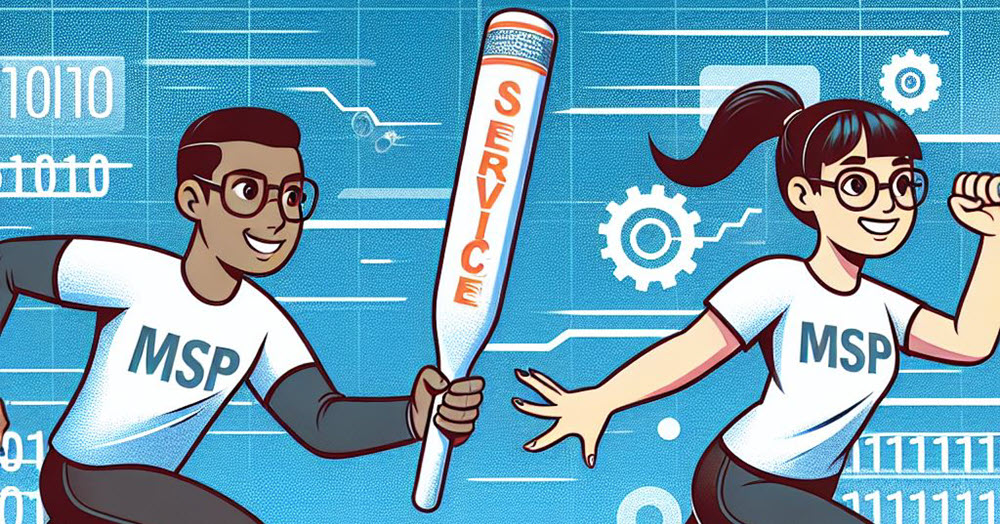
A drawing of two MSPs passing a baton to signify changing IT Service Provider

How to Change Your IT Service Provider: A Guide

Research from Analysis Mason shows that in 2024, nearly a quarter of small to medium-sized businesses changed their IT managed services provider (MSP). So, if you have found this article because you are concerned about the pitfalls of changing MSPs, don't worry; this...
The Grim Reaper hacker attacking businesses without Cyber Essentials

Cyber Essentials: Why Doing the Basics Well Still Protects Most SMEs

If you read the headlines, cyber security can feel like a losing battle. Ransomware, phishing scams, data breaches, every week brings a new story, and every story seems to end the same way: another business in trouble, another customer base shaken, another bill no one...
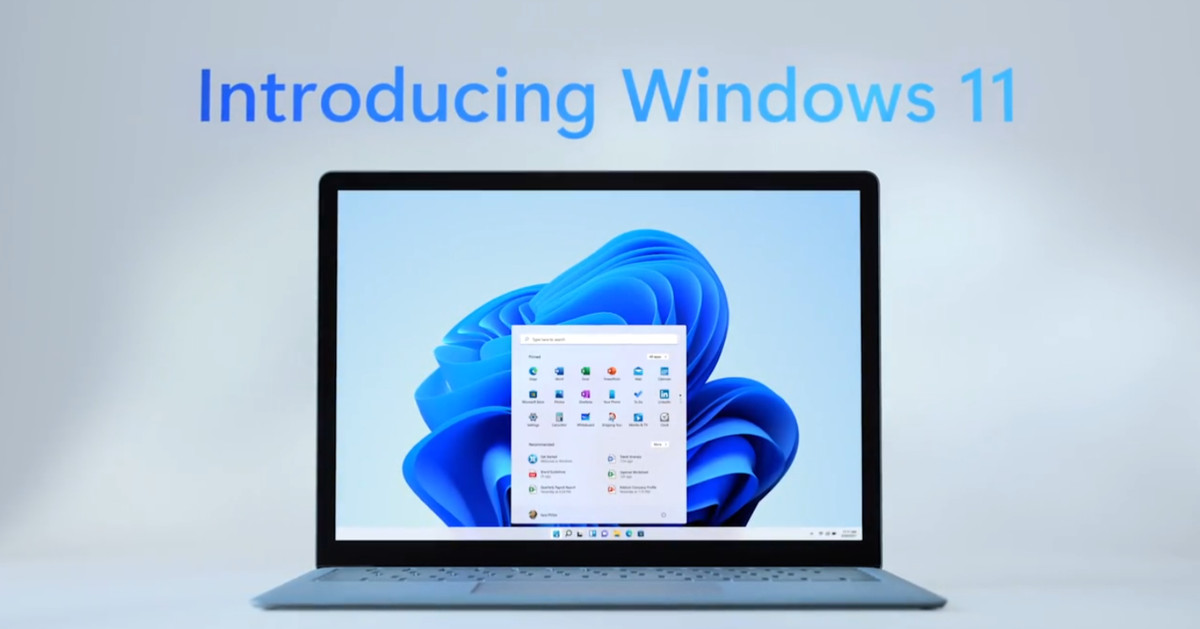
Windows 11 on a Laptop Screen

What’s coming in Windows 11?

Microsoft has just announced (in a typically 'West Coast'​ way) what's coming in Windows 11.  Here is a rundown of what was announced at the event. Windows 11 Interface Design The first impression visually is that it looks kind of like Linux merged with Mac OSx. The...
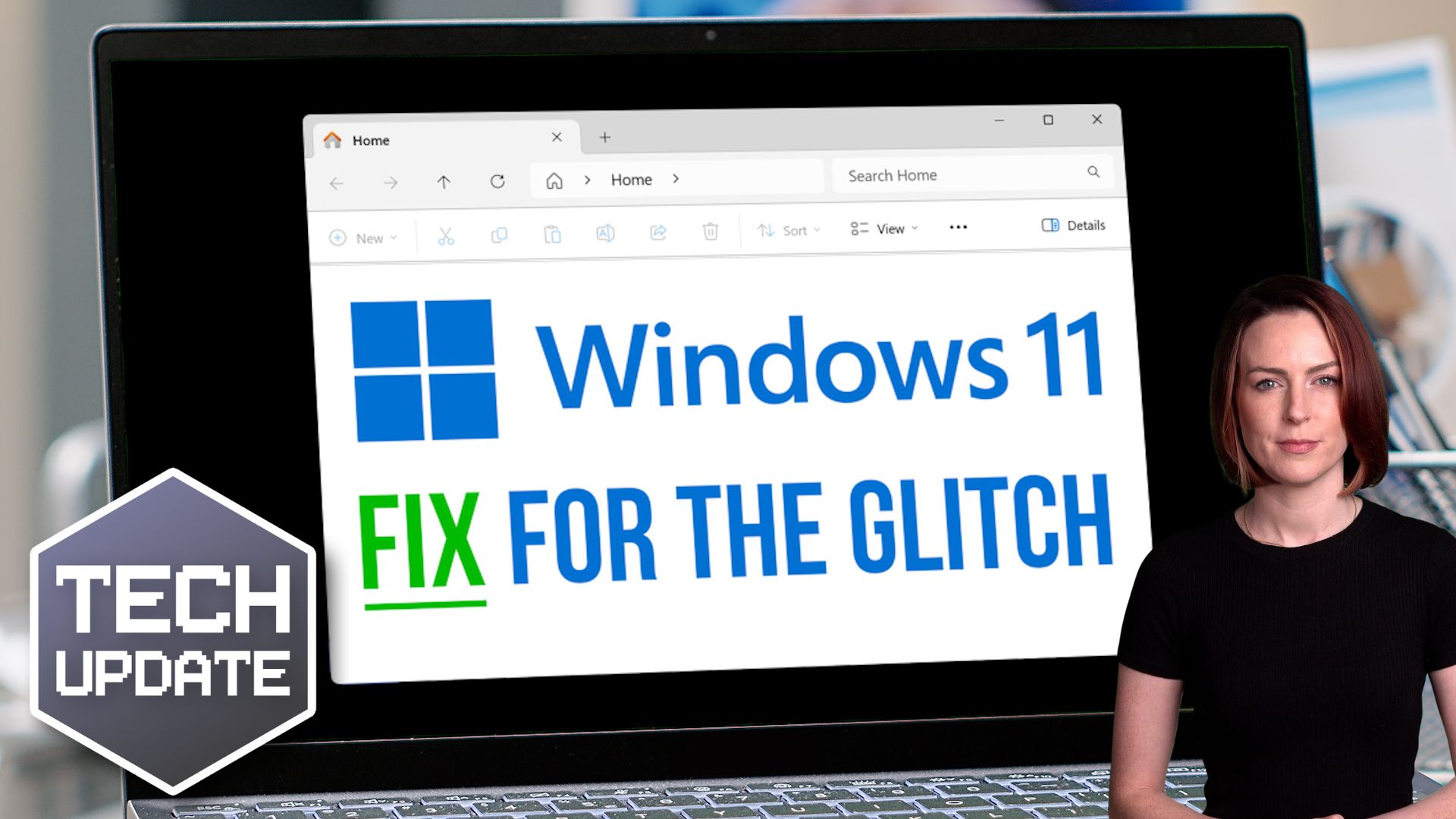
Here’s how to fix that Windows 11 File Explorer glitch

Here’s how to fix that Windows 11 File Explorer glitch

Is your business running version 24H2 of Windows 11? You might be experiencing a small but annoying glitch when clicking “See more” in File Explorer. Here’s how to fix it.

Here’s how cyber criminals try to hack your accounts while you sleep

Have you ever received a notification on your phone while you’re sleeping, asking if it’s really you logging in?
It’s called a fatigue attack and Microsoft Authenticator’s latest feature will help to protect you.

Teams update: No more accidental quitting

Teams update: No more accidental quitting

Ever noticed how it’s the tiny software quirks that cause the most frustration?
If you live in Microsoft Teams meetings, there’s a subtle change rolling out that could make things feel noticeably smoother.
It’s one of those updates everyone will appreciate…

Share This
Contact
Love Lane
Cleobury Mortimer
Shropshire DY14 8PE

01299 382 321
[email protected]
Copyright © Blisstech Solution Ltd
Registered No: 08125391 VAT No : 307 5490 05