Beware these “alerts” from Microsoft Azure • Blisstech Solutions

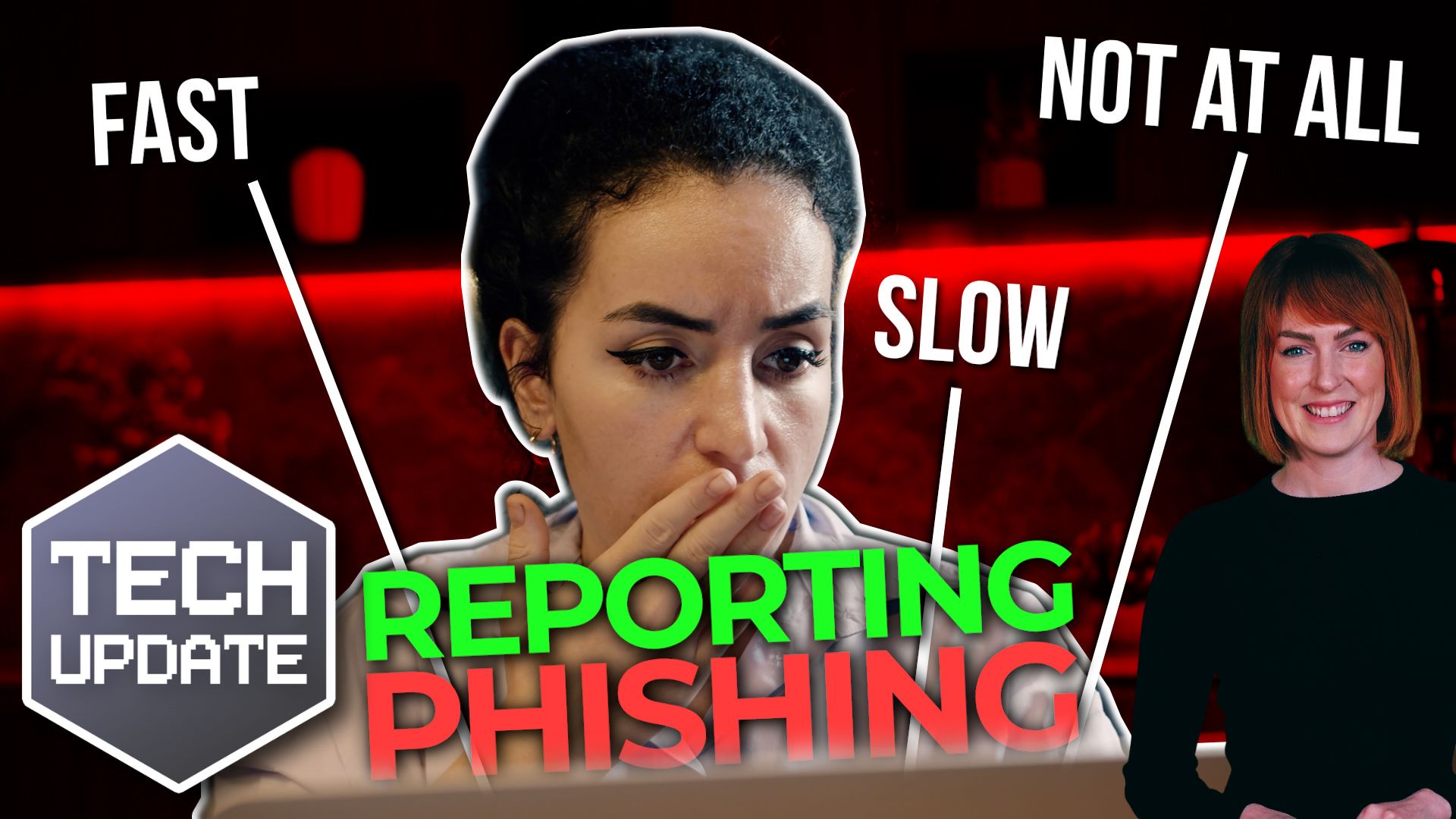
There’s a new type of scam doing the rounds… and this one’s a little more convincing than most.

It looks like a genuine alert from Microsoft Azure Monitor.


It comes from a real Microsoft domain, and it lands in your inbox without being flagged as suspicious.

That’s why it’s catching people out.

Azure Monitor is a tool businesses use to keep an eye on their systems.

It tracks performance, spots problems, and sends alerts when something needs attention.

If you’re running cloud services, especially in Microsoft Azure, these kinds of notifications are completely normal.

So when an email arrives saying there’s a billing issue, suspicious activity, or a problem with your account, it doesn’t immediately raise alarm bells.

That’s where the problem starts.

These scam emails are designed to look urgent.

They might mention unexpected charges, invoices you don’t recognise, or even say your account has been suspended.

Then they push you to act quickly, usually by calling a phone number to “resolve” the issue.

The email itself can be genuinely sent through Azure Monitor.

That means it isn’t spoofed in the usual way.

It’s not pretending to be Microsoft. It’s using Microsoft’s own system to deliver the message. And because of that, many email security tools let it through without question.

Azure Monitor allows users to create alerts based on certain triggers. For example, a new invoice being generated or activity on an account.

Whoever sets up the alert can also customise the message that gets sent out.

Attackers are taking advantage of this.

They create alerts with very basic triggers, write their own warning message (which looks like a billing issue), and then send it out to mailing lists they control.

The result is a convincing, legitimate-looking email. It’s simple and it works.

We’ve seen similar tactics before using other trusted platforms like PayPal and Google tools.

The pattern is the same: Take a service people already trust and use it as the delivery method for the scam.

If you receive one of these alerts, pause.

That’s the most important step.

If an email is pushing you to act urgently, especially to call a number or share information, take a moment to verify it properly.

Go directly to your Azure account through your browser (not via any links in the email) and check for alerts there.

If there’s a real issue, it will show up inside your account.

And if you’re not sure, ask your IT support provider to check before you do anything.

This is a good reminder of how phishing attacks are evolving. It’s no longer badly written emails with obvious spelling mistakes. Some of these messages are polished, well-timed, and delivered through trusted systems.

Awareness is more important than ever.

If you’re not completely confident your team would spot something like this, we can help. Get in touch.
More Content

Is that Chrome extension filled with malware?

Is that Chrome extension filled with malware?

Chrome extensions are great for boosting productivity and saving time. But if they’re not the real deal, you could be at risk from malware. We tell you how to stay protected.

Microsoft Edge introduces a new scam protection tool

Microsoft Edge introduces a new scam protection tool

Those fake “your computer is infected” pop-ups are getting smarter. And scarier.
But there’s some big news from Microsoft that could make them a thing of the past.
This update to Edge is changing how your browser fights back against online scams…

If Microsoft can pull this off, it’ll change your workflow forever

Windows Agent Arena – If Microsoft can pull this off, it’ll change work forever

Wouldn’t it be great if your Windows 11 computer could handle tasks like a real-life assistant? Soon it might be able to and we’ll tell you all about it here.

Passkeys will be better integrated in Windows

Passkeys will be better integrated in Windows

Big changes are coming to Windows 11 to make logging in safer and easier. Which is why now’s the time to get ready for a password-free future…

How to create secure passwords

How to create secure passwords

Weak passwords are one of the biggest security risks to your business.
Why?
Because cyber criminals are getting smarter than ever before. If they manage to crack just one password, they could gain access to your sensitive business data, financial information, or even gain control of your entire system.
Cyber criminals use automated tools to guess passwords, allowing them to try out millions of combinations in seconds. So, if you’re using something like “Password123” or “CompanyName2025”, you’re practically handing them the keys to your business.
A compromised password can lead to big issues, such as:
• Data breaches
• Financial losses
• Identity theft
• Reputation damage
But how do you create strong passwords without driving yourself (and your team) mad?
Think of your password like a secret recipe, where only you should know the ingredients. It should:
• Be at least 14 characters long (the longer, the better)
• Include a mix of uppercase and lowercase letters
• Contain a few numbers and symbols (like @, $, %, or &)
• Not contain any common words or easily guessable information (like birthdays, names, or the word “password”)
Instead of using a single word, you could try a passphrase – a short, random sentence that only you would understand. For example, instead of “Sailing2025”, try something like “Coffee&CloudsAreGreat9!”. This is much harder to crack, yet still easy to remember.
You should also steer clear of these common mistakes:
• Using personal info (your name, birthday, business name, etc.)
• Reusing the same passwords across multiple accounts
• Using simple sequences (“123456” or “abcdef”)
• Storing passwords in an easily accessible place (like a sticky note on your desk)
If remembering unique passwords for every account sounds impossible, there is another option: Password managers. These generate strong passwords, store them securely and autofill them for you.
With a password manager, you only need to remember one strong master password for the manager app itself. The rest are encrypted and stored safely, reducing the risk of data breaches.
Even the strongest password isn’t foolproof, which is why multi-factor authentication (MFA) is also important. MFA requires a second form of verification, like a one-time code sent to your phone or generated from an authentication app.
If you have employees accessing your business systems, it’s a good idea to have a password policy in place to explain your rules and why they’re important. This should include:
• Unique passwords for each system and account
• Regular security training on password best practices
• Business-wide use of MFA for critical systems
• Scanning for compromised passwords regularly
By making password security a priority, you can reduce the chances of a cyber attack creating a nightmare for your business.
And if you need help making your business more secure, get in touch.

Tech Tip: How to check if your device is compatible with Windows 11

Welcome to a new Tuesday tech tip video. In it, I will show you how to check if your device is compatible with Windows 11. With Microsoft's termination of support for Windows 10  in October 2025, it's crucial for business leaders to proactively plan for the transition...

90% of cyber attacks start with a simple email. Why?

All it takes is one email... Did you know it can just take one email to bring your entire business to its knees? Why? Because a surprising 90% of cyber attacks begin with an email. And if you and your whole team are reliant on email every day, your chances of falling...
Reverse image search makes purchasing and marketing easier

Bing Visual Search makes purchasing and marketing easier

Think the Windows 11 Photo app has little use in your business? Visual Search with Bing is about to change that, with some very useful new functionality… Find out more here.

Tech Tip: How to use Windows shortcut keys

Good morning everyone and welcome to your Tuesday Two Minute Tech Tip. 👉 Tired of dragging the mouse around the screen to access the things you use all of the time? 👉 Want to hear about some handy shortcuts Windows that you never know existed? Today's tip will help...

Tech Tip: How to Follow Sites in SharePoint

Hello, Happy New Year and welcome to today's Tuesday Two Minute Tech Tip which is about how to find the data you want to access in SharePoint and OneDrive. If you are working with files in Teams and on SharePoint sites, you might wonder why you do not see the sites...
Share This
Contact
Love Lane
Cleobury Mortimer
Shropshire DY14 8PE

01299 382 321
[email protected]
Copyright © Blisstech Solution Ltd
Registered No: 08125391 VAT No : 307 5490 05