Microsoft’s fixing the biggest issues in Windows 11 • Blisstech Solutions

You’ve probably formed an opinion on Windows 11 by now.

It’s capable. It’s familiar. But every now and then, something slows you down.

A delay here, a distraction there. A feature that feels like it’s trying a bit too hard.

Nothing that makes you rip it out and start again… but enough to notice.

That’s why this latest direction from Microsoft is interesting.

Instead of pushing more new features, they’re starting to focus on fixing some of the things that have been frustrating people.

And to be fair, a lot of it reads like feedback straight from everyday Windows users.

One of the biggest shifts is around AI.

Over the past year, Microsoft has been adding AI (often under the Copilot name) into more parts of Windows.

Some of it has been genuinely helpful. Some of it has felt a little unnecessary, especially when it shows up where you don’t need it.

Now, they’re scaling that back.

You’ll start to see fewer of these AI touchpoints across Windows and in apps like Photos and Notepad.

Windows should feel less cluttered and less pushy.

That’s a good thing in a business environment, where consistency and focus matter more than experimentation.

There’s also a move to make the interface calmer.

Widgets (the panels that show things like news and weather) are being toned down, with better control over what appears.

If your screen feels busier than it needs to be, this should help.

Updates are another area getting attention.

Windows updates are essential for security, but they haven’t always been convenient. Restart prompts at the wrong time, updates kicking in mid-flow, or not having much say in when things happen.

Microsoft is working on making updates less disruptive, with more flexibility to pause or delay them.

That gives you a bit more control, which can make a real difference during a busy workday.

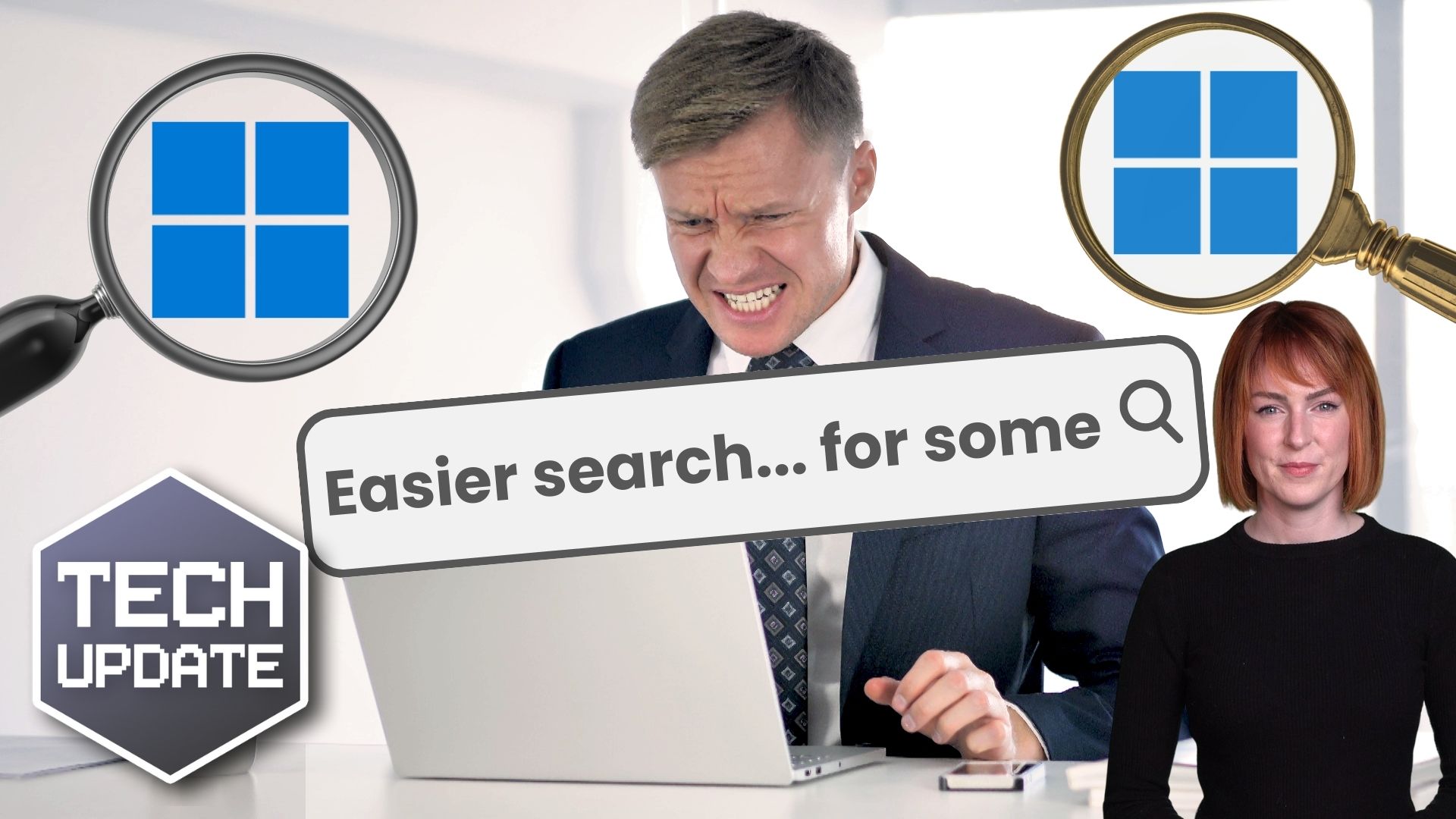
Then there’s File Explorer, the part of Windows you use to find and manage files. It’s one of the most-used tools on any PC, but it hasn’t always been the quickest.

The upcoming improvements aim to make it faster to open, smoother to navigate, and more reliable overall.

You’ll also see more flexibility returning to the taskbar, the strip of icons at the bottom of your screen.

Being able to move it to the side or top is coming back, which was something many of us missed from earlier versions of Windows.

Individually, these changes might not sound groundbreaking. But taken together, they’re improving the experience and making teams more productive.

You want systems that feel reliable, predictable and quick. You want your team to spend less time waiting, clicking around, or dealing with distractions, and more time getting their work done.

Windows 11 is already a solid platform, but now it will become smoother to work with day in, day out.

If you’re not sure whether your current setup is helping your team work efficiently, it may be time for a review. Get in touch.

More Content

What is Proactive Monitoring and how can it protect your business?

How proactive monitoring will help your business weather any storm. You are the captain of your business's ship. You have a loyal and skilled team behind you. You are ready for any challenge! Or so you thought. Then, one day, without warning, a vast digital monster...
A mailbox with NO SPAM written on it

Spam emails are losing your business hundreds of hours every year

Spam emails: Very annoying and everyone hates them! They take up your time and make it hard for you to get other work done! A recent study found that each one of our employees could be losing 80 hours per year due the hassle associated with managing spam. That’s a LOT...

Windows is the prime target for cyber criminals

With its huge dominance in the workplace, Microsoft’s Windows has become the prime target for cyber criminals.

How to get faster Wi-Fi in your office and for remote workers

The quickest way to upset your staff is by giving them slow access to the internet. Bad Wi-Fi quickly creates tension in the team and is a real productivity killer. You don’t have to suffer slow Wi-Fi. Here’s our guide to making Wi-Fi faster whether you’re working in...
Employees are falling for 3x more phishing scams

Employees are falling for 3x more phishing scams

Cyber criminals are getting smarter, and businesses are paying the price – especially when it comes to phishing attacks. Here’s what to watch out for…

The Microsoft sign on a building

Microsoft urge users to patch against critical vulnerability

Microsoft is warning of a recently discovered critical Windows DNS Server vulnerability that is described as “wormable”. DNS (Domain Name Services) is used by computers all over the world to find each other. The Internet could not work without it. Microsoft DNS is...
Copilot could soon auto-open in Microsoft Edge

Copilot could soon auto-open in Microsoft Edge

Is Edge your business’s browser of choice? Microsoft’s thinking of automatically opening Copilot when you use it. It could boost productivity, but there are privacy concerns to be aware of…

Windows 11 uptake is at an all-time high – what are you waiting for?

Windows 11 uptake is at an all-time high – what are you waiting for?

If you’re still attached to Windows 10, now’s the right time to upgrade. Here’s why…

Fraud is costing businesses MILLIONS

Fraud is costing businesses MILLIONS

Think fraud is only a problem for big corporations? Think again. Small and medium sized businesses are huge targets. And it’s costing a fortune. Here’s how to stay safe…

How to scan a QR code with your phone

As more venues open up for face to face meetings, some are introducing their own track and trace systems using a QR code that you need to scan with your mobile phone. But how? This video explains how to scan a QR code with your phone so you are not trying to figure it...
Share This
Contact
Love Lane
Cleobury Mortimer
Shropshire DY14 8PE

01299 382 321
[email protected]
Copyright © Blisstech Solution Ltd
Registered No: 08125391 VAT No : 307 5490 05