Cloud Telephony vs. VoIP – which is best for your business? • Blisstech Solutions

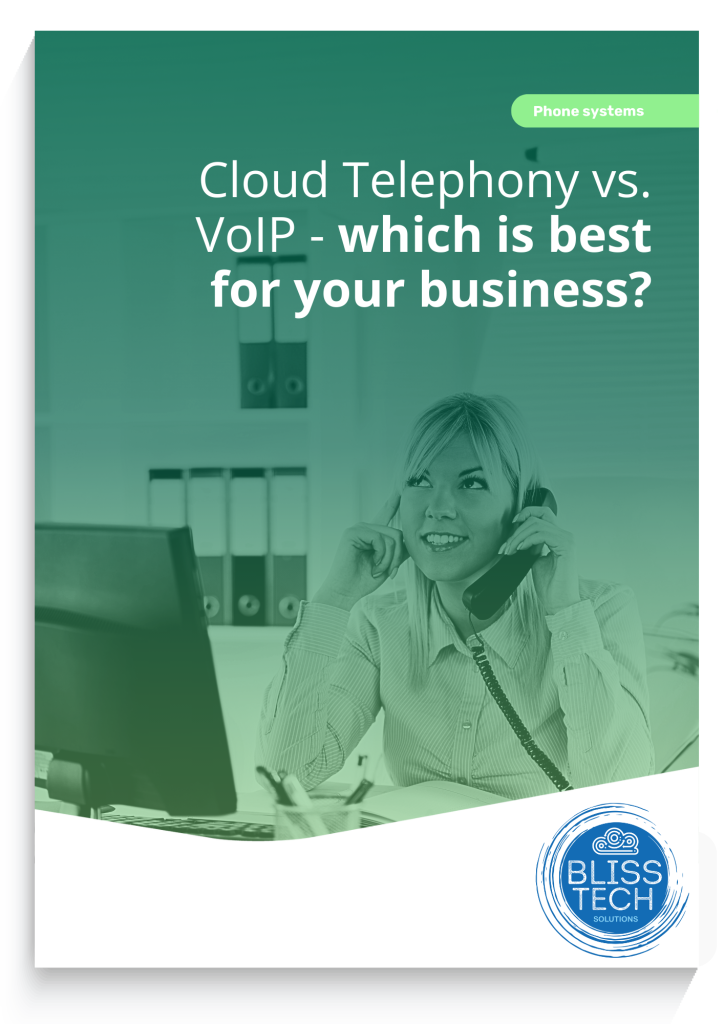
If your employees—or worse, your customers—have started to complain about your phone systems, it’s time to look at a new solution—something that works well for everyone, whether that’s making life easier for your team or giving your customers a smoother experience.

But what are your options, and which one is best for you?

The primary options today are Cloud Telephony and VoIP phone systems.

Cloud Telephony and VoIP phone systems are both excellent solutions, but as we know, every business has different needs. Our latest guide compares both to help you decide which is most suitable for you.

Download your free guide today, and if you need professional help and advice, please get in touch.
 

More Content

Beware these free tools – they may be hiding ransomware

Beware these free tools – they may be hiding ransomware

Need to change a file from one format to another? Easy, just Google a file converter, right? Stop! That may not be as safe as it seems. Find out why here…

Passkeys will be better integrated in Windows

Passkeys will be better integrated in Windows

Big changes are coming to Windows 11 to make logging in safer and easier. Which is why now’s the time to get ready for a password-free future…

How to create secure passwords

How to create secure passwords

Weak passwords are one of the biggest security risks to your business.
Why?
Because cyber criminals are getting smarter than ever before. If they manage to crack just one password, they could gain access to your sensitive business data, financial information, or even gain control of your entire system.
Cyber criminals use automated tools to guess passwords, allowing them to try out millions of combinations in seconds. So, if you’re using something like “Password123” or “CompanyName2025”, you’re practically handing them the keys to your business.
A compromised password can lead to big issues, such as:
• Data breaches
• Financial losses
• Identity theft
• Reputation damage
But how do you create strong passwords without driving yourself (and your team) mad?
Think of your password like a secret recipe, where only you should know the ingredients. It should:
• Be at least 14 characters long (the longer, the better)
• Include a mix of uppercase and lowercase letters
• Contain a few numbers and symbols (like @, $, %, or &)
• Not contain any common words or easily guessable information (like birthdays, names, or the word “password”)
Instead of using a single word, you could try a passphrase – a short, random sentence that only you would understand. For example, instead of “Sailing2025”, try something like “Coffee&CloudsAreGreat9!”. This is much harder to crack, yet still easy to remember.
You should also steer clear of these common mistakes:
• Using personal info (your name, birthday, business name, etc.)
• Reusing the same passwords across multiple accounts
• Using simple sequences (“123456” or “abcdef”)
• Storing passwords in an easily accessible place (like a sticky note on your desk)
If remembering unique passwords for every account sounds impossible, there is another option: Password managers. These generate strong passwords, store them securely and autofill them for you.
With a password manager, you only need to remember one strong master password for the manager app itself. The rest are encrypted and stored safely, reducing the risk of data breaches.
Even the strongest password isn’t foolproof, which is why multi-factor authentication (MFA) is also important. MFA requires a second form of verification, like a one-time code sent to your phone or generated from an authentication app.
If you have employees accessing your business systems, it’s a good idea to have a password policy in place to explain your rules and why they’re important. This should include:
• Unique passwords for each system and account
• Regular security training on password best practices
• Business-wide use of MFA for critical systems
• Scanning for compromised passwords regularly
By making password security a priority, you can reduce the chances of a cyber attack creating a nightmare for your business.
And if you need help making your business more secure, get in touch.

Slow PCs? Manage which applications launch at startup

Slow PCs? Manage which applications launch at startup

Your PC might be frustratingly slow because too many applications are starting up when you hit the power button. Windows 11 has a new solution to tell you when new apps are added to your startup list. We have all the details.

New: Windows 11 AI Agent helps with Settings

New: Windows 11 AI Agent helps with Settings

Ever get lost in your computer’s Settings, just trying to tweak one little thing? There’s a smarter way coming that makes finding and changing settings faster, simpler, and far less frustrating. Find out how it helps to save time, keep things private, and get your team get back to work quickly…

A free tool for more polished communication

A free tool for more polished communication

You’ve hit send on an important email – then you notice a typo. Windows 11 lets you spellcheck and autocorrect across most of its apps. Here we help you to set it up

Lost for words? Draft with Copilot can help

Lost for words? Draft with Copilot can help

If you struggle to find the right words in an email or post, you’d probably love a little help. Draft with Copilot is exactly that. Here we tell you how it works.

Here’s how to fix that Windows 11 File Explorer glitch

Here’s how to fix that Windows 11 File Explorer glitch

Is your business running version 24H2 of Windows 11? You might be experiencing a small but annoying glitch when clicking “See more” in File Explorer. Here’s how to fix it.

1 in 4 people struggle with password overload. Here’s the answer

1 in 4 people struggle with password managment. Here’s the answer

Struggling from password overload? You’re not alone, and it’s putting your business at risk of data theft. Good news: There’s a very simple solution and we’ll tell you all about it.

Managed IT Services consultant connects a network cable into switch

What are the benefits of outsourcing IT support?

Have you ever started a DIY task only to wish you had just called in an expert?  Your IT support should be no different. Many business owners think that they can handle their IT systems themselves.  However, unless they have the experience and finger on the pulse of...
Share This
Contact
Love Lane
Cleobury Mortimer
Shropshire DY14 8PE

01299 382 321
[email protected]
Copyright © Blisstech Solution Ltd
Registered No: 08125391 VAT No : 307 5490 05