Learn how to talk tech with our Jargon Buster • Blisstech Solutions

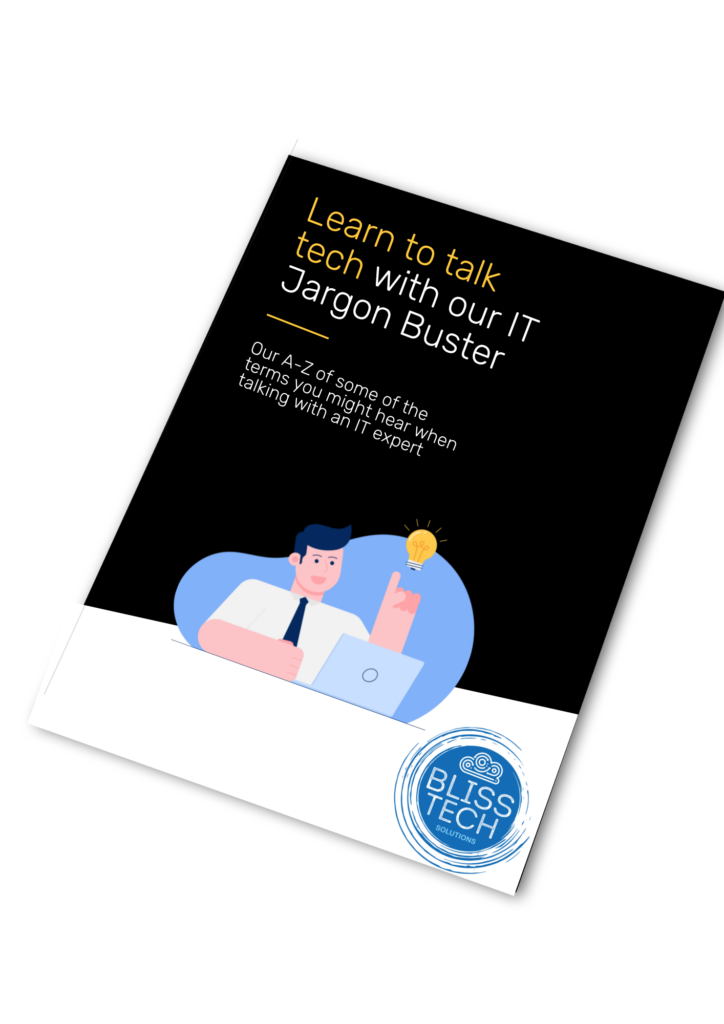
Do you find IT terminology difficult to comprehend?

To ensure effective communication with our clients, we strive to avoid using technical jargon. However, having a basic understanding of some IT terminologies may prove advantageous in seeking IT assistance in the future.

Therefore, we have developed a comprehensive IT Jargon Buster that includes an A-Z list of common IT terms you may encounter while conversing with an IT specialist, and it’s completely free of charge.

Download our guide below and learn how to talk tech!  If you need professional help and advice, please get in touch.
More Content

Start it on your phone… finish it on your PC?

Start it on your phone… finish it on your PC with “Hand Off”

If you work on your phone while you’re on the move, it can be a hassle to find the right file once you’re back at your PC. Here we tell you about a cool new feature coming to Windows 11 that will help.

Tech Tip: How to use Windows Clipboard History

Welcome to a new Tuesday tech tip video where I will show you a really cool Windows feature called Clipboard History. Do you ever find yourself copying and pasting the same text or images over and over again? If so, you're not alone. But there's a better way! Windows...

Back up your data! One day it could save your business

Did you know that 60% of companies that lose their data will shut down within six months of the disaster? Don’t let your business fall into this statistic.

Windows 11 optional update: Why it’s better to wait  

Microsoft has just announced an option for people to trial new features before their general release in Windows 11.  This isn’t about fixes to security flaws – everyone gets those at the same time.   This is an opportunity for businesses to jump the queue to receive new features and updates first.  Sound exciting?   Yes!   Worth the risk?   Not quite.  Our …
Read More

A free tool for more polished communication

A free tool for more polished communication

You’ve hit send on an important email – then you notice a typo. Windows 11 lets you spellcheck and autocorrect across most of its apps. Here we help you to set it up

Tech Tip: How to create a scheduling poll using Outlook

Welcome to a new Tuesday tech tip video where we will be exploring how to create a scheduling poll using Outlook. You know what it's like when you are trying to get everyone together for a meeting. Trying to find a time that suits everyone can be a real pain! There...
Say goodbye to video call pop-ups (and Teams meeting blushes)

Say goodbye to video call pop-ups (and Teams meeting blushes)

Has a pop-up notification ever embarrassed you while you were on a video call? Microsoft may finally have a feature to stop that happening. Learn more here.

Cut the Jargon! The top 3 things you should discuss with your IT partner

IT support involves technical tasks, and the language used in this field can be quite technical at times. Therefore, we have created a plain language guide that focuses on the three key areas you should discuss with your technology partner. Contact us if you want to...
Smoother, smarter dictation in Windows 11

Smoother, smarter dictation in Windows 11

Ever get frustrated fixing mistakes after using dictation? A new Windows 11 feature is built to make that headache disappear. It will make dictation smoother, and far more precise, first time…

Browse with confidence: Microsoft Edge’s Enhanced Security

Microsoft is working on a major security update for its Edge browser, which will bring Edge enhanced security to everyone using it.

Share This
Contact
Love Lane
Cleobury Mortimer
Shropshire DY14 8PE

01299 382 321
[email protected]
Copyright © Blisstech Solution Ltd
Registered No: 08125391 VAT No : 307 5490 05