Better battery life for Windows 11 laptops • Blisstech Solutions

When was the last time you finished a busy workday and still had plenty of battery left on your laptop?

Feels like wishful thinking, right?

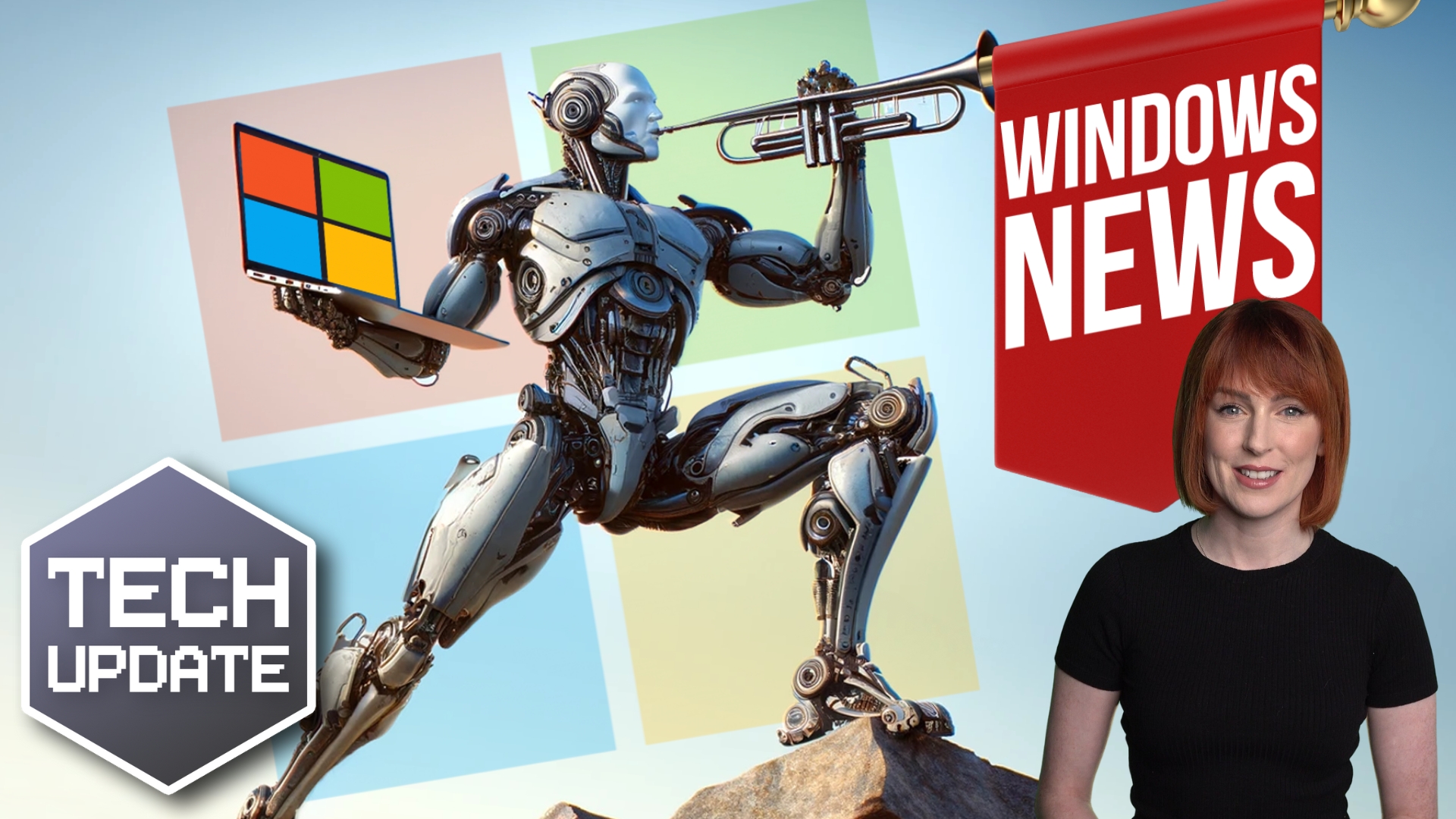
Microsoft knows this, because it’s testing out a new feature for Windows 11 that could give your laptop a noticeably better battery life.

As someone who works with business tech every day, I think this could be a big step forward for businesses everywhere.

The feature is called adaptive energy saver.

Normally, Windows only switches on its energy‑saving mode when your battery level gets low. And you can set what “low” means in your settings. But adaptive energy saver takes a much smarter approach.

Instead of waiting for the battery to run down, your laptop will watch what you’re doing. And if you’re only carrying out light tasks like browsing the web, reading emails, or working in Word, it quietly switches on energy saver in the background.

From what Microsoft has shared so far, this doesn’t affect your screen brightness. Which is good news, because nobody wants their screen dimming and brightening all day.

Instead, it seems to focus on gently slowing down components like your processor and graphics chip when they’re not working hard. Those are two of the biggest power drains in a laptop. Easing off on them could mean you get a lot more time before you need to hunt for a charger.

It’s not switched on by default. You’d need to turn it on yourself in your laptop’s settings. And of course, not every test feature makes it to the final version of Windows 11, but this one feels like a no‑brainer to me.

The benefits for businesses are obvious. Your people can work for longer between charges, whether they’re in meetings, out visiting clients, or working from a coffee shop for the afternoon.

Fewer frantic dashes for a plug socket means fewer interruptions and less stress.

And over time, better battery efficiency could even help you extend the lifespan of your laptops by reducing how often they’re run down and charged up again.

Right now, adaptive energy saver is being tested in the Canary channel, which is where Microsoft tries out ideas before releasing them more widely.

I spend a lot of time looking for small changes that add up to a big difference for productivity. This is exactly the sort of improvement that does just that. It’s early days, but if Microsoft rolls this out, Windows 11 laptops could soon feel like they’ve had a major upgrade without you having to buy a thing.

If it’s time to upgrade your devices and you need expert guidance, get in touch.
More Content

Your business’s passwords are still too weak

Your business’s passwords are still too weak

“iloveyou”, “12345”, “qwerty1”. If I’ve just guessed all your passwords, you need to change them, immediately. Why? Because your passwords are STILL too weak. It’s a big problem…

Cyber attacks: Stronger, faster and more sophisticated

Cyber attacks: Stronger, faster and more sophisticated

A new cyber security report has brought some bad news: Cyber attacks are getting stronger, faster, and more sophisticated. We have all the details.

Tech Tip: How to Work with Files in Teams

Good morning everyone. Welcome to another Tuesday Two Minute Tech Tip! This is another tip for Microsoft Teams on how to work with files in Teams. Did you know you can use Teams like a file server to store and work on files across your whole business? MS Teams is not...

Are you really downloading Zoom – or is it malware?

When you think about tools for remote working and chatting online, one of the first names in your mind is Zoom. But its popularity has opened the door for cyber criminals. They’re using its name to steal sensitive data. Researchers have discovered at least six convincing-looking download sites. They’re not the real thing. They’re designed […]

Is your security focusing on the right things?

A new study shows that only a third of businesses place detection as their main priority, while two thirds say prevention is their primary focus.

Tech Tip: How to search for files in Window and Microsoft 365

Welcome to a new Tuesday tech tip video where we will show you how to find your files using the powerful search features of Windows and Microsoft 365. Even if you are very organised with filing your data, sometimes, you just cannot find the file that you are looking...
Time saver: Auto-launch your favourite Windows 11 apps

Time saver: Autostart your favourite Windows 11 apps

Imagine starting your PC and your favourite apps open automatically. It’s a small change that could save you a lot of time. Here’s how to make it happen…

Don’t Overlook Home Worker Security

Protecting Home Workers and Your Business In the current work-from-home landscape, business security strategies often overlook one crucial aspect: home office security. This oversight creates vulnerabilities that cybercriminals are actively exploiting. With more...
Windows 11 uptake is at an all-time high – what are you waiting for?

Windows 11 uptake is at an all-time high – what are you waiting for?

If you’re still attached to Windows 10, now’s the right time to upgrade. Here’s why…

Tech Tip: How to create private Teams and channels

Welcome to a new Tuesday tech tip video. This one shows you how to create private Teams and channels in Microsoft Teams. Microsoft Teams is a powerful tool for collaboration, but how do you limit access to what people can see? The answer: Private Teams and private...
Share This
Contact
Love Lane
Cleobury Mortimer
Shropshire DY14 8PE

01299 382 321
[email protected]
Copyright © Blisstech Solution Ltd
Registered No: 08125391 VAT No : 307 5490 05