80% of malware is powered by AI • Blisstech Solutions

What if I told you that most of the cyber attacks happening right now aren’t being run by people at all, but by artificial intelligence?

That’s the reality of where we are today.

According to new research, 80% of ransomware attacks are now powered by AI. That’s four out of every five.

And it’s not just ransomware. AI is increasingly being used to:

  • Create more convincing phishing emails (messages designed to trick you into clicking a link or handing over sensitive details)
  • Crack passwords at lightning speed
  • Bypass CAPTCHAs (those little puzzles you solve online to prove you’re human)
  • Generate fake customer service calls using deepfakes (AI-generated audio or video that mimics a real person’s voice or face)

So why does this matter for small and medium sized businesses?

The problem is speed and scale. Attackers using AI can try thousands of ways to break into a system in the time it would take a human to attempt just one.

And while a business needs to defend every possible entry point, an attacker only needs to succeed once.

That imbalance is what makes this such a big threat.

Traditional approaches to stopping malware, spotting it, removing it, and patching systems, are struggling to keep up. AI-driven attacks evolve faster than human teams can respond. That means businesses need to think differently about their defences. It’s no longer enough to rely only on antivirus software or occasional updates.

The good news is that AI is also being used on the defensive side.

Security systems that monitor for suspicious behaviour, predict likely attacks, and even set up traps for hackers are becoming more common.

But the real key is a layered approach. Strong security basics like patching and updates, combined with AI-powered defences, human oversight, and clear governance.

The reality is that AI-powered cyber crime isn’t going away. In fact, it’s only expected to grow. But with the right mindset and proactive defences, businesses don’t have to be easy targets. Acting now gives you the best chance of staying one step ahead of attackers who are relying on AI to do their dirty work.

If you need help checking your business is secure, get in touch.
More Content

Be more productive with these Microsoft Edge features

Be more productive with these Microsoft Edge features

In the never-ending mission to be more productive, the latest Microsoft Edge browser could be a powerful ally. We’re telling you about 5 of its best productivity features.

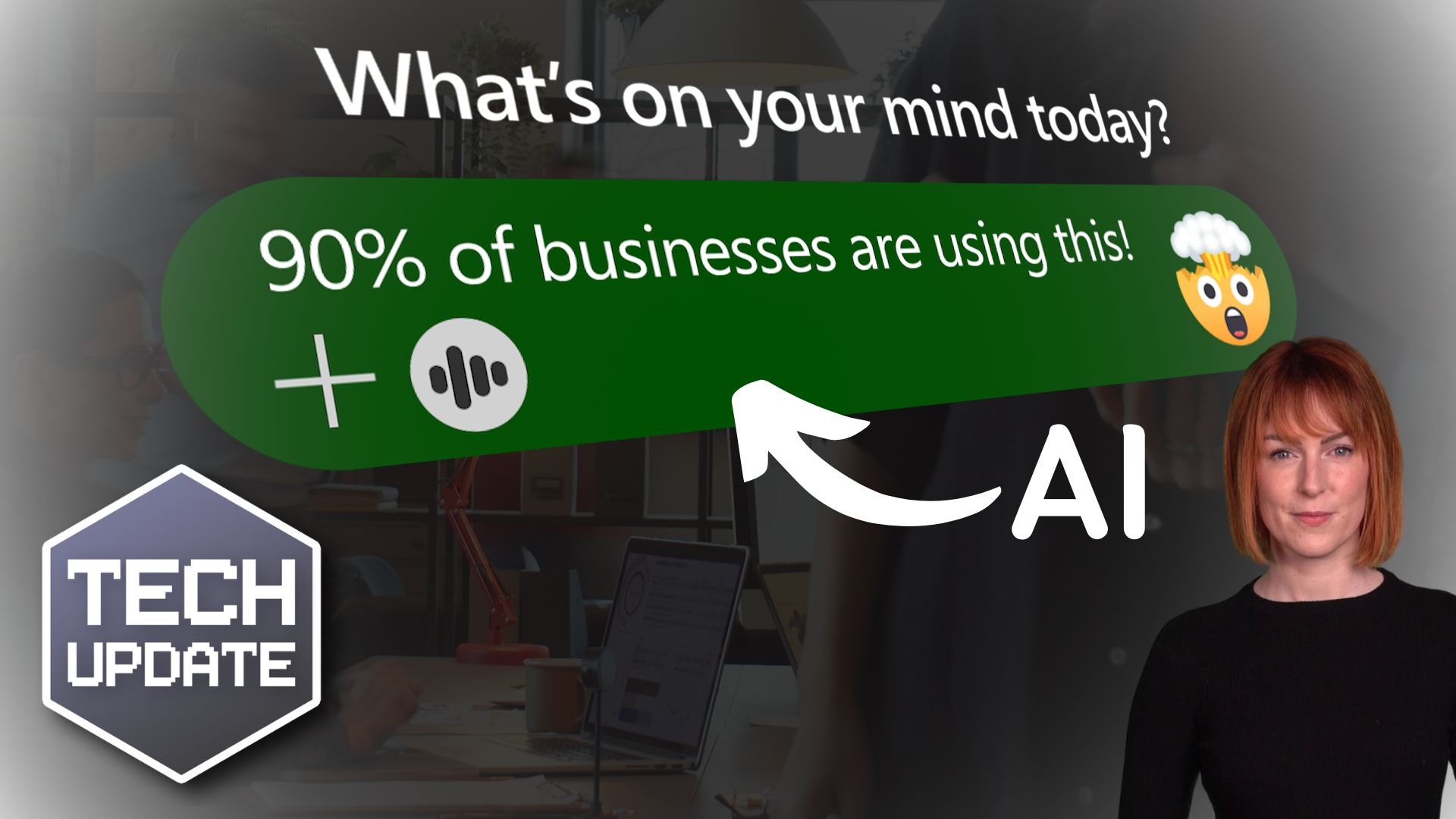
90% of businesses are now using generative AI

90% of businesses are now using generative AI

You’ve probably heard a lot about generative AI. But did you think about the huge impact it’s having on businesses across the globe? The list of benefits is endless. If you’re not keeping up, this is what you’re missing out on…

Tech Tip: How to Tidy up Copied Data in Excel

This Tuesday Two Minute Tech-tip shows you how to tidy up data in Excel spreadsheets. Do you have data in a messy format and need to change it so it is organised? Have you ever received data in Excel or in a text file or Word document and wanted to change it from rows...

Secure your data under lock and key

Your business's data is invaluable. Without it, you wouldn’t have much of a business, would you? So that data must be kept safe… and one of the best ways to do that is to encrypt it. That way, even if a cybercriminal gets their hands on it, your data is worthless to...
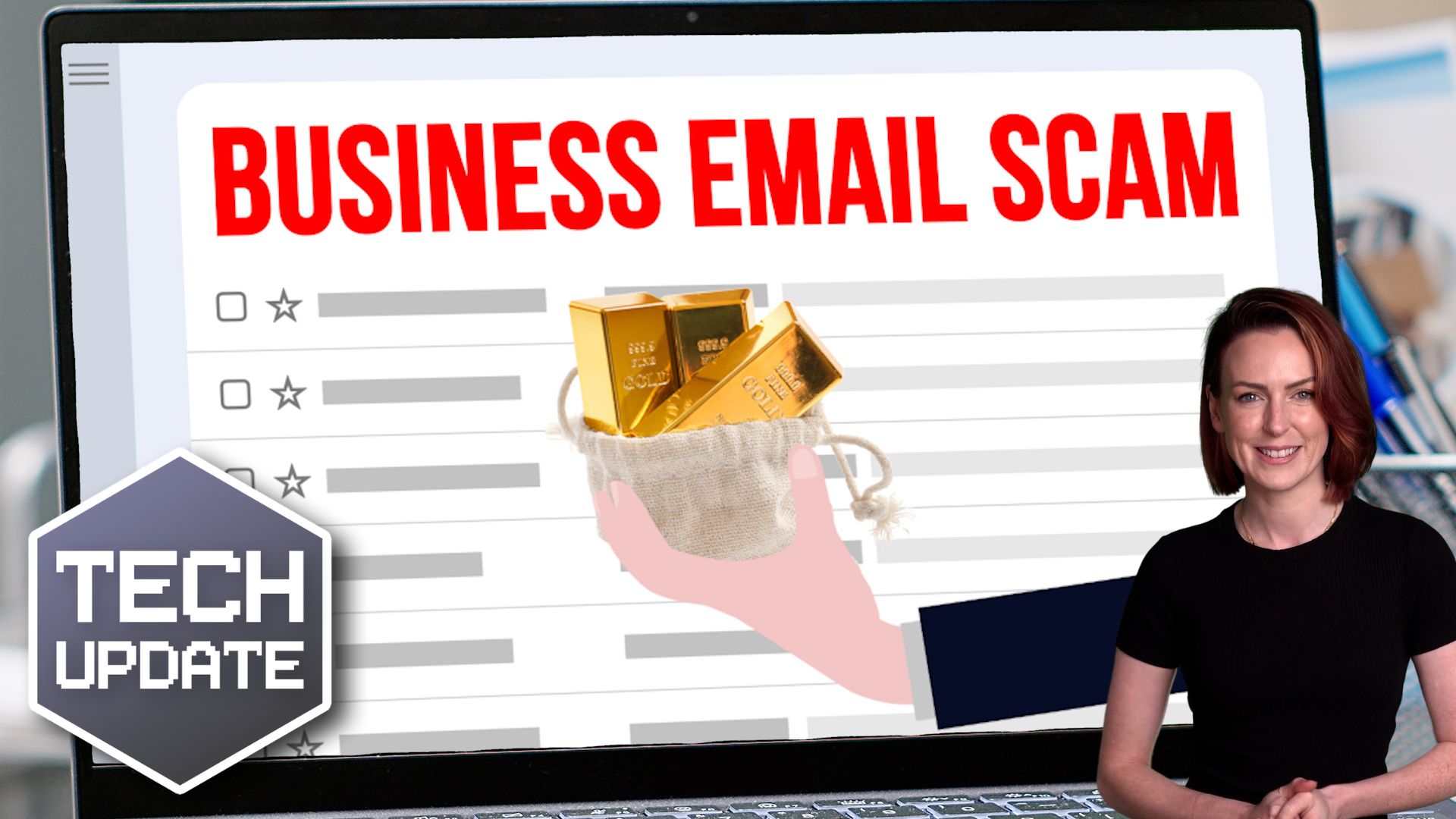
Security alert: Attacks on business email accounts are surging

Security alert: Business Email Compromise attacks are surging

Your business relies on emails every day – that’s exactly why scammers target them. Here’s what you need to know.

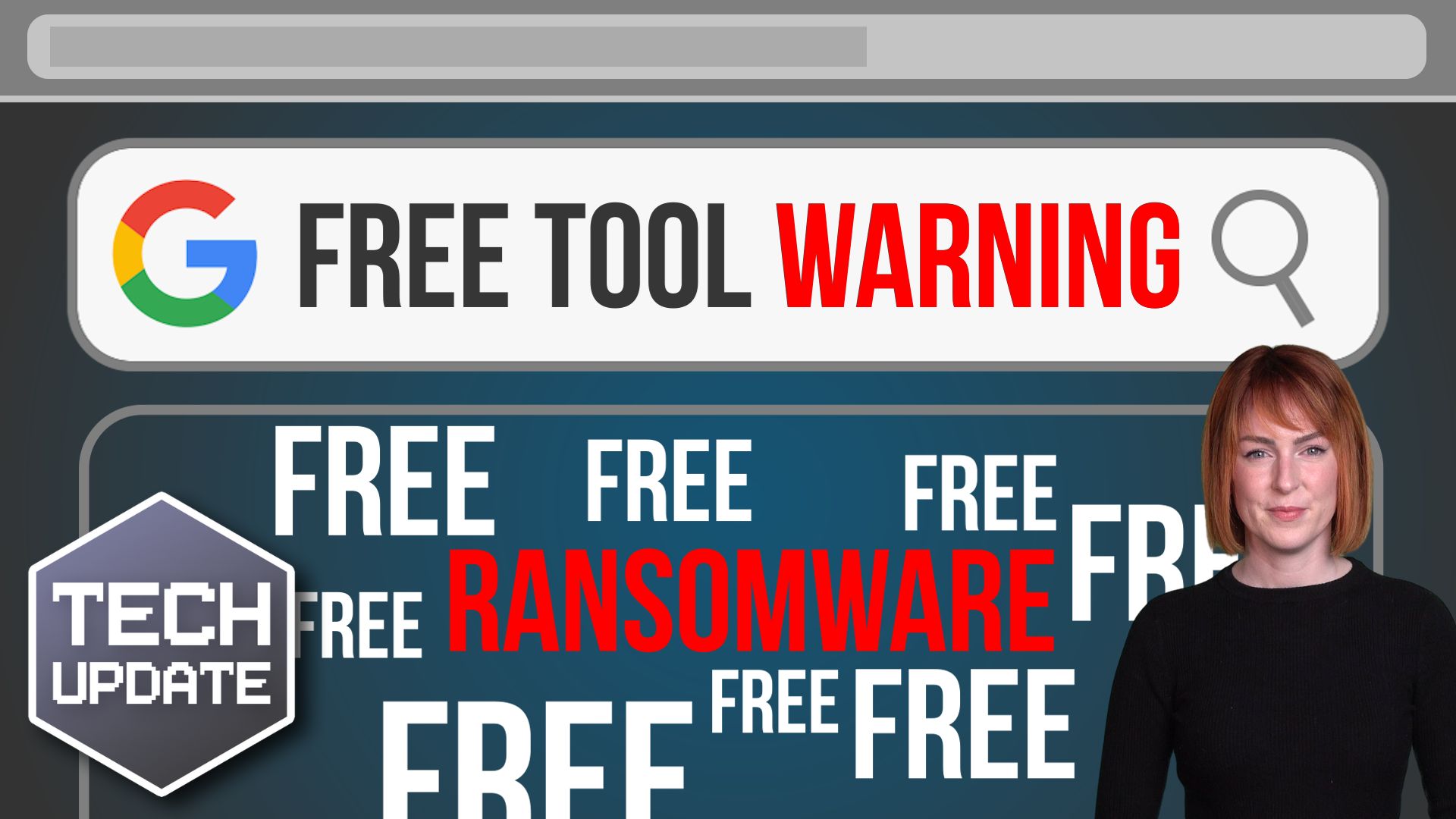
Beware these free tools – they may be hiding ransomware

Beware these free tools – they may be hiding ransomware

Need to change a file from one format to another? Easy, just Google a file converter, right? Stop! That may not be as safe as it seems. Find out why here…

How To Secure Your Business When Remote Working

The global COVID-19 crisis means that more people are remote working than ever before.  Businesses rushed to enable their employees to work from anywhere very quickly, which may include access to sensitive company data.  In the rush to stay operational during the...

Tech Tip: How to create a transcript using Word

Welcome to another Blisstech Solutions Tuesday Tech Tip! Are you tired of rewinding and pausing video or audio content just to jot down notes? Say goodbye to that tedious process and hello to a more efficient solution. In this tech tip video, we'll show you how to...
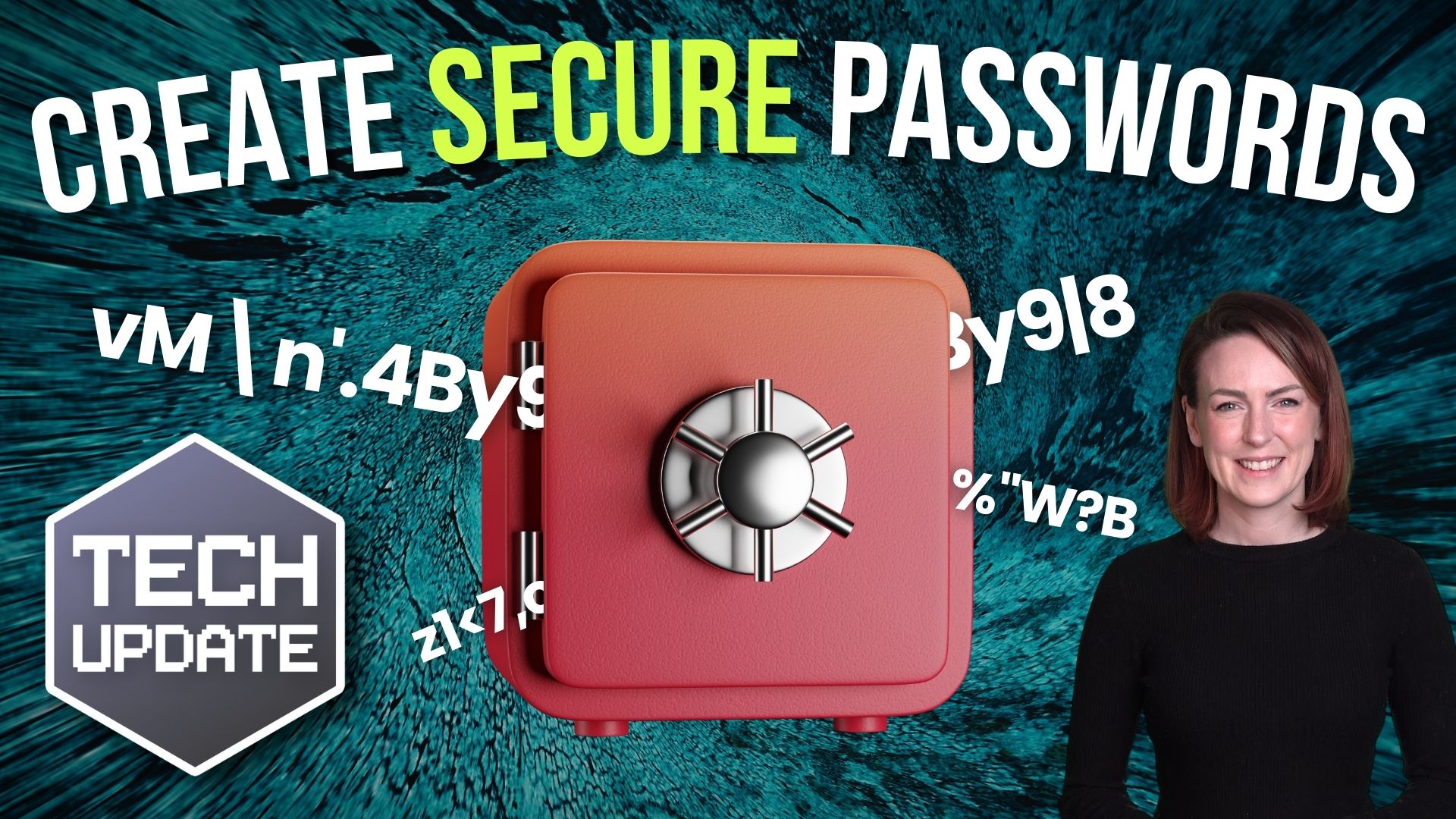
How to create secure passwords

How to create secure passwords

Weak passwords are one of the biggest security risks to your business.
Why?
Because cyber criminals are getting smarter than ever before. If they manage to crack just one password, they could gain access to your sensitive business data, financial information, or even gain control of your entire system.
Cyber criminals use automated tools to guess passwords, allowing them to try out millions of combinations in seconds. So, if you’re using something like “Password123” or “CompanyName2025”, you’re practically handing them the keys to your business.
A compromised password can lead to big issues, such as:
• Data breaches
• Financial losses
• Identity theft
• Reputation damage
But how do you create strong passwords without driving yourself (and your team) mad?
Think of your password like a secret recipe, where only you should know the ingredients. It should:
• Be at least 14 characters long (the longer, the better)
• Include a mix of uppercase and lowercase letters
• Contain a few numbers and symbols (like @, $, %, or &)
• Not contain any common words or easily guessable information (like birthdays, names, or the word “password”)
Instead of using a single word, you could try a passphrase – a short, random sentence that only you would understand. For example, instead of “Sailing2025”, try something like “Coffee&CloudsAreGreat9!”. This is much harder to crack, yet still easy to remember.
You should also steer clear of these common mistakes:
• Using personal info (your name, birthday, business name, etc.)
• Reusing the same passwords across multiple accounts
• Using simple sequences (“123456” or “abcdef”)
• Storing passwords in an easily accessible place (like a sticky note on your desk)
If remembering unique passwords for every account sounds impossible, there is another option: Password managers. These generate strong passwords, store them securely and autofill them for you.
With a password manager, you only need to remember one strong master password for the manager app itself. The rest are encrypted and stored safely, reducing the risk of data breaches.
Even the strongest password isn’t foolproof, which is why multi-factor authentication (MFA) is also important. MFA requires a second form of verification, like a one-time code sent to your phone or generated from an authentication app.
If you have employees accessing your business systems, it’s a good idea to have a password policy in place to explain your rules and why they’re important. This should include:
• Unique passwords for each system and account
• Regular security training on password best practices
• Business-wide use of MFA for critical systems
• Scanning for compromised passwords regularly
By making password security a priority, you can reduce the chances of a cyber attack creating a nightmare for your business.
And if you need help making your business more secure, get in touch.

Blisstech - Top M365 Tools - Blog image

Unlock the Hidden Productivity Gems within Microsoft 365

Microsoft 365 is a cornerstone for many businesses, but its vast potential often remains untapped. While applications like Word, Excel, PowerPoint, and Teams are widely used, there's a treasure trove of productivity-enhancing tools waiting to be discovered. Embark on...
Share This
Contact
Love Lane
Cleobury Mortimer
Shropshire DY14 8PE

01299 382 321
[email protected]
Copyright © Blisstech Solution Ltd
Registered No: 08125391 VAT No : 307 5490 05