That long password isn’t keeping you better protected • Blisstech Solutions

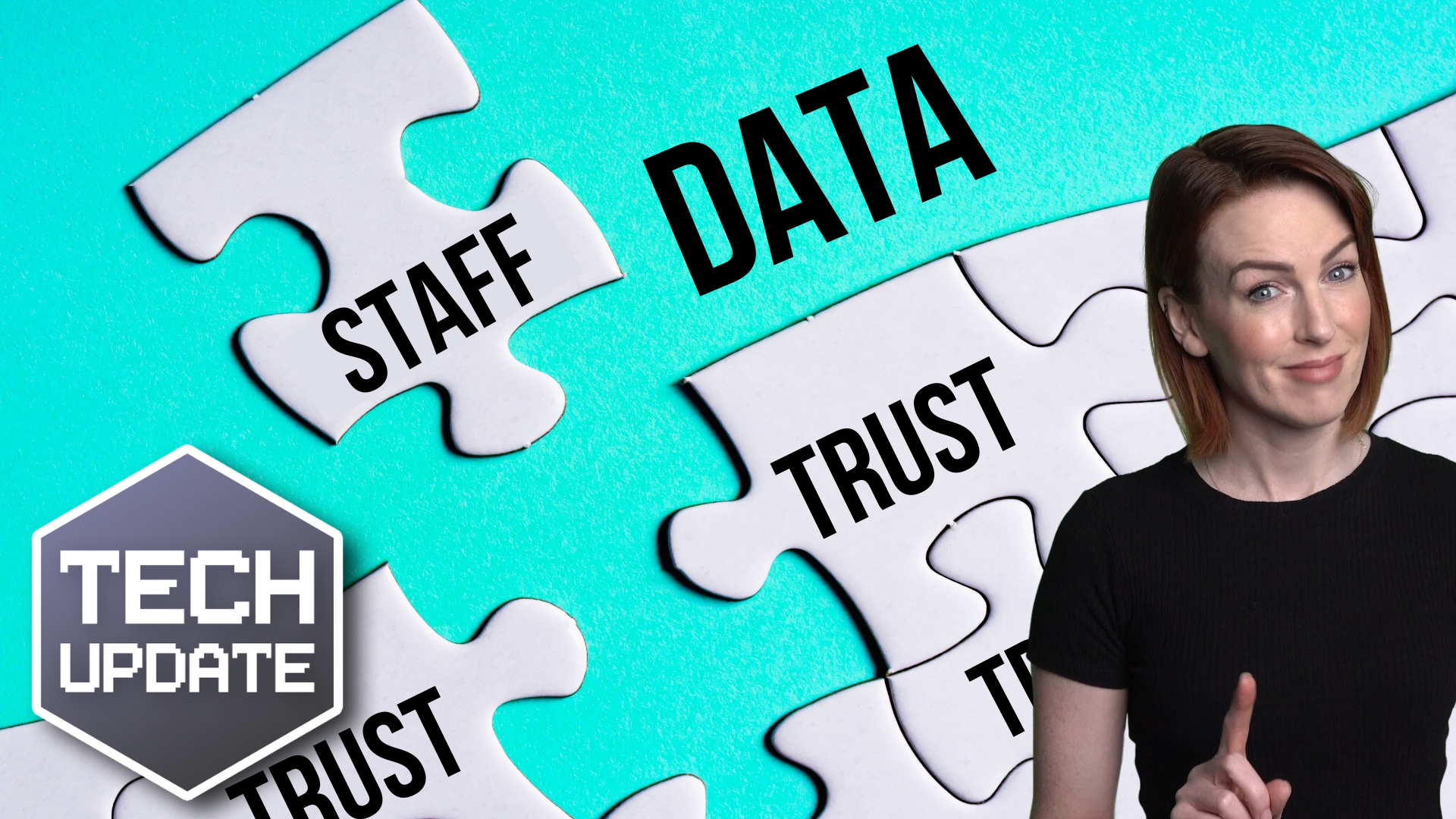
How secure do you think your passwords are? Do you believe that longer is always better? Well, we have some news for you. It’s time for a serious talk about password security.

New research has revealed a sobering truth – even passwords that are 15 characters long can be compromised. Yes, you read that right. It’s time to face the stark reality… length doesn’t always mean strength.

The eight-character password reigns supreme as the most compromised length of the password. But don’t breathe a sigh of relief if yours is a longer one. The 15-character password also appears in the top ten most compromised lengths.

You might ask, “How could this be?” The answer lies not only in the password length but also in the content of the password and whether you use the same password on multiple sites.

The most compromised eight-character password is none other than “password” itself, while the most compromised 15-character password is “Sym_newhireOEIE”.

It doesn’t exactly feel secure, does it?

It’s not just about individual people. Businesses like yours are at high risk, too. An alarming 86% of all cyber attacks start with stolen credentials. That’s nearly nine out of ten attacks. Can you afford to be complacent?

Sure, longer passwords do offer more resistance to brute force cracking. An eight-character password can be cracked in five minutes, while a good 15-character one could take up to 37 million years if it does not follow any obvious pattern (i.e., it’s random and uses many characters). Impressive, isn’t it?

But remember, this is just one piece of the puzzle. Length alone won’t save you from stolen credentials via phishing attacks.

Use a robust business password manager. Not only will it randomly generate long passwords for you, but it will also remember them and fill in the login box for you.

You should also use two-factor authentication, generating a code on a separate device to prove it’s you. Even if cyber criminals crack your password, they won’t be able to access your data.

If you need help protecting your business better, get in touch.
More Content

Start it on your phone… finish it on your PC?

Start it on your phone… finish it on your PC with “Hand Off”

If you work on your phone while you’re on the move, it can be a hassle to find the right file once you’re back at your PC. Here we tell you about a cool new feature coming to Windows 11 that will help.

How concerned should you be about cyber attacks?

How concerned should you be about cyber attacks?

You’ve probably heard a lot of talk about cyber attacks but how worried should you really be? Well, very, because cyber criminals are getting smarter. We have good news to share about how you can protect your business

What is Proactive Monitoring and how can it protect your business?

How proactive monitoring will help your business weather any storm. You are the captain of your business's ship. You have a loyal and skilled team behind you. You are ready for any challenge! Or so you thought. Then, one day, without warning, a vast digital monster...
Heads up: You need to update Windows 11 by this deadline

Heads up: You need to update Windows 11 by this deadline

Have you updated to the latest version of Windows 11 yet? If not, it’s time to act – Microsoft has announced when it will end support for older versions (and it’s soon!).

Microsoft: Criminals can access your accounts without your password

Microsoft: Criminals can access your accounts without your password

Just when you think you’ve got cyber security sorted for your business, a new scam comes along. This time, cyber criminals don’t even need to trick you out of your password to access your accounts… they can fool you with something called a “device code”.

How to use Browser Profiles thumbnail

Tech Tip: How to use browser profiles

This Tech Tip is on how to use web browser profiles. If you are a freelancer, virtual assistant, or just wear many hats in your job role, you probably have multiple different logins for the same application. As so many applications are web-based, we have to login to...

5 steps to help recover from a cyber attack

Read this BEFORE you get hit with a cyber attack The worst time to decide how to deal with a cyber-attack is when you’re in the middle of one. Unfortunately, you’ll probably need to deal with it eventually—small and medium-sized businesses are prime targets for...

Are you really downloading Zoom – or is it malware?

When you think about tools for remote working and chatting online, one of the first names in your mind is Zoom. But its popularity has opened the door for cyber criminals. They’re using its name to steal sensitive data. Researchers have discovered at least six convincing-looking download sites. They’re not the real thing. They’re designed […]

HRMC Crown

The tax relief few businesses know about

A quick summary: When you buy certain new equipment (including computers) you can claim 130% capital allowance What that means: If you spend £1,000 on computer equipment, it'll reduce your corporation tax bill as if you had spent £1,300 How long does it last? It will...
A free tool for more polished communication

A free tool for more polished communication

You’ve hit send on an important email – then you notice a typo. Windows 11 lets you spellcheck and autocorrect across most of its apps. Here we help you to set it up

Share This
Contact
Love Lane
Cleobury Mortimer
Shropshire DY14 8PE

01299 382 321
[email protected]
Copyright © 2024 Blisstech Solution Ltd
Registered No: 08125391 VAT No : 307 5490 05