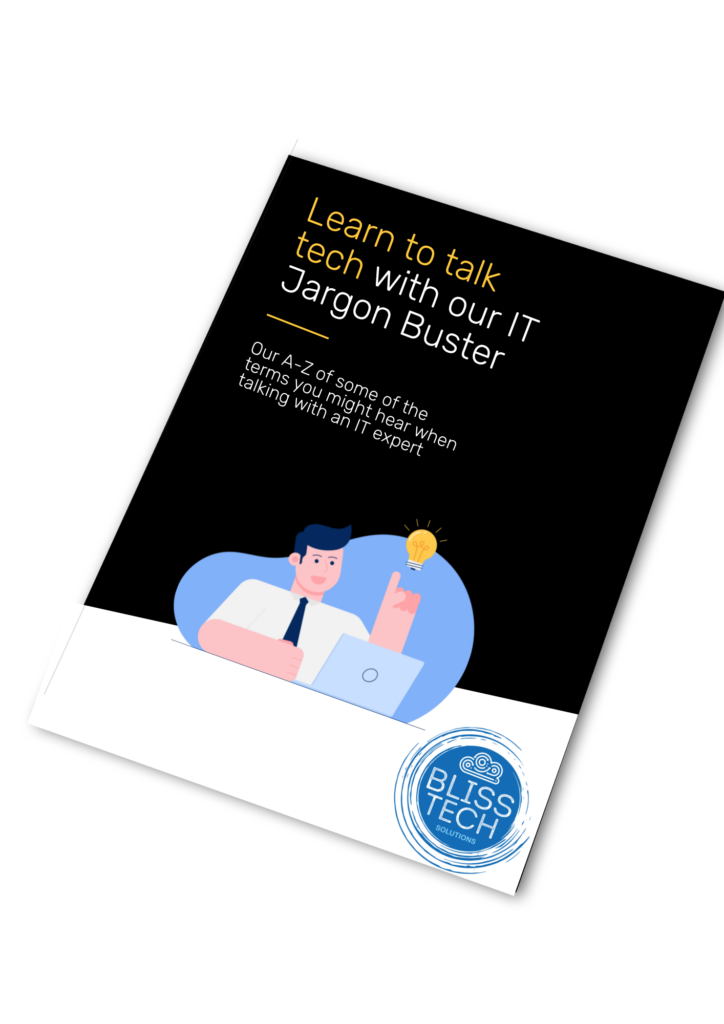
Learn how to talk tech with our Jargon Buster • Blisstech Solutions

Do you find IT terminology difficult to comprehend?

To ensure effective communication with our clients, we strive to avoid using technical jargon. However, having a basic understanding of some IT terminologies may prove advantageous in seeking IT assistance in the future.

Therefore, we have developed a comprehensive IT Jargon Buster that includes an A-Z list of common IT terms you may encounter while conversing with an IT specialist, and it’s completely free of charge.

Download our guide below and learn how to talk tech!  If you need professional help and advice, please get in touch.
More Content

It’s time to say goodbye to traditional passwords

Say goodbye to traditional passwords, say hello to Passkeys

Passwords could soon be a thing of the past, thanks to Passkeys. If you hate passwords, our latest tech update will make your day…

Tech Tip: What is Autosave and Version History?

This is the latest Tuesday Two Minute Tech-tip that explains the AutoSave and Version History features of Office 365. When we migrate businesses to Microsoft 365 and they start working with OneDrive and SharePoint, I often hear the question, "How do I save my files...

Tech Tip: How to Follow Sites in SharePoint

Hello, Happy New Year and welcome to today's Tuesday Two Minute Tech Tip which is about how to find the data you want to access in SharePoint and OneDrive. If you are working with files in Teams and on SharePoint sites, you might wonder why you do not see the sites...
You’re ready for the upgrade… what’s holding you back?

You’re ready for the upgrade… what’s holding you back?

Still not upgraded your business to Windows 11? You’re missing out, and what for? It’s free to upgrade and easy. Find out more here.

Don’t forget your phone when you think about cyber security

Our phones are a goldmine of private information. If they’re not as secure your other devices, they can become a gaping hole in your cyber security

Tech Tip: How to manage staff shifts using Teams

Welcome to a new Tuesday tech tip video where we will show you how you can manage your staff shifts from right within Microsoft Teams. The Microsoft Teams app has grown to become one of the most widely used productivity apps in the world, yet most people aren't even...

Windows 12 is coming… here’s what we know so far

While Windows 11 is only just celebrating its first birthday, we’re already hearing our first rumours about what Windows 12 will have in store. There’s no rush for the time being – we won’t see this new operating system until the back end of 2024 – but we love to be ready for what’s coming next, so here’s what we know …

Tech Tip: How to share files securely in Teams

Welcome to a new Tuesday tech tip video where we will be exploring how to share files securely with people outside of your organisation using Microsoft 365 and Teams. Microsoft Teams is a powerful tool that allows for seamless collaboration and communication within an...
At last: Sync passkeys across your devices

At last: Sync passkeys across your devices

Tired of juggling passwords and endless reset emails?
There’s a smarter, safer way to log in. Once again, Microsoft is about to make life a lot easier for you and your team.
No passwords. No lockouts. Just quick, secure access wherever you are…

Windows 11 on a Laptop Screen

What’s coming in Windows 11?

Microsoft has just announced (in a typically 'West Coast'​ way) what's coming in Windows 11.  Here is a rundown of what was announced at the event. Windows 11 Interface Design The first impression visually is that it looks kind of like Linux merged with Mac OSx. The...
Share This
Contact
Love Lane
Cleobury Mortimer
Shropshire DY14 8PE

01299 382 321
[email protected]
Copyright © Blisstech Solution Ltd
Registered No: 08125391 VAT No : 307 5490 05